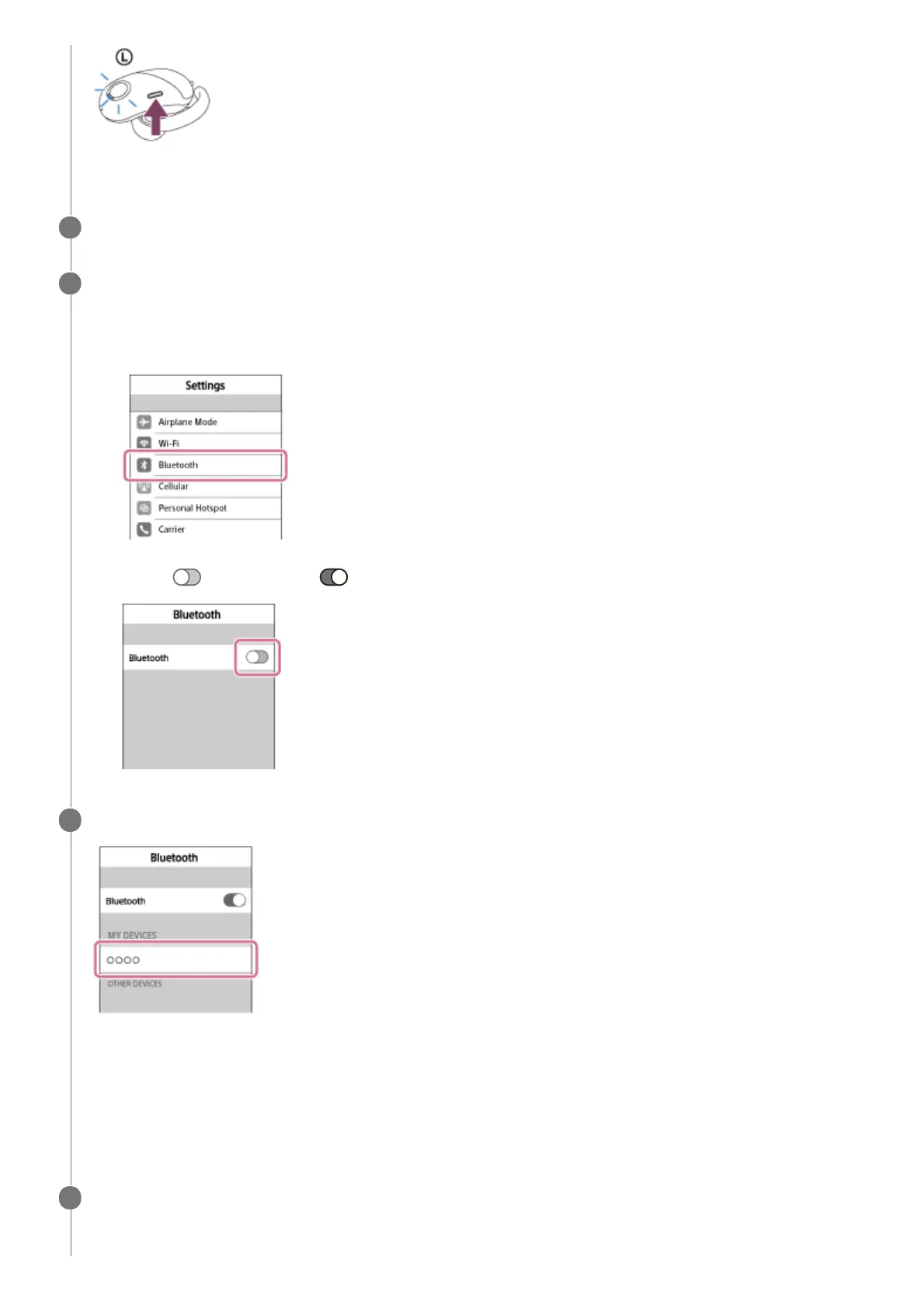
The headset goes into the pairing mode.
Unlock the screen of the iPhone if it is locked.
4
Select the Bluetooth setting on the iPhone.
5
Select [Settings].
1.
Touch [Bluetooth].
2.
Touch [
] to change it to [ ] (turn on the Bluetooth function).
3.
Touch [WF-SP700N].
If passkey (*) input is required on the display of the smartphone, input “0000.”
The headset and iPhone are paired with each other and connected. You will hear a voice guidance “BLUETOOTH
connected”.
If they are not connected, see “Connecting to a paired iPhone .”
If [WF-SP700N] does not appear on the display, try again from step 3.
6
A Passkey may be called “Passcode,” “PIN code,” or “Password.”
*
Remove the right unit from the charging case to turn on the unit.
The connection between the left unit and the right unit is established automatically.
7



 To Next Page