EasyManua.ls Logo

Sony WM-D6 - Page 4

Sony WM-D6
32 pages
Print Icon
To Next Page IconTo Next Page
To Previous Page IconTo Previous Page
Loading...
WM-D6
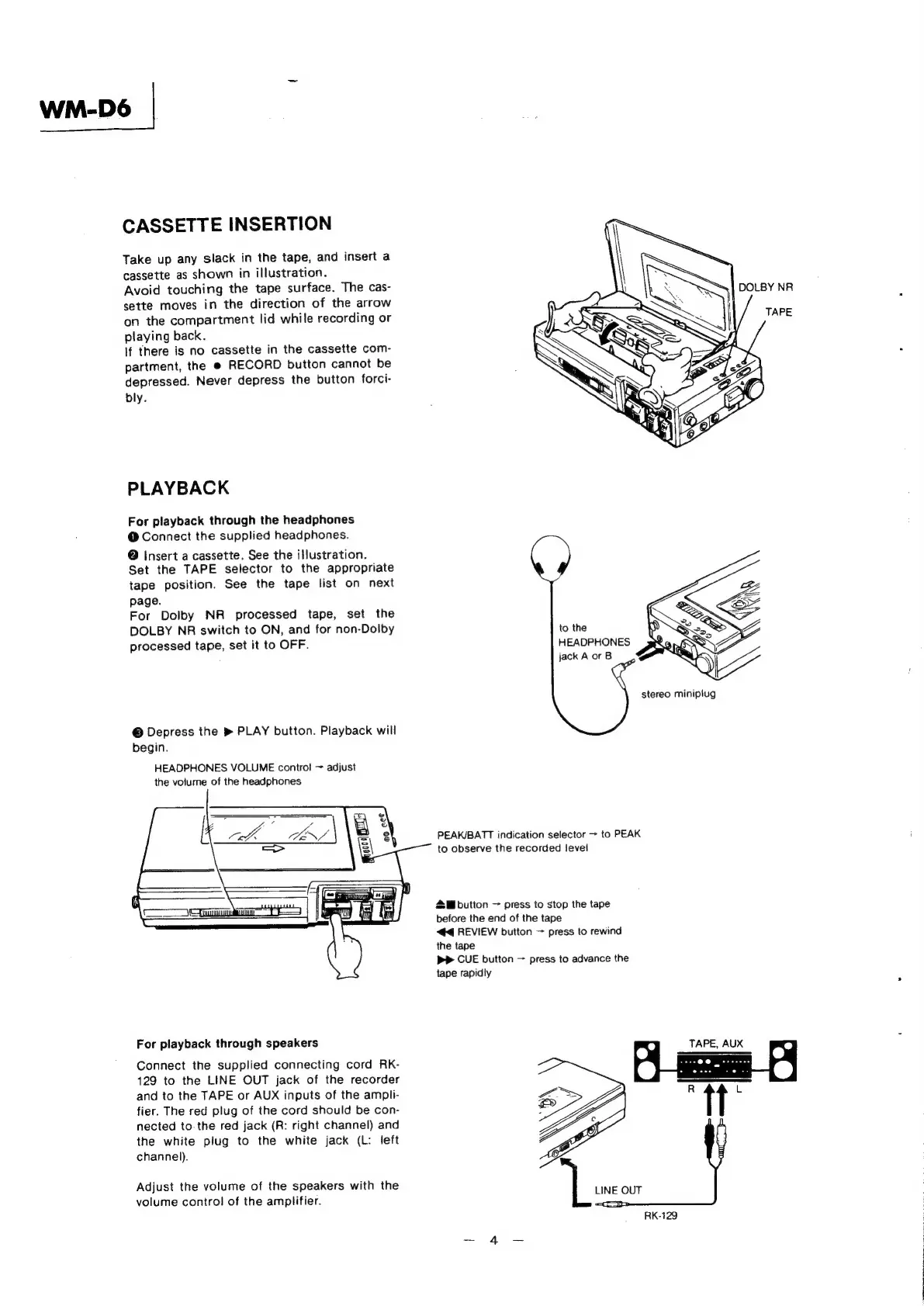
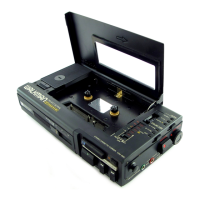
CASSETTE
INSERTION
Take
up
any
slack
in
the
tape,
and
insert
a
cassette
as
shown
in
illustration.
Avoid
touching
the
tape
surface.
The
cas-
sette
moves
in
the
direction
of
the
arrow
on
the
compartment
lid
while
recording
or
playing
back.
If
there
is
no
cassette
in
the
cassette
com-
partment,
the
@
RECORD
button
cannot
be
depressed.
Never
depress
the
button
forci-
bly.
PLAYBACK
For
playback
through
the
headphones
@
Connect
the
supplied
headphones.
@
Insert
a
cassette.
See
the
illustration.
Set
the
TAPE
selector
to
the
appropriate
tape
position.
See
the
tape
list
on
next
page.
For
Dolby
NR
processed
tape,
set
the
DOLBY
NR
switch
to
ON,
and
for
non-Dolby
to
the
processed
tape,
set
it
to
OFF.
HEADPHONES
jack
A
or
B
stereo
miniplug
©
Depress
the
»
PLAY
button.
Playback
will
begin.
HEADPHONES
VOLUME
control
~
adjust
the
volume
of
the
headphones
PEAK/BATT
indication
selector
>
to
PEAK
to
observe
the
recorded
level
2
button
press
to
stop
the
tape
before
the
end
of
the
tape
44
REVIEW
button
~
press
to
rewind
the
tape
PP
CUE
button
press
to
advance
the
tape
rapidly
For
playback
through
speakers
TAPE,
AUX
°
“tt
Connect
the
supplied
connecting
cord
RK-
129
to
the
LINE
OUT
jack
of
the
recorder
and
to
the
TAPE
or
AUX
inputs
of
the
ampli-
fier.
The
red
plug
of
the
cord
should
be
con-
nected
to-
the red
jack
(R:
right
channel)
and
the
white
plug
to
the
white
jack
(L:
left
channel).
Adjust
the
volume
of
the
speakers
with
the
oe
LINE
OUT
volume
control
of
the
amplifier.
RK-129

Related product manuals