40
Speaker configuration and
volume setup
Creating a virtual center speaker
— CSO
To fully enjoy surround sound, it is preferable to
have 5 speakers (front left/right, rear left/right,
center) and 1 subwoofer. CSO (Center Speaker
Organizer) allows you to create a virtual center
speaker even though a real center speaker is not
connected.
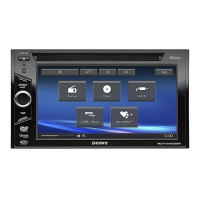
1 During disc/USB playback, touch
“Source List,” then .
2 Touch “Sound.”
The sound setting menu appears.
3 Touch “CSO.”
The options appear.
4 Touch “CSO1,” “CSO2,” or “CSO3.”
The setting is complete.
To return to the previous display, touch “Back.”
Note
“CSO” is effective only when “Multi Ch Output” is set to
“Multi” (page 49), as it is effective only for playback of
multi-channel sources.
Using rear speakers like
subwoofers — Rear Bass
Enhancer
Rear Bass Enhancer enhances the bass sound by
applying the low pass filter setting (page 47) to
the rear speakers. This function allows the rear
speakers to work like a pair of subwoofers if one
is not connected.
1 During reception/playback, touch
“Source List,” then .
2 Touch “Sound.”
The sound setting menu appears.
3 Touch v/V to scroll, then touch “RBE.”
The options appear.
4 Touch “RBE1,” “RBE2,” or “RBE3.”
The setting is complete.
To return to the previous display, touch “Back.”
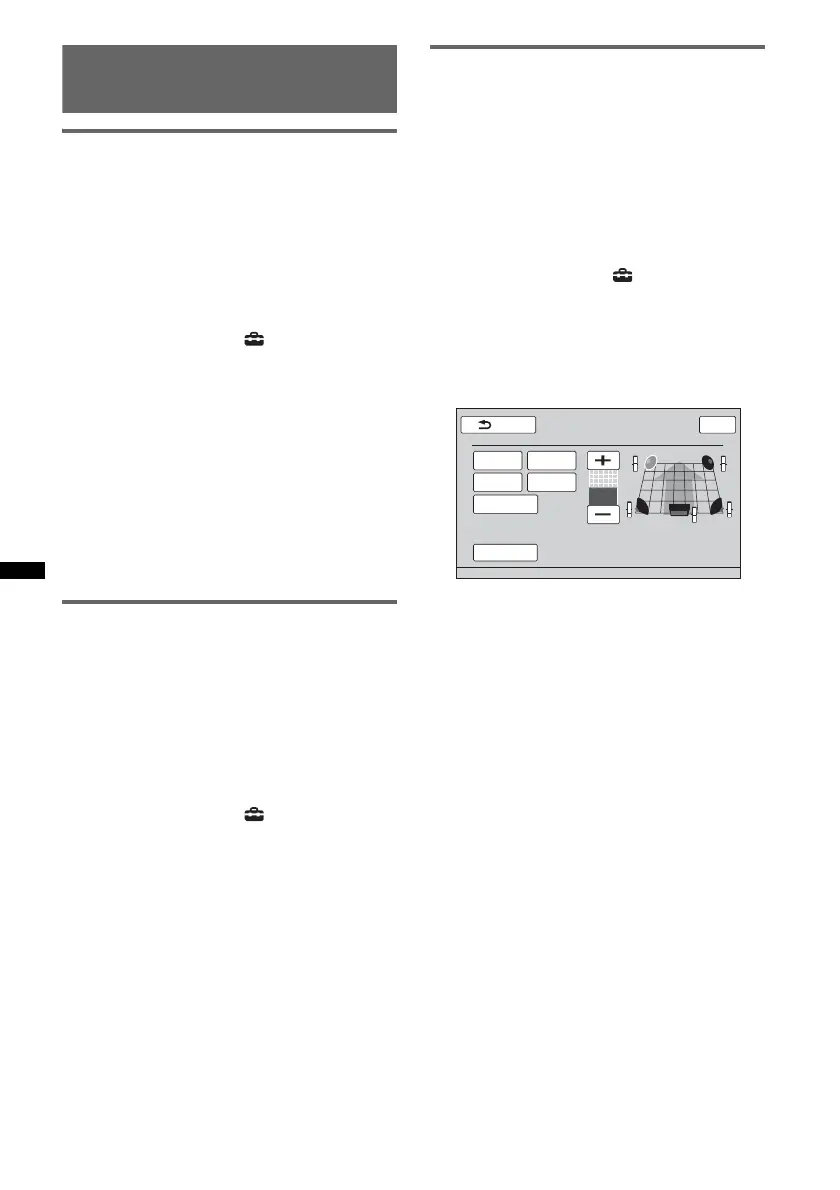
Adjusting the speaker volume
You can adjust the volume level of each
connected speaker.
The adjustable speakers are “Front R” (Front
Right), “Front L” (Front Left), “Surround L”
(Rear Left), “Surround R” (Rear Right) and
“Subwoofer*.”
* Adjustable only when a subwoofer is connected and
“Rear/Sub Out” is set to “Sub” (page 47).
1 While no source is selected, touch
“Source List,” then .
2 Touch “Sound.”
The sound setting menu appears.
3 Touch v/V to scroll, then touch “4.1ch
Speaker Level.”
The setting display appears.
4 Touch the speaker, then +/– to adjust
the level.
Repeat this step to adjust each speaker’s
volume.
To restore the default setting, touch “Reset.”
To return to the previous display, touch “Back.”
Front L
Surround L
Subwoofer
Front R
Surround R
Reset
Back
4.1ch Speaker Level
Top
0



 To Next Page