44
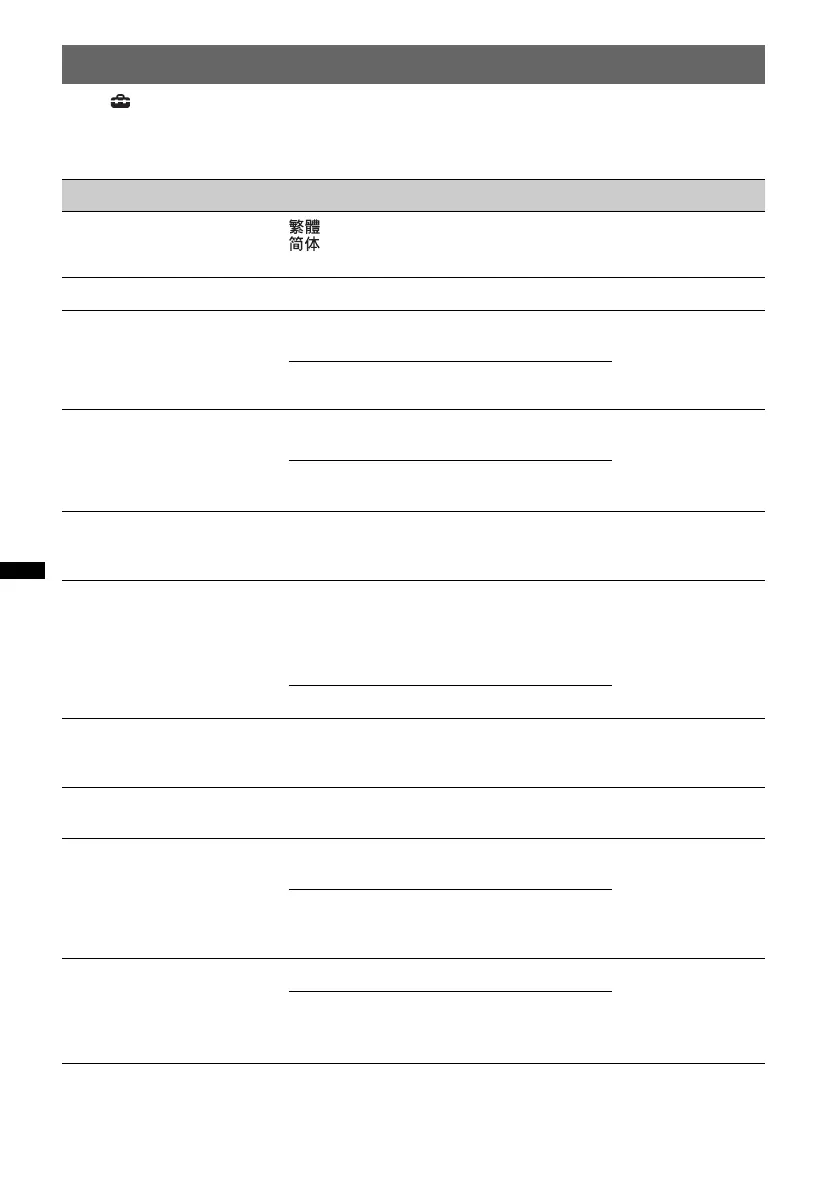
General settings
Touch c “General” c the desired item c the desired option. For details on this procedure, see
“Basic setting operation” on page 43.
For details, see the pages listed below. “z” indicates the default setting.
Item Option Purpose Unit status
Name Character
Chinese (
z
),
Chinese,
Latin Character
To select the character
encoding.
No source
selected
Clock Adjust (page 14)
–
–Any status
Auto OFF
Shuts off automatically after a
desired time when no source is
selected.
No (z)
To deactivate the Auto Off
function.
Any status
30sec, 30min,
60min
To select the desired time.
Beep
OFF
To deactivate the operation
sound.
Any status
ON (z)
To activate the operation
sound.
ZAPPIN Time (page 28)
6sec,
15sec (z),
30sec
To select the playback time
for the ZAPPIN function.
During USB/
iPod audio
playback
Dimmer
Changes the display
brightness.
Auto (z)
To dim the display
automatically when you
turn lights on. (Available
only when the illumination
control lead is connected.)
Any status
ON
To dim the display.
Dimmer Level
Sets the brightness level when
the dimmer is activated.
–5 ~ +5
0 (z)
To select the level.
Any status
Touch Panel Adjust
(page 41)
–
–
Any status
No Signal
Changes the screen
automatically when no
external video signal is
detected.
Through
To display the no signal
screen.
No source
selected
Blank (z)
To display the audio
playback screen with no
signal notification.
Output Color System
Changes the color system
according to the connected
monitor.
(SECAM is not supported.)
NTSC
To set to NTSC.
No source
selected
PAL (z)
To set to PAL.



 To Next Page