6
Where to inst all
Before installing this unit, please check your local traffic rules and regulations.
Do not install this unit where:
- It will obstruct the driver’s view.
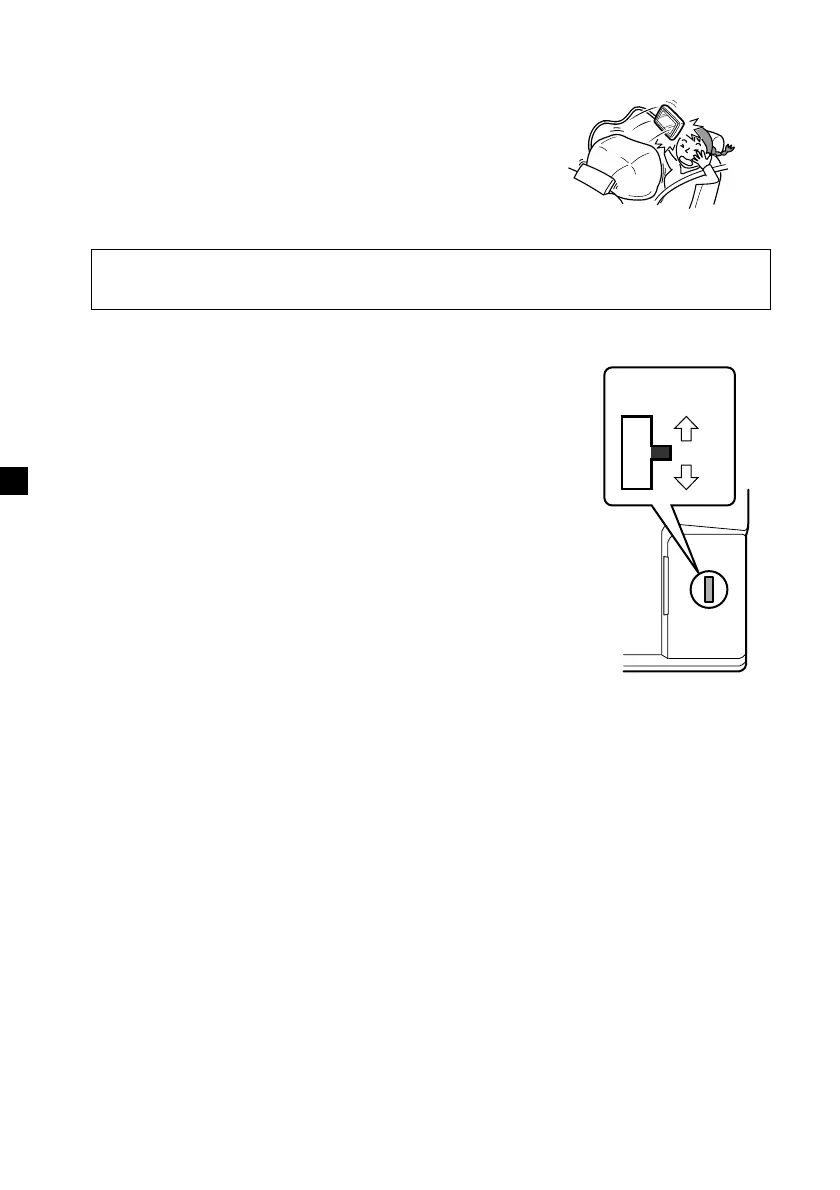
- It will obstruct the operation of the airbag system.
- It will obstruct the operation of the vehicle, especially
the steering wheel, shift lever, or brake pedal.
-A driver or passengers may injure themselves when
getting into or out of the car.
Before inst alling
Make sure that the POWER SELECT switch is set to the
correct position.
A*: If your car has an accessory position on the ignition key.
B : If your car has no accessory position on the ignition key.
* A is the factory preset position.
When t he POWER SELECT sw it ch is set t o B
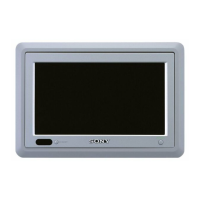
Press (POWER) on the monitor to turn on.
The monitor does not turn on by pressing (POWER) on
the card remote commander.
Note
Be sure to turn off the monitor after driving your car.
To turn off the monitor, follow the operations below:
– Press (POWER) on the monitor.
– Press (POWER) on the card remote commander.
If the power is left on, it will cause battery drain.
B
A
If you have any questions or problems concerning your unit that are not covered
in this manual, please consult your nearest Sony dealer.
POWER SELECT
switch
Downloaded from: https://www.usersmanualguide.com/


 To Next Page