7
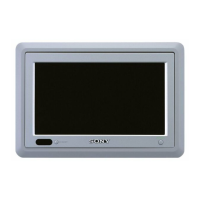
Attaching and detaching the monitor
Det aching t he monit or from the case
Note
Be careful not to pull out the cable too much when detaching the monitor from the case.
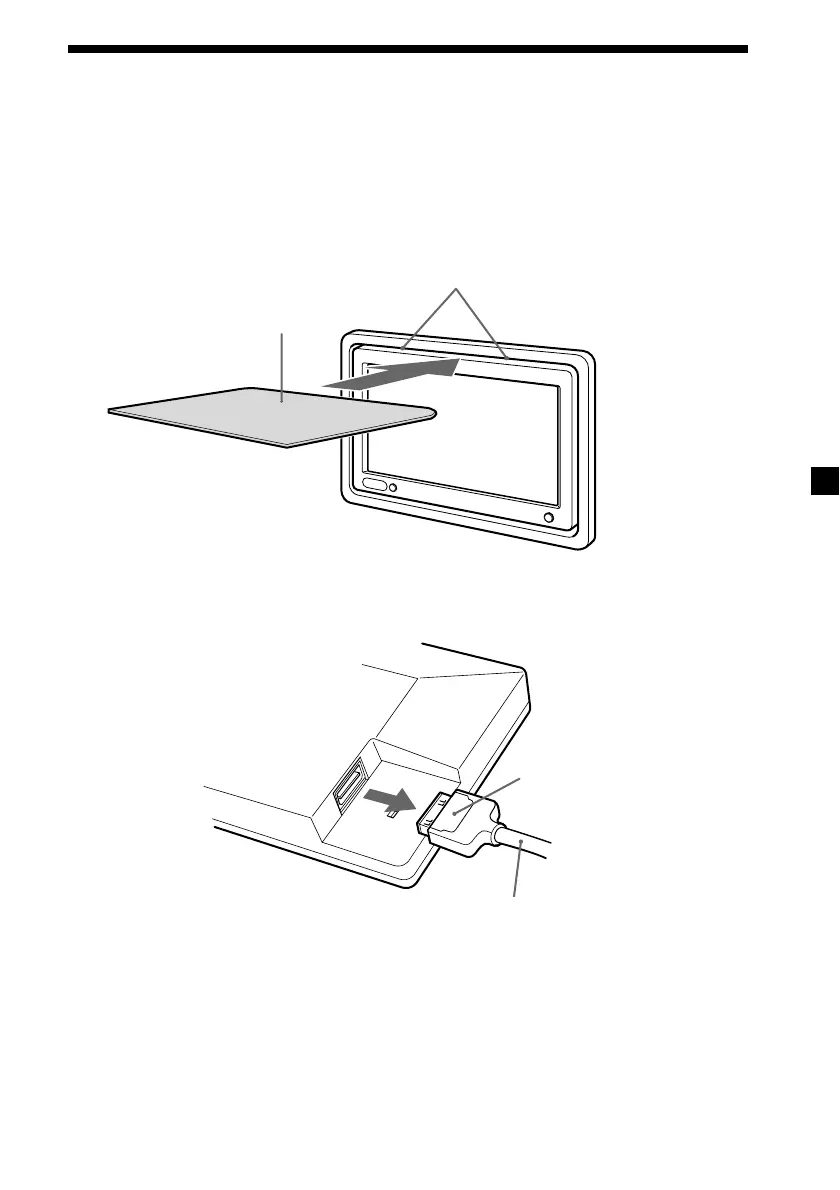
1 Insert a plastic card between the case and the top of the monitor.
The catches are released, and you can detach the monitor from the case.
2 Pull out the Monitor cable on the rear while pressing 1.
Attaching the monitor to the case
Set the monitor to the case securely until you hear click sound.
1
Monitor cable
Catches
Plastic card
Downloaded from: https://www.usersmanualguide.com/


 To Next Page