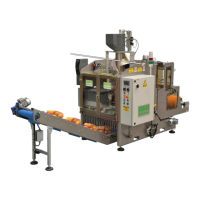
.
ELECTRIC PANEL
BSS-134
CHAP.- 8
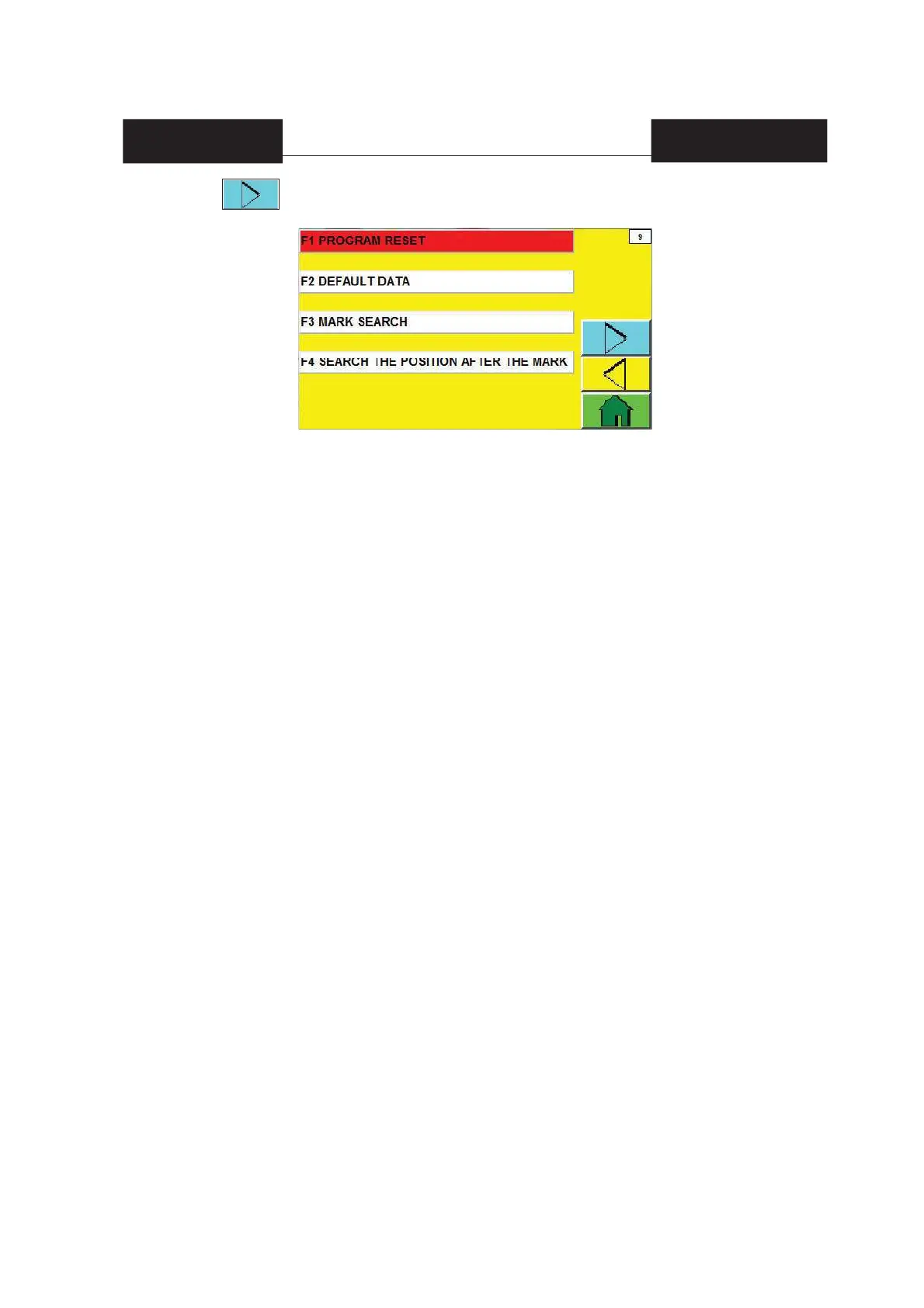
F1 RESET PROGRAM = this push-button is enabled only with the machine in manual running mode.
By keeping F1 pressed, a few parameters and variables stored by the machine during
the manual or automatic operations may be reset; namely the machine is restored to its
status of “restart position from function break due to abnormalities”.
F2 DEFAULT DATA = this push-button is enabled only with the machine in manual running mode.
It is used to reset counts or times (see pages from 41 to 44) back to the dafault values
which are set on the new machine by SORMA.
For doing it, proceed as follows:
1) Press F2 and, by keeping it pressed, press the red mushroom-shaped [3] STOP button
(see fi g.1 chap.8).
2) Within 10 seconds, turn the machine off by switching the main switch [10] (see fi g.1
chap.8) to [OFF].
3) Turn the machine on again by switching the main switch [10] (see fi g.1 chap.8) to [ON].
F3 MARK SEARCH = button enabled only when the machine is in manual start mode. It unwinds the mesh
and strip when the notch reader detects the notch. During this procedure, the automatic start
activation of the machine is disabled and the display shows a warning message (in the informa-
tion messages area): R5D-Procedure to fi nd correct position in progress.
F4 SEARCH THE POSITION AFTER THE MARK = button enabled only when the machine is in manual start
mode. It unwinds the mesh and strip according to a length specifi ed in the "2 MESH UNWINDING
STOP" fi eld on page 20 of the display. During this procedure, the automatic start activation of the
machine is disabled and the display shows a warning message (in the information messages
area): R5D-Procedure to fi nd correct position in progress.
The combination of functions F3 and F4 allows to place the strip in the right cutting position.
By pressing from page 8, page 9 will appear


 To Next Page
 Loading...