Power
PowerPower
Power
Amplifier
AmplifierAmplifier
Amplifier
710
710710
710
User Manual
Page 15
4.4
4.44.4
4.4 Front panel of the
Front panel of the Front panel of the
Front panel of the power
power power
power amplifier
amplifier amplifier
amplifier 710
710710
710
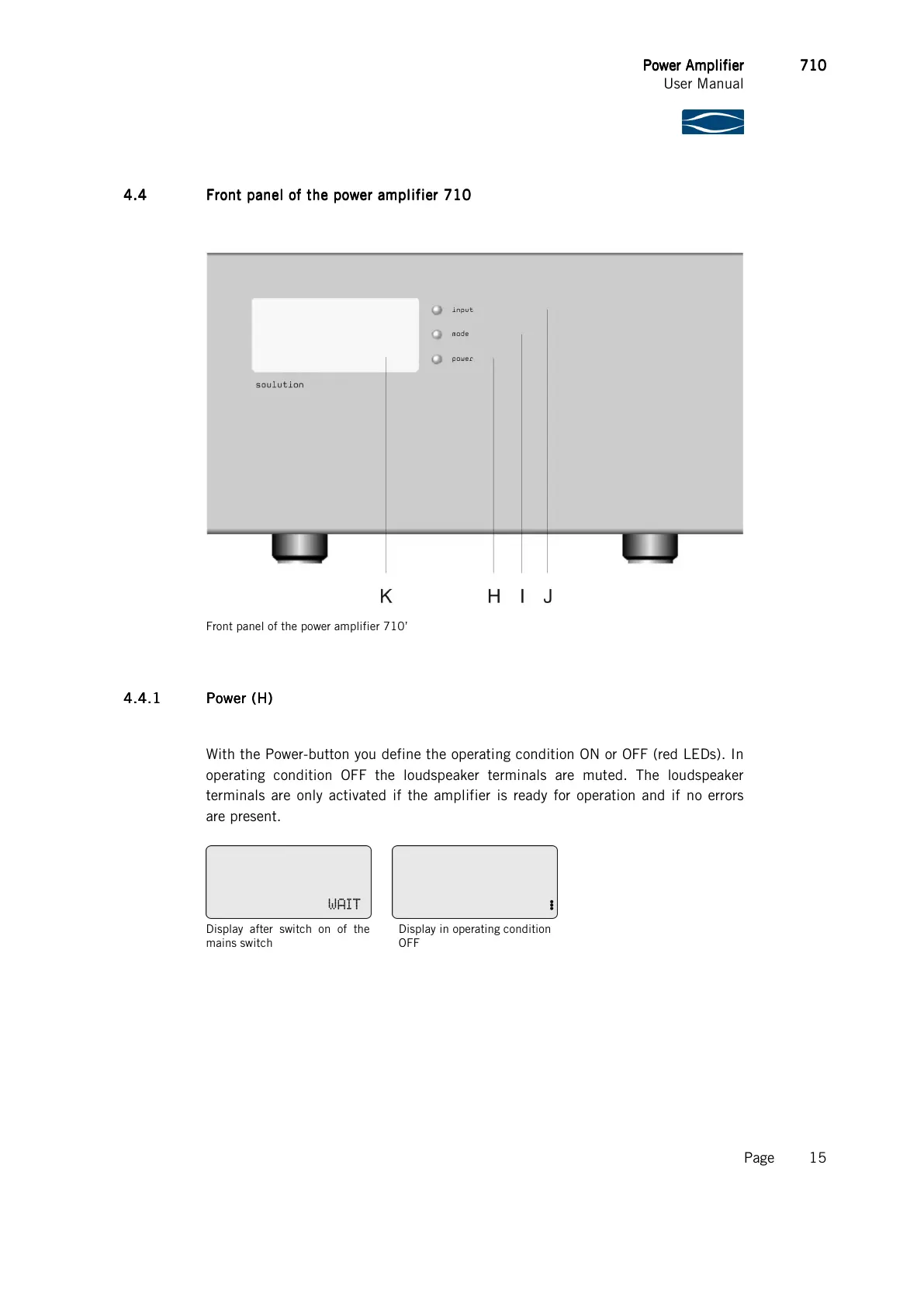
Front panel of the power amplifier 710’
4.4.1
4.4.14.4.1
4.4.1 Power (
Power (Power (
Power (H
HH
H)
))
)
With the Power-button you define the operating condition ON or OFF (red LEDs). In
operating condition OFF the loudspeaker terminals are muted. The loudspeaker
terminals are only activated if the amplifier is ready for operation and if no errors
are present.
Display after switch on of the
mains switch
Display in operating condition
OFF



 To Next Page