APP
soundcore
Apple and the Apple logo are trademarks of
Apple Inc.
Google Play and the Google Play
logo are
trademarks of Google Inc.
Download the soundcore app to explore ambient sound level adjustment, adaptive EQ settings, Spatial Audio,
HearID sound, charging case controls, firmware update, and more exciting features.
If your earbuds cannot connect with the soundcore app, try re-installing the app or updating it to the latest version
available in your mobile app store.
OVERVIEW
1 3
2
6
4
5
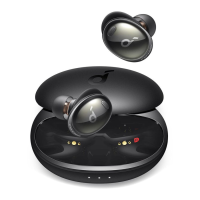
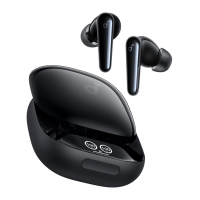
1. Ear Tip
• M-size ear tips come attached to the earbuds at the time of purchase.
2. Earbud Control Area
• Slide up and down or squeeze the control area on the earbud stems to manage different functions.
3. Charging Contactors
4. USB-C Charging Port
5. Charging Case Touch Bar
• Control the Smart Display via the touch bar.
6. Smart Display

 Need help?


 To Next Page
 General