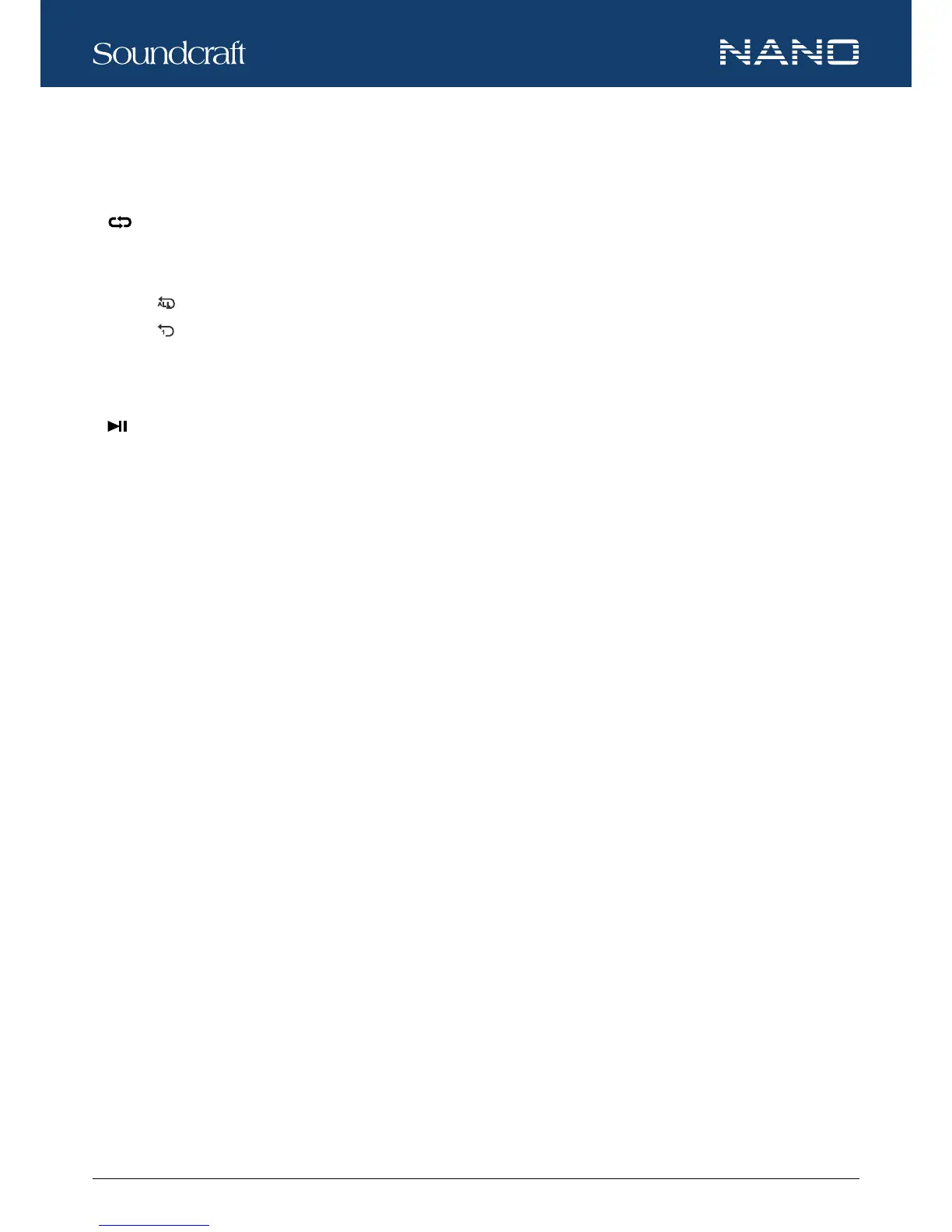
button for 2 seconds, the player will switch to soundtracks in the next media le stored in the USB memory; press the button for
more than 2 seconds, the player will switch among media les stored in the USB memory.
d.
RPT
Press the button to select from the following repeat modes for the player.
• When
appears on the LCD screen, all the tracks in the USB memory stick will be repeated.
• When
appears on the LCD screen, one track (the current track) will be repeated.
• When A appears on the LCD screen, the tracks will be played at random.
• When no symbol appears on the LCD screen, the tracked will be played according to their order.
e.
PLAY / PAUSE
Press the button to start playing or pause the player.
f. REC
When the USB player is in use, press the REC button will switch the player to the recording mode. Press the REC button again will
start recording.
When the USB player is in recording mode, the rest player functions will not be opera-table until the recording mode is terminated
through the POWER button.
In case the “Err” appears on the LCD screen, it means an error happens to recording. In such situation, press POWER button to
stop recording.
g. POWER
Press and hold the button for 2-3 seconds will turn on or off the USB player.
h. DISPLAY
The LCD screen displays all the USB player information and status.
Controls and Features






 To Next Page