IR6000 / English Instruction Manual
1
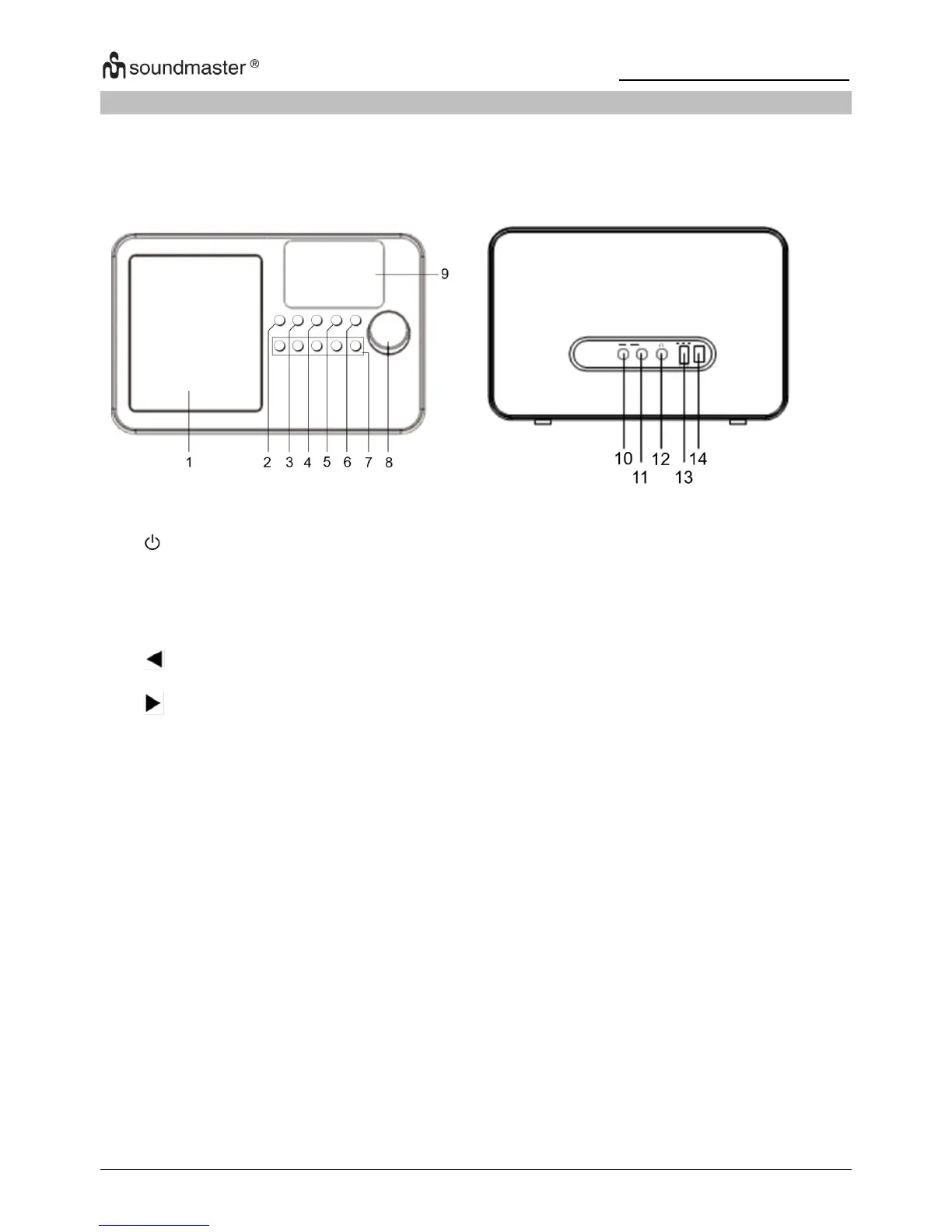
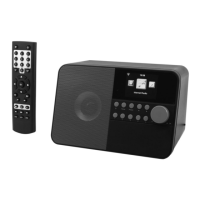
LOCATION OF CONTROLS
FRONT VIEW REAR VIEW
Turns off all functions except the clock and alarm features.
Press to return to the central location of the software for selection of
functions while continuing to play the currently selected function.
Used to save and access favorite radio stations while using several
different functions.
Back cursor used to change the displayed information back to an
earlier display.
Forward cursor used to change the displayed information to the next
display.
Used to select previously stored favorite radio stations.
Multifunction knob used for making selections by browsing the
information displayed and pressing to confirm a selection. Controls
music volume when playing music.
Color display used to display function symbols and information to
enable the selection of desired features and functions
3.5mm connector for music signal from another music player’s “Line
Output” or “Headphone Output”
For connecting the radio music signal to another music player’s
“Auxiliary Input / Line Input”
3.5mm connector for “Headphones” or “Ear Buds”
Power connector for the AC / Mains power supply adaptor
Use only the supplied power supply to prevent damage to the
radio or possible injury
Turns on / off power to all functions of the radio






 To Next Page