EasyManua.ls Logo

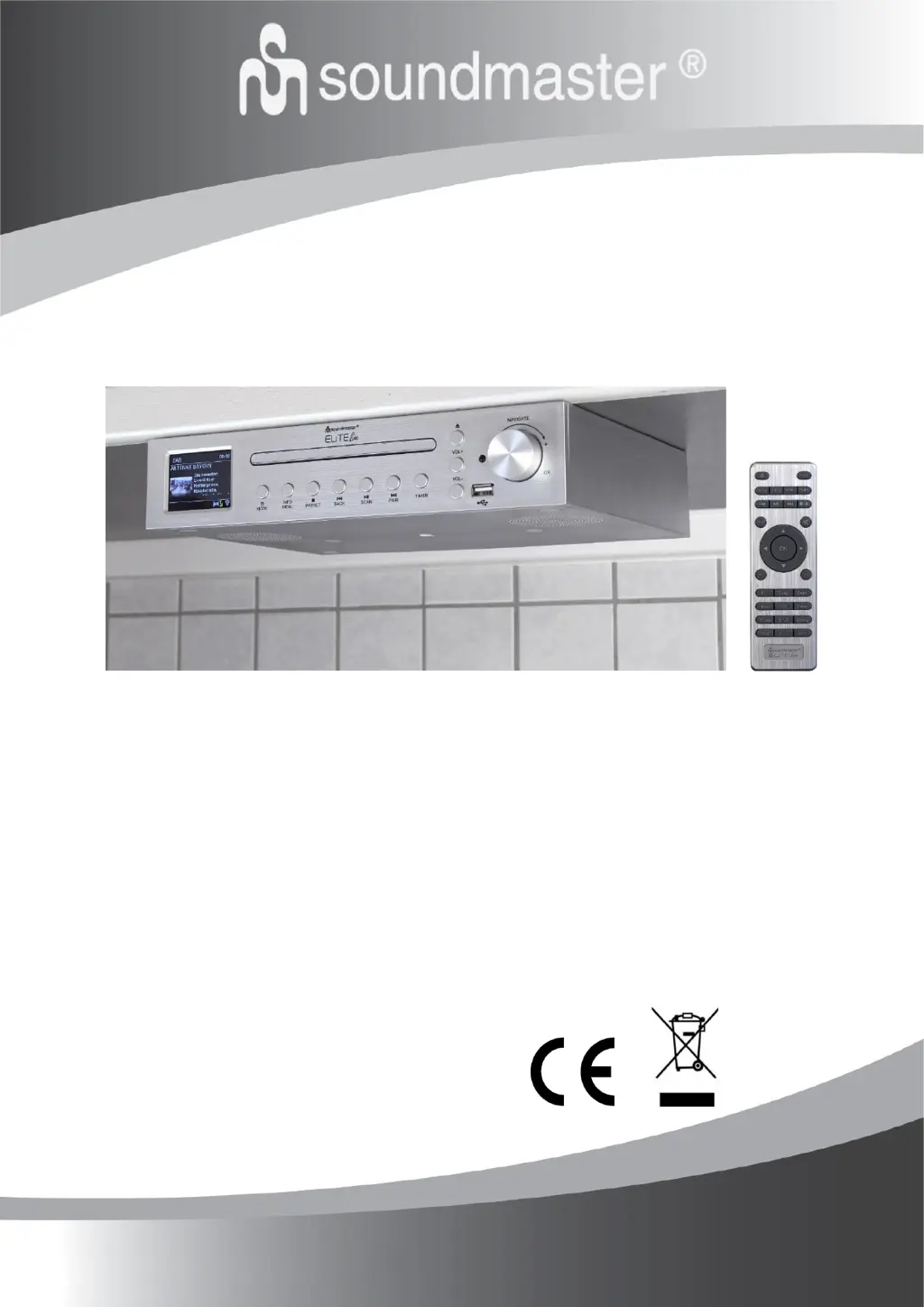
SOUNDMASTER ICD2200 - User Manual

SOUNDMASTER ICD2200
92 pages
Go to English
Print Icon
To Next Page IconTo Next Page
Loading...
DEUTSCH
NEDERLANDS
ENGLISH
ITALIANO
FRANÇAIS
ICD2200
Hersteller
Wörlein GmbH Tel.: +49 9103/71670
Gewerbestrasse 12 Fax.: +49 9103/716712
D 90556 Cadolzburg Email. info@woerlein.com
GERMANY Web: www.soundmaster.de

Table of Contents

Questions and Answers

  • A
    Alexander SalinasAug 19, 2025
    What to do if my SOUNDMASTER Radio has no sound?
    • Z
      zparksAug 19, 2025
      If your SOUNDMASTER Radio has no sound, first ensure that the sound is not muted. If it is, unmute it. Next, increase the volume. Finally, check if headphones or speakers are connected to the connector jack and, if so, disconnect them.
  • D
    Denise VasquezAug 21, 2025
    How to fix SOUNDMASTER Radio when no network connection can be established?
    • Q
      qwilsonAug 21, 2025
      If your SOUNDMASTER Radio can't establish a network connection, check the LAN cable or the WLAN function. Try setting an IP address on the device. Activate the DHCP function on the router and try connecting again. If a firewall is activated on the network, configure the firewall program to allow access. As a last resort, reboot the router.
  • J
    joshua32Aug 23, 2025
    Why my SOUNDMASTER Radio WiFi connection cannot be established?
    • Q
      qgarciaAug 23, 2025
      If your SOUNDMASTER Radio cannot establish a WiFi connection, verify the availability of the WLAN network on the router. Then, try placing the device closer to the router. Also, make sure the password you are using is correct.
  • J
    Jasmine YoungAug 26, 2025
    What to do if my SOUNDMASTER Radio has no stations available in DAB mode?
    • P
      Peter PetersonAug 26, 2025
      If your SOUNDMASTER Radio has no stations available, is burbling, or is intermittent in DAB mode, try moving the radio. You can also rescan local stations only, focusing on high-strength signals. Finally, check the local DAB coverage in your area.
  • L
    Leslie PetersonAug 27, 2025
    How to fix SOUNDMASTER Radio alarm when it does not work?
    • U
      ujonesAug 27, 2025
      If the alarm on your SOUNDMASTER Radio is not working, first ensure that the alarm is switched on. Also, refer to the solutions for 'No sound' due to the volume setting. If the alarm source is set to a station but there is no network connection, change the alarm source or reconfigure the connection.
  • A
    Amy TuckerAug 29, 2025
    What to do if my SOUNDMASTER Radio has no station is found?
    • H
      Heather DavisAug 30, 2025
      If your SOUNDMASTER Radio can't find any stations, check the network, access point, and firewall. The station may be temporarily unavailable, so try again later or select another station. The station's link may have changed, or the station may no longer transmit; contact the provider for information. If manually adding a station, ensure the link is correct and re-enter it.
  • C
    Christopher PriceSep 1, 2025
    How to fix SOUNDMASTER Radio when the device does not switch on?
    • J
      Joshua GriffinSep 1, 2025
      If your SOUNDMASTER Radio does not switch on, check that the power adapter is connected properly.
  • J
    James GonzalezSep 3, 2025
    What to do if SOUNDMASTER Radio USB driver or MP3 player is not detected?
    • M
      melissa46Sep 3, 2025
      If your SOUNDMASTER Radio does not detect the USB driver or MP3 player, check if the USB driver or MP3 player is plugged in properly. Some USB hard disks need an external power supply, so make sure it is connected. Note that not all MP3 players can be read directly by the device; use a USB drive instead.
  • M
    Melvin HaneySep 5, 2025
    How to eliminate hiss in FM mode on SOUNDMASTER Radio?
    • G
      Garrett WalkerSep 5, 2025
      To eliminate hiss in FM mode on your SOUNDMASTER Radio, check or move the FM antenna, or try moving the radio itself.
  • R
    ryanstevensSep 7, 2025
    Why does my SOUNDMASTER Radio switch off automatically?
    • C
      Cindy JonesSep 7, 2025
      Your SOUNDMASTER Radio automatically switches to standby mode when no music is played for more than 15 minutes due to ErP2 requirements and environmental protection.

SOUNDMASTER ICD2200 Specifications

General IconGeneral
BrandSOUNDMASTER
ModelICD2200
CategoryRadio
LanguageEnglish

Related product manuals