EasyManua.ls Logo

SOUNDMASTER ICD2200 - Content of Delivery; Getting Started; Set up; Operation Your Remote Control; Remote Control

SOUNDMASTER ICD2200
Print Icon
To Next Page IconTo Next Page
To Previous Page IconTo Previous Page
Loading...
ICD2200 / English Instruction Manual
3
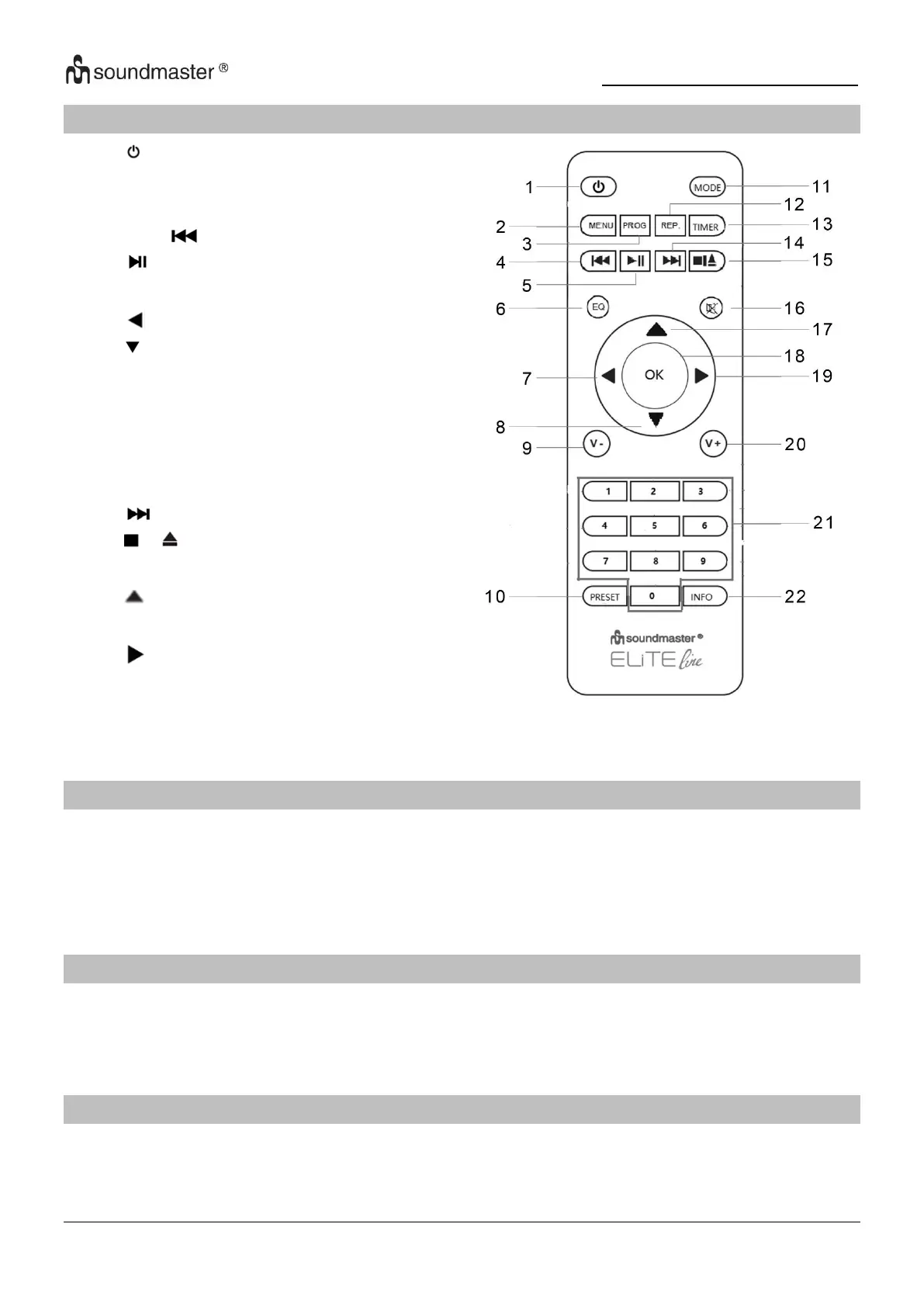
REMOTE CONTROL
1
STANDBY/OFF
2
MENU button
3
PROG button
4
SKIP button
5
button
6
EQ button
7
button
8
button
9
Volume -
10
PRESET button
11
MODE button
12
REP button
13
TIMER button
14
button
15
/ button
16
MUTE button
17
button
18
OK button
19
button
20
Volume +
21
Numbers 0-9
22
INFO button
OPERATION YOUR REMOTE CONTROL
1. Press and slide the back cover to open the battery compartment of the remote control.
2. Insert two AAA size batteries. Make sure the (+) and (-) ends of the batteries match
the (+) and (-) ends indicated in the battery compartment.
3. Close the battery compartment cover.
CONTENT OF DELIVERY
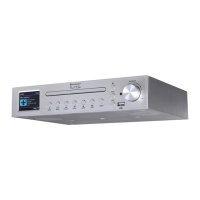
Main Unit
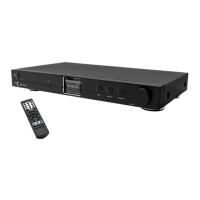
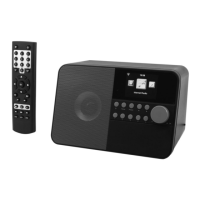
Remote Control
Instruction Manual
Power Adaptor
Mounting set
Antenna
GETTING STARTED / SET UP
Connect the unit to a suitable power source using the power supply provided. After showing a
starting screen, it will enter the last used listening mode. When the unit is started for the first
time, the setup wizard will be launched automatically.

Table of Contents

Related product manuals