Features and Controls
6
Disc Information
DVD features
DVD discs provide high-resolution images with high-quality sound. This DVD player
can play not only DVD discs of various versions, but also S-VCD, VCD, audio CD and
MP3 discs.
Discs that cannot be played
DVD-RW, DVD-REM, CD-ROM, CD-EXTRA discs cannot be played on this unit. In
addition, a CD or a CD-RW which was recorded on special software cannot be played.
Region code
Your DVD player is designed and manufactured to region management information
that is recorded on a DVD disc. Please check the region code.
1: North America 2: Japan 3: Korea and Southeast Asia
4: Australia, Mid & South America 5: Russia 6: China
How to handle the disc
Don t touch the shiny side of the disc (the side with the embedded information).
Don t stick a label or a glue-based note on either side of the disc.
Don t use discs that have glue or a damaged label with exposed adhesive residue.
It might result in damage to your DVD player.
Don t put discs in the sunshine.
Park your car in the shade.
How to handle the discs
Only use round discs. Discs with other shapes like a star, a heart, etc. may cause
damage to the player. If a disc is dirty, wipe softly with a wet cloth and then with a dry
one. Before playback, wipe the disc outward from the center with a clean cloth. Do not
use any type of solvent such as thinner, benzene, commercially available cleaners or
antistatic spray. To avoid damaging your DVD player, don t use a scratched disc.
35
,
,
,
,
,
M
PLAY
AV
MENU
POWER
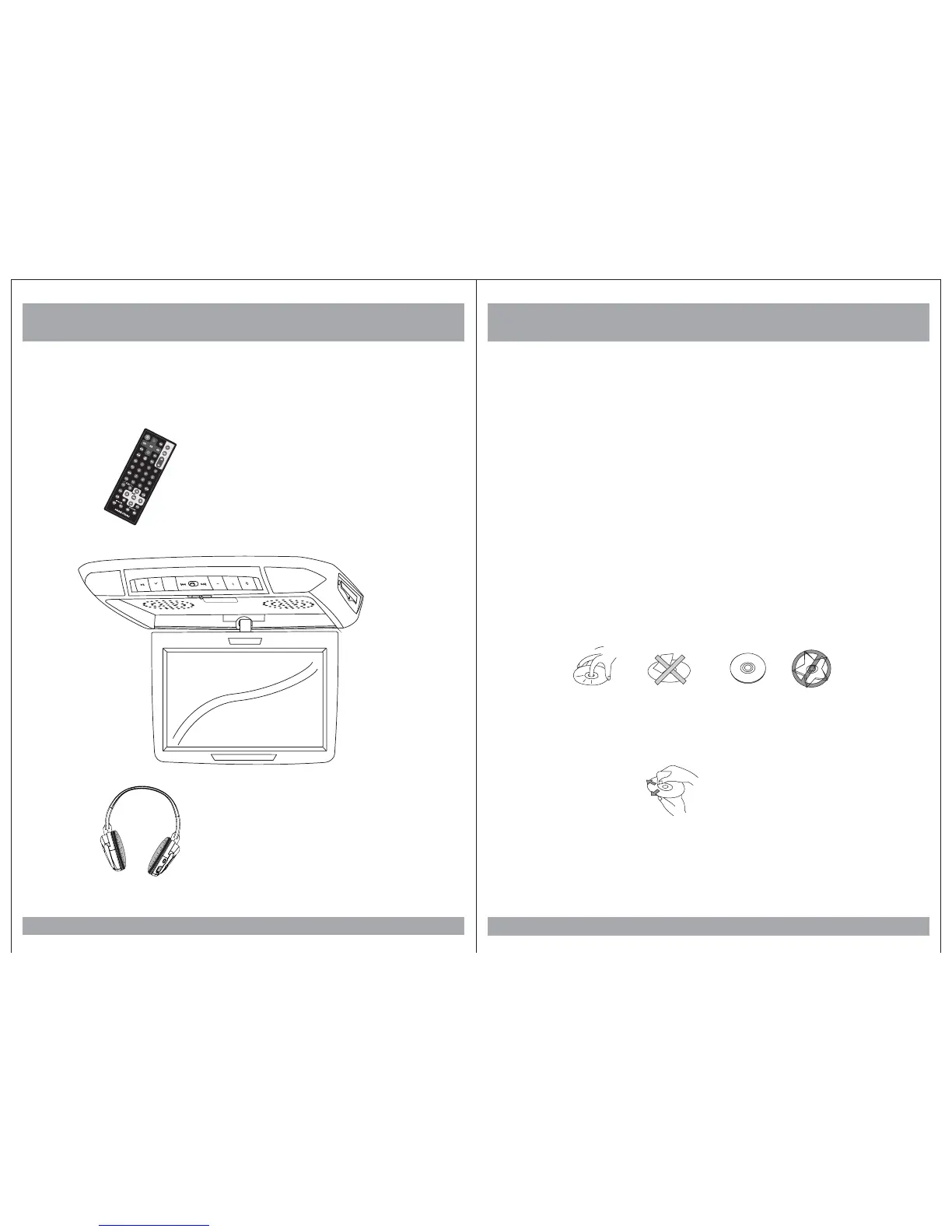
Remote Control
Wireless Headphones
(Not Included)
Monitor/DVD Player
MONITOR
Vol+
Vol-
Monitor/DVD Player


 To Next Page
 Loading...