Remote control
4
5
8 OSD
BND
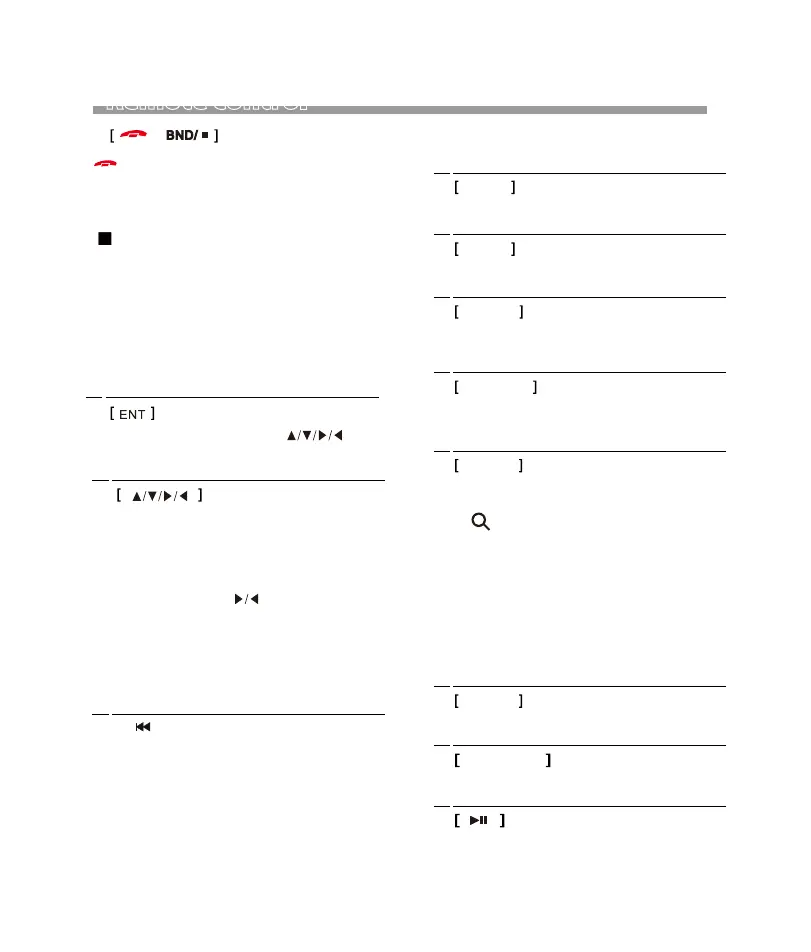
[ ]
(Phone) , press to reject an incoming call;
Hang-up the conversation call.
[ ]
(AM/FM) , press repeatedly to select the
desired radio band for broadcasting.
[ ]
(Disc / USB / SD)
(BT Music)
[Video] press to stop playback.
[Music] press to stop playback and shift to
folder / playlist menu for playback selection.
Press again to stop playback and shift to
tuner mode.
[DVD/Folder/Play list] press to select
the desired setting/setup and press ENT to
confirm/enter.
[DVD] At DVD menu/title display mode,
press to select the desired setting/setup
and press ENT to confirm/enter.
[Photo] Press to rotate photo position
or show up-down, left-right mirror image.
[Folder/Play list Menu Mode] During
folder/playlist menu display at media
playback mode, press repeatedly
to shift page up and down, press ▲/▼
repeatedly to select track/folder for
playback. Once selected, press ENT to
confirm.
[Music] Press to stop playback and will shift
back to tuner operation mode.
6
7
[ ]
(AM/FM) , Press to tune the radio frequency
downward and stop for broadcasting when a
radio station received. Press & hold shortly
to shift to manual tuning downward.
(USB/SD ) , press repeatedly to shift previous track .
Press and hold to activate various speed of fast
rewind. (Not available for photo playback).
(Bluetooth Music) , press repeatedly to shift
previous track.
(Video) , press and hold to display the contents
of the playback details on screen.
9 AUDIO
(Video) , press and hold to display the contents
of the playback details on screen.
10 REPEAT
(USB/SD ) , press repeatedly to shift repeat setting:
REPEAT1>REPEAT ALL>REPEAT FOLDER> REPEAT
OFF.
11 SUB-Title
(Video) , press and hold to select different SUB-
TITLES that recorded in the inpur devices of media
files.
12
ZOOM
13
SLOW
(Video/Photo) , press to select various zoom
in and zoom out of screen for viewing.
(Video) , press repeatedly to select different
speeds on slow motion playback.
14
VOL+ / VOL-
Pess
VOL+
to increase sound output level.
Pess
VOL-
to decrease sound output level.
15
(Music/Video/Photo/BT Music)
, press to pause,
rusume or start playback.
[ ]
(AM/FM) , press to start scanning all preset
stations on memory and stop for a few seconds
broadcasting.
Press and hold to start searching the frequency
and storing the strongest signal stations into
the preset memory stations number 1-6. After
storing the satations, the unit starts scanning
all the preset stations on memory and stop for
a few seconds broadcasting.
7


 To Next Page