EasyManua.ls Logo

Soundstream VR-930BT - User Manual

Soundstream VR-930BT
37 pages
Print Icon
To Next Page IconTo Next Page
Loading...
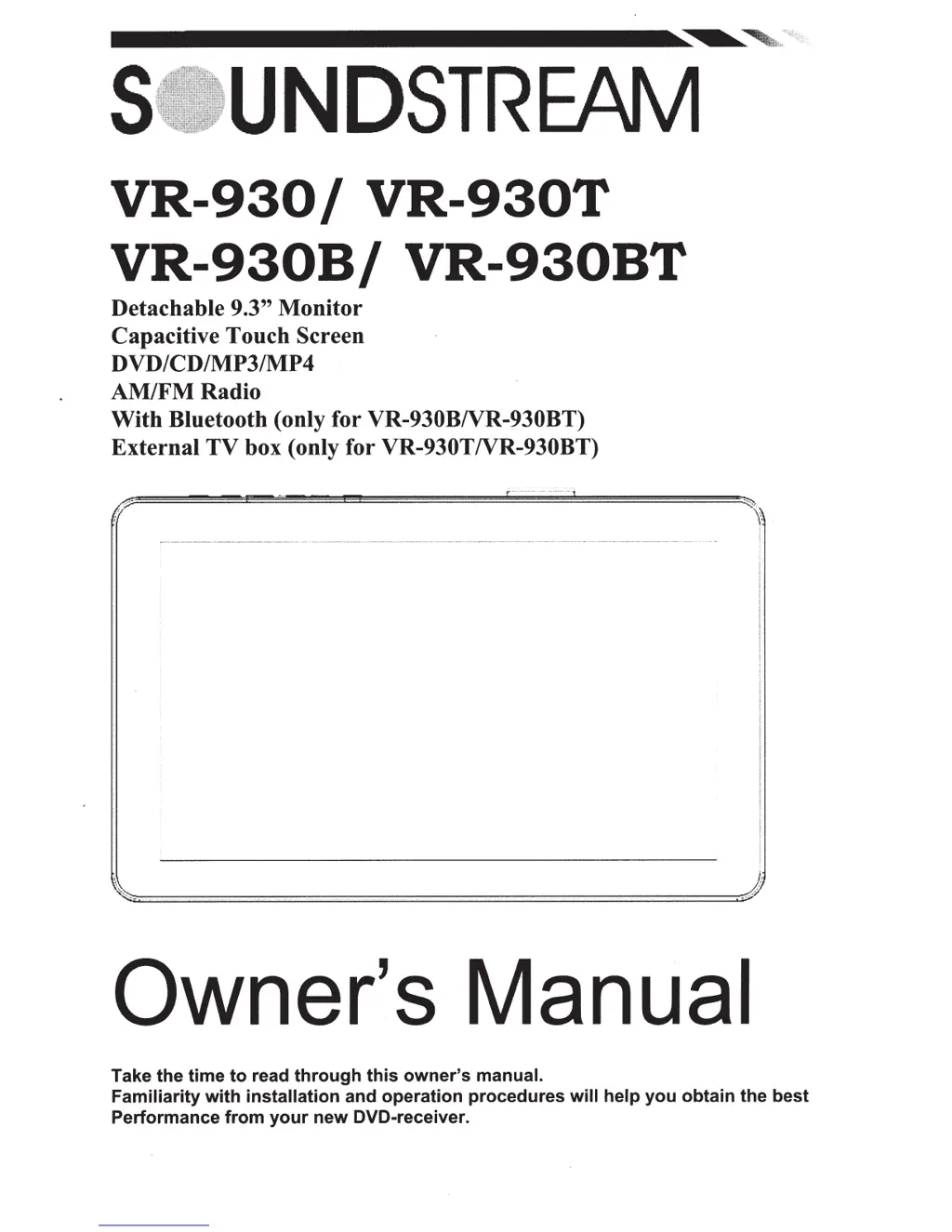
VR-930
I
VR-930T
VR-930B/
VR-930BT
Detachable 9.3" Monitor
Capacitive Touch Screen
DVD/CD/MP3/MP4
AM/FMRadio
With Bluetooth (only for VR-930BNR-930BT)
External TV box (only for VR-930TNR-930BT)
Owner's Manual
Take the time
to
read
through
this
owner's
manual.
Familiarity
with
installation and operation procedures
will
help
you
obtain the best
Performance
from
your
new DVD-receiver.

Questions and Answers

Summary

Safety Warnings and Precautions

General Safety Warnings

Important safety information regarding unit usage and potential hazards.

Operation Precautions

Guidelines for safe and proper operation of the unit in various conditions.

Unit Accessories and Components

Included Accessories List

Lists all accessories provided with the unit for installation and operation.

Unit Installation and Removal

Installation Procedure

Step-by-step guide for installing the unit into the vehicle dashboard.

Removal Procedure

Step-by-step guide for safely removing the unit from the vehicle.

Wiring Connections Guide

Power Connector and Wiring

Details the power connector pinout and essential wiring connections.

Parking Brake and Reversing Camera Wiring

Explains connections for parking brake and reversing camera inputs.

Loudspeaker Connection Diagrams

Illustrates correct and incorrect methods for connecting loudspeakers.

Front Panel Controls and Features

Front Panel Button Functions

Explains the operation of key buttons on the unit's front panel.

Front Panel Ports and Display

Describes various slots, the TFT display, and reset button.

Remote Control Operations

Remote Control Button Layout

Identifies each button on the remote control and its primary function.

Remote Control Button Operations Part 1

Detailed explanation of remote control buttons for modes and playback.

Remote Control Button Operations Part 2

Covers advanced remote functions like setup, volume, and special modes.

Main Menu Navigation

Understanding the Main Menu

Introduction to the main menu hierarchy and accessing unit features.

Radio Player Functions

Radio Player Controls

How to adjust volume, change bands, and scan stations in the radio.

DVD Player Functions

DVD Player Operation

Guide to using the DVD player, including playback and disc management.

Media Interface Operation

Disc, USB, and SD;MMC Playback Controls

Controls for playback from various media sources like discs and USB.

System Settings and Customization

Sound Control Settings

Adjustments for EQ, bass, treble, balance, and subwoofer settings.

Display and General Settings

Configuration for display, tilt angle, clock, and Bluetooth auto-connect.

Radio Control Settings

Settings for radio area, stereo mode, and presets.

DVD Setup Menu Options

Language and Parental Controls

Settings for subtitle, audio, menu languages, password, and parental guidance.

Video Output and System Defaults

Covers TV ratio, NTSC/PAL format, factory reset, and system information.

TV Section Operation

TV Tuning and Programming

Instructions for auto/manual TV tuning and station management.

Bluetooth Section Operations

Bluetooth Pairing and Connection

Steps for pairing mobile phones and establishing Bluetooth connectivity.

Bluetooth Calling Features

How to make and receive phone calls using the Bluetooth connection.

Bluetooth Phone Book and History

Accessing and managing phone book entries and call history.

Bluetooth Music Playback (A2 DP)

Guide to streaming music from a phone via A2DP profile.

Smart Control Functions

Activating Smart Control

Instructions for enabling and connecting the Smart Control feature.

Smart Control General Operations

Managing calls, MP3 playback, and voice commands via Smart Control.

Other Unit Functions

Details on subwoofer, parking video, and back view camera connections.

Disc Handling and Care

Disc Handling and Cleaning

Guidelines for proper handling, cleaning, and storing optical discs.

Troubleshooting Common Issues

General Unit Troubleshooting

Solutions for power, sound, button, and display related problems.

CD Playback Troubleshooting

Resolving issues with CD sound quality and playback errors.

Disc Loading and Reading Problems

Troubleshooting disc loading, reading, and skipping issues.

Radio and Key Operation Troubleshooting

Fixing problems with radio reception and front panel key responsiveness.

Technical Specifications

General Unit Specifications

Details on power, consumption, dimensions, weight, and display.

Radio Frequency Specifications

Frequency ranges and memory preset details for FM and AM/MW radio.

Audio Output Specifications

Information regarding the audio frequency response of the unit.

Important Cautions and Procedures

Mechanical Operation Cautions

Warnings to prevent mechanical damage during operation.

Panel Attachment and Removal

Correct procedures for closing and detaching the front panel.

Supplemental Troubleshooting

Memory and Touch Screen Issues

Troubleshooting memory loss and touch screen calibration problems.

Disc Loading and Playback Errors

Solutions for DVD/CD loading, playback, or eject errors.

Installer Bluetooth Connection Guide

Bluetooth Pairing and Passcode

Instructions for installers on pairing phones and using the passcode.

Video File Conversion

Video File Conversion Process

Guide to converting video files for compatibility with the unit.

Summary

Safety Warnings and Precautions

General Safety Warnings

Important safety information regarding unit usage and potential hazards.

Operation Precautions

Guidelines for safe and proper operation of the unit in various conditions.

Unit Accessories and Components

Included Accessories List

Lists all accessories provided with the unit for installation and operation.

Unit Installation and Removal

Installation Procedure

Step-by-step guide for installing the unit into the vehicle dashboard.

Removal Procedure

Step-by-step guide for safely removing the unit from the vehicle.

Wiring Connections Guide

Power Connector and Wiring

Details the power connector pinout and essential wiring connections.

Parking Brake and Reversing Camera Wiring

Explains connections for parking brake and reversing camera inputs.

Loudspeaker Connection Diagrams

Illustrates correct and incorrect methods for connecting loudspeakers.

Front Panel Controls and Features

Front Panel Button Functions

Explains the operation of key buttons on the unit's front panel.

Front Panel Ports and Display

Describes various slots, the TFT display, and reset button.

Remote Control Operations

Remote Control Button Layout

Identifies each button on the remote control and its primary function.

Remote Control Button Operations Part 1

Detailed explanation of remote control buttons for modes and playback.

Remote Control Button Operations Part 2

Covers advanced remote functions like setup, volume, and special modes.

Main Menu Navigation

Understanding the Main Menu

Introduction to the main menu hierarchy and accessing unit features.

Radio Player Functions

Radio Player Controls

How to adjust volume, change bands, and scan stations in the radio.

DVD Player Functions

DVD Player Operation

Guide to using the DVD player, including playback and disc management.

Media Interface Operation

Disc, USB, and SD;MMC Playback Controls

Controls for playback from various media sources like discs and USB.

System Settings and Customization

Sound Control Settings

Adjustments for EQ, bass, treble, balance, and subwoofer settings.

Display and General Settings

Configuration for display, tilt angle, clock, and Bluetooth auto-connect.

Radio Control Settings

Settings for radio area, stereo mode, and presets.

DVD Setup Menu Options

Language and Parental Controls

Settings for subtitle, audio, menu languages, password, and parental guidance.

Video Output and System Defaults

Covers TV ratio, NTSC/PAL format, factory reset, and system information.

TV Section Operation

TV Tuning and Programming

Instructions for auto/manual TV tuning and station management.

Bluetooth Section Operations

Bluetooth Pairing and Connection

Steps for pairing mobile phones and establishing Bluetooth connectivity.

Bluetooth Calling Features

How to make and receive phone calls using the Bluetooth connection.

Bluetooth Phone Book and History

Accessing and managing phone book entries and call history.

Bluetooth Music Playback (A2 DP)

Guide to streaming music from a phone via A2DP profile.

Smart Control Functions

Activating Smart Control

Instructions for enabling and connecting the Smart Control feature.

Smart Control General Operations

Managing calls, MP3 playback, and voice commands via Smart Control.

Other Unit Functions

Details on subwoofer, parking video, and back view camera connections.

Disc Handling and Care

Disc Handling and Cleaning

Guidelines for proper handling, cleaning, and storing optical discs.

Troubleshooting Common Issues

General Unit Troubleshooting

Solutions for power, sound, button, and display related problems.

CD Playback Troubleshooting

Resolving issues with CD sound quality and playback errors.

Disc Loading and Reading Problems

Troubleshooting disc loading, reading, and skipping issues.

Radio and Key Operation Troubleshooting

Fixing problems with radio reception and front panel key responsiveness.

Technical Specifications

General Unit Specifications

Details on power, consumption, dimensions, weight, and display.

Radio Frequency Specifications

Frequency ranges and memory preset details for FM and AM/MW radio.

Audio Output Specifications

Information regarding the audio frequency response of the unit.

Important Cautions and Procedures

Mechanical Operation Cautions

Warnings to prevent mechanical damage during operation.

Panel Attachment and Removal

Correct procedures for closing and detaching the front panel.

Supplemental Troubleshooting

Memory and Touch Screen Issues

Troubleshooting memory loss and touch screen calibration problems.

Disc Loading and Playback Errors

Solutions for DVD/CD loading, playback, or eject errors.

Installer Bluetooth Connection Guide

Bluetooth Pairing and Passcode

Instructions for installers on pairing phones and using the passcode.

Video File Conversion

Video File Conversion Process

Guide to converting video files for compatibility with the unit.

Soundstream VR-930BT Specifications

General IconGeneral
BluetoothYes
USB PortYes
Radio TunerAM/FM
Audio Formats SupportedMP3, WMA
DVD PlaybackYes
SD Card InputYes
Number of Channels4
Steering Wheel Control CompatibleYes
Rear View Camera InputYes
Auxiliary InputYes
Remote ControlYes
Display TypeLCD
Preamp Outputs3 (Front, Rear, Subwoofer)
Preamp Voltage4V
Peak Power Output50 watts x 4 channels
Power Output50 watts x 4 channels
RMS Power Output17 watts

Related product manuals