EasyManua.ls Logo

Soundstream VR-651 - User Manual

Soundstream VR-651
25 pages
Print Icon
To Next Page IconTo Next Page
Loading...
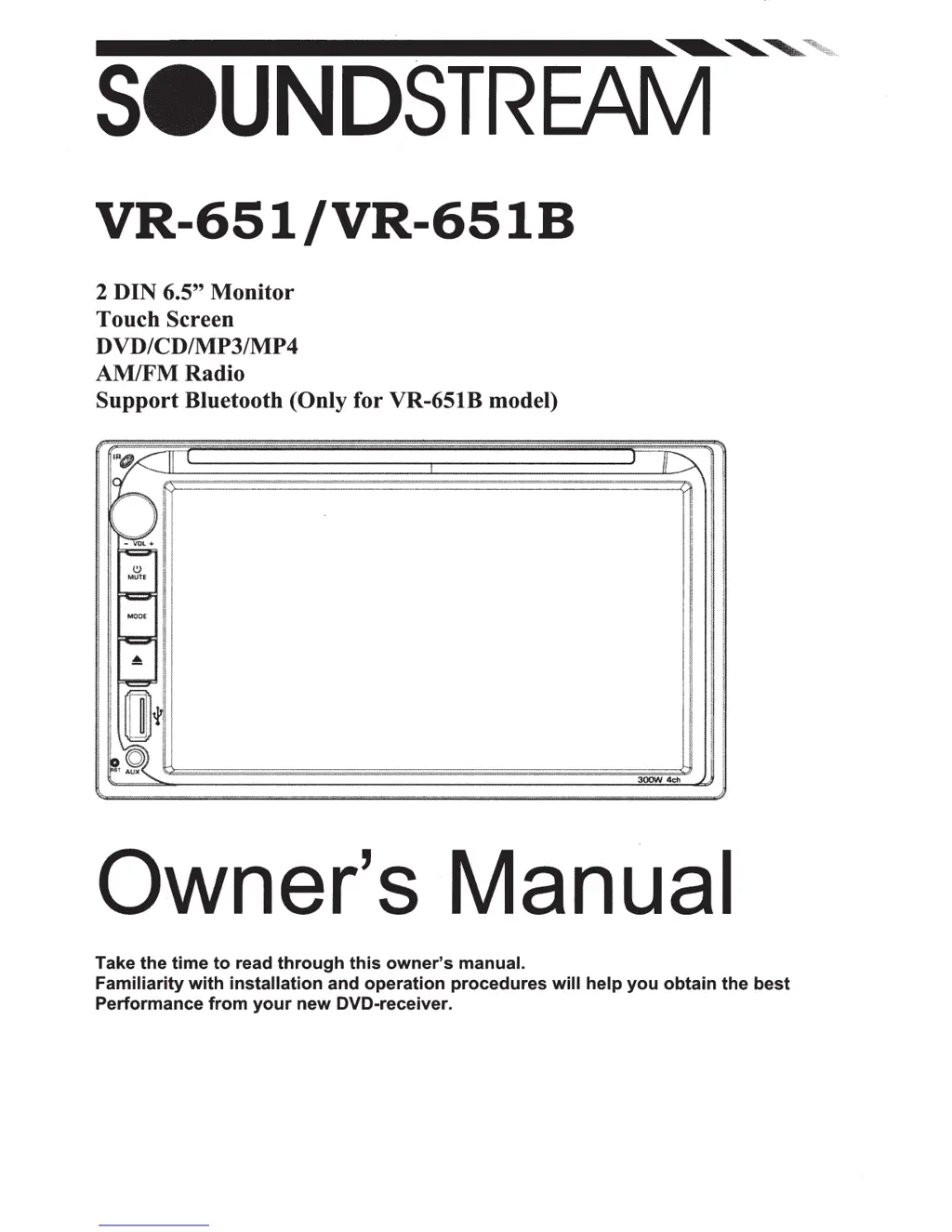
VR-651/VR-651
B
2 DIN 6.5"
Monitor
Touch Screen
DVD/CD/MP3/MP4
AM/FMRadio
Support
Bluetooth (Only for VR-651B model)
Owner's Manual
Take
the
time
to
read
through
this
owner's
manual.
Familiarity
with
installation
and
operation
procedures
will
help
you
obtain
the
best
Performance
from
your
new
DVD-receiver.

Questions and Answers

  • M
    Matthew ParkAug 12, 2025
    Why Soundstream Media Player power does not turn on?
    • D
      Dana SanchezAug 12, 2025
      If your Soundstream Media Player isn't powering on, there are a couple potential causes. First, the fuse might be blown; in this case, replace it with a fuse of the same amperage. If it blows again, consult your store of purchase. Another possibility is incorrect wiring, in which case you should consult your local retailer.
  • A
    Anne MillsAug 16, 2025
    What to do if Soundstream Media Player buttons are not working?
    • M
      Mr. Michael MillerAug 16, 2025
      If the buttons on your Soundstream Media Player aren't responding, it could be due to a couple of reasons. It's possible the microprocessor has malfunctioned due to noise. To resolve this, turn off the power, then press the [no open] button and remove the DCP. Press the reset button for about 2 seconds with a thin rod. Alternatively, the panel or main unit connectors might be dirty. If so, wipe the dirt off with a soft cloth moistened with cleaning alcohol.
  • L
    Linda HarmonAug 19, 2025
    Why is there no sound output from my Soundstream Media Player with amplifiers or power antenna?
    • C
      Cynthia GalvanAug 20, 2025
      If you're experiencing no sound output from your Soundstream Media Player when using amplifiers or a power antenna, the issue might be a short in the power antenna lead. Here's how to troubleshoot: 1. Turn off the unit. 2. Remove all wires attached to the power antenna lead and check each wire for a possible short to ground using an ohm meter. 3. Turn on the unit. 4. Reconnect each amplifier remote wire to the power antenna lead one by one. If the amplifiers turn off before all wires are attached, use an external replay to provide remote-on voltage because excessive current is required.
  • B
    Brian PrestonAug 23, 2025
    Why Soundstream Media Player sound is bad directly after power is turned on?
    • R
      Roger JamesAug 25, 2025
      If the sound quality of your Soundstream Media Player is poor immediately after turning it on, it could be due to a dirty compact disc. Clean the compact disc without scratches. Alternatively, the compact disc might be heavily scratched or warped, in which case you should replace it with a compact disc without scratches.
  • M
    Mike KingAug 27, 2025
    What to do if Soundstream Media Player sound is bad after power on?
    • M
      Michael HaleAug 27, 2025
      If you notice poor sound quality from your Soundstream Media Player right after powering it on, it's possible that water droplets have formed on the internal lens due to humidity. To resolve this, let the unit dry for about 1 hour with the power on.
  • Z
    Zachary WilliamsAug 31, 2025
    What does error 3 mean on Soundstream Media Player?
    • C
      Crystal GonzalezAug 31, 2025
      If your Soundstream Media Player's LCD display shows 'ERROR 3', it indicates a USB error. To fix this: 1. Remove the USB/SD and insert it again. 2. Check the file. 3. Reset the unit.
  • P
    patriciabakerSep 3, 2025
    What does error 1 mean on Soundstream Media Player?
    • J
      Joyce HawkinsSep 4, 2025
      If your Soundstream Media Player's LCD display shows 'ERROR 1', it indicates a deck mechanism error. To resolve this, reset the unit.
  • B
    Brittany MooreSep 7, 2025
    What does error 2 mean on Soundstream Media Player?
    • R
      Richard KingSep 7, 2025
      If your Soundstream Media Player's LCD display shows 'ERROR 2', it indicates a disc or servo error. You can try changing the disc or resetting the unit.

Summary

WARNING!

General Safety Precautions

Outlines critical safety measures to prevent accidents and potential harm during operation.

OPERATION PRECAUTIONS

Installation;Un-Installation

Installation Procedure

Step-by-step guide for mounting the unit into the dashboard and securing it.

Wiring Connections

ISO Connector and Wiring Guide

Details wiring connections using ISO connectors and color codes for proper setup.

REMOTE CONTROL

MAIN MENU

RADIO PLAYER

Radio Player Controls

Explains how to use the radio player interface, select bands, and tune stations.

DVD PLAYER

USB;SD;MMC OPERATION

SETTING CONTROL

BLUETOOTH SECTION

Bluetooth Pairing and Calling

Explains how to pair a phone, make/receive calls, and manage call history via Bluetooth.

STEERING WHEEL CONTROL

TROUBLESHOOTING

General Troubleshooting

Addresses issues related to power, sound output, and unit response.

System and Disc Playback Issues

Details solutions for power, disc loading/reading, sound, key, skip, and radio selection problems.

TECHNICAL SPECIFICATIONS

Bluetooth Connection Instructions

Soundstream VR-651 Specifications

General IconGeneral
BrandSoundstream
ModelVR-651
CategoryCar Receiver
LanguageEnglish

Related product manuals