=-
icon to see missed
calls
history mode.
The unit can
download automatically all
the date from the
mobile
Phone.
Dialed
/Received/Missed
calls
are saved
In
History mode.
The calls
in each category are
orderly
saved from the
latest one
to
the
final one
..
3.
BT
MUSIC
After connect the
mobile
phone, tap to
listen
music in
BT
mode. You
can
select
the
function with the icon for previous,
play
I
pause, and next.
Note:
in
this mode the
ID3
and present information can
just
display
iPhone, other phone may
not
display
this information.
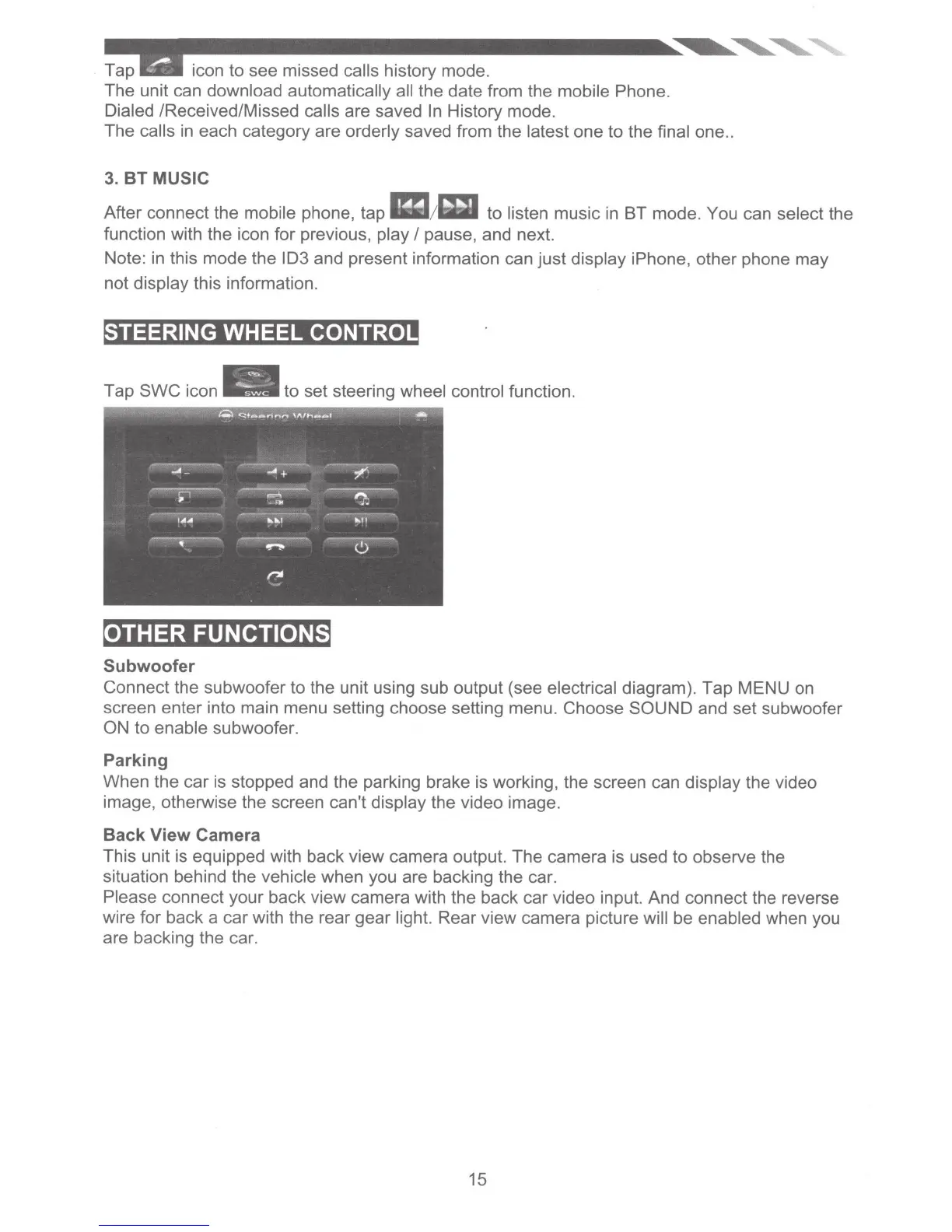
STEERING WHEEL
CONTROL
to
set steering
wheel control
function.
OTHER FUNCTIONS
Subwoofer
Connect the subwoofer to the unit using sub output (see
electrical
diagram). Tap MENU on
screen enter into main menu setting choose setting menu. Choose SOUND and set subwoofer
ON
to
enable
subwoofer.
Parking
When the
car
is stopped and the parking brake is working, the screen can display
the video
image, otherwise the screen can't display
the video image.
Back View Camera
This unit is equipped with back view camera output.
The
camera is used
to
observe the
situation behind the
vehicle when you are backing the car.
Please
connect your back view camera
with the back car video input. And connect the reverse
wire for back a
car
with the rear gear
light.
Rear view camera picture
will
be
enabled
when you
are backing the car.
15













 To Next Page