II
Touch it to pause/play.
D Touch it to present stop.
a Touch it to skip to the previous track. Touch and hold for 2 seconds to retune to the
=.ning
of
the track.
m Touch it to skip to the next track. Touch and hold for 2 seconds to activate fast forward
~earch
in a track.
m;
II
Start fast rewind
or
fast forward. Press one
of
the keys again to change the
=g
speed. Press the Play key to regain normal playback.
- Touch it to turn on
I off random playback.
D Touch it to enter to next page menu.
liJ
Touch it to select: repeat 1
=>repeat
ALL=>repeat DISC=> repeat OFF.
Dlll
Touch it to show display playback progress.
D Touch it to show DVD main.
m Touch this button to return to the title.
Select the preferred language for the subtitles.
m Touch it to select Audio.
m Touch it to select playback track
or
chapter.
+USB/SD/MMC
OPERATION
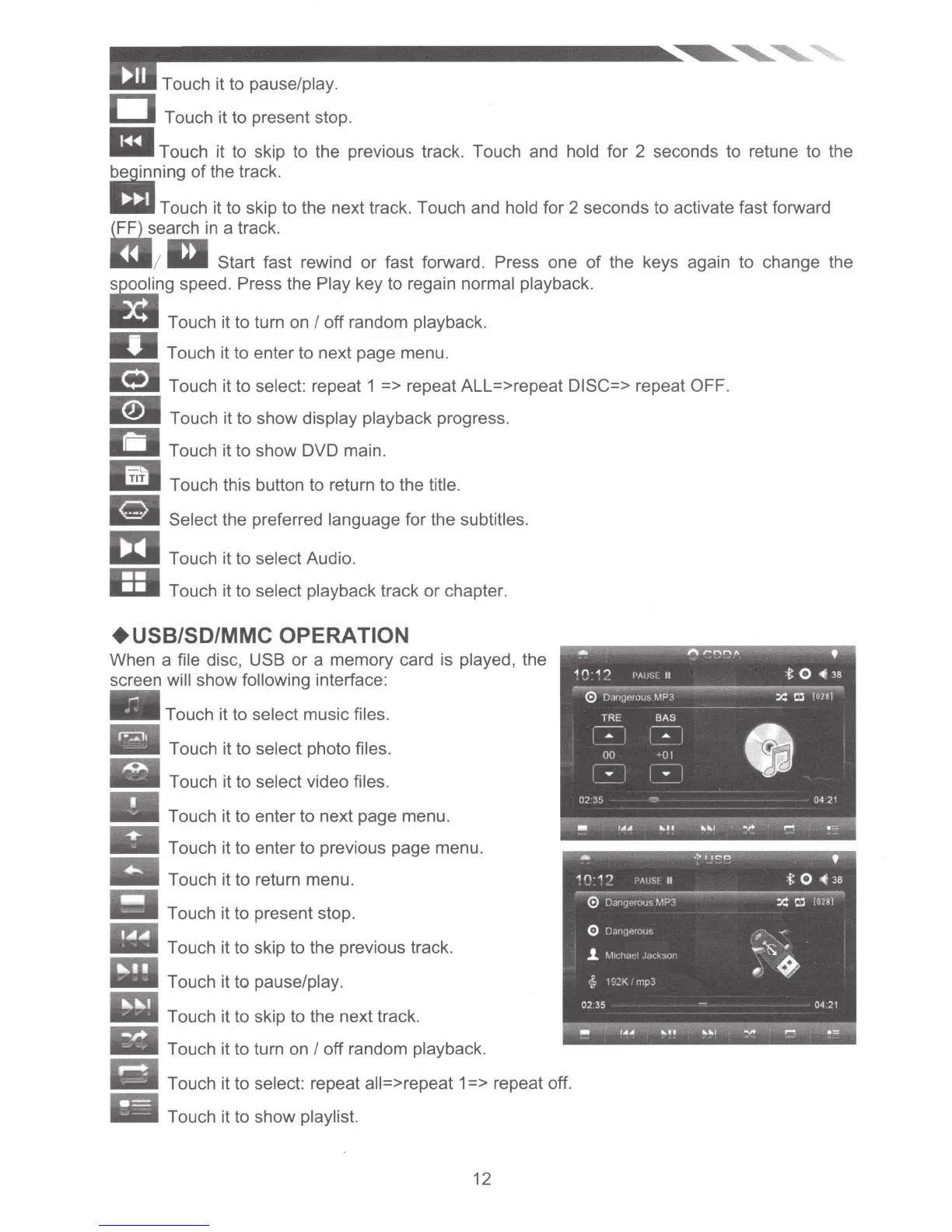
When a file disc, USB
or
a memory card is played, the
screen will show following interface:
Touch it to select music files.
iiiiiiiiii!iiii
Touch it to select photo files.
.....
Touch it to select video files.
Touch it to enter
to
next page menu.
Touch it to enter
to
previous page menu.
Touch it to return menu.
Touch it to present stop .
!!
Touch it to skip to the previous track.
!!
Touch it to pause/play.
!!~
Touch it to skip to the next track.
--
Touch it to turn on I off random playback.
Touch it to select: repeat all=> repeat 1 => repeat off.
Touch it to show playlist.
12













 To Next Page