EasyManua.ls Logo

Soundstream VR-345 - User Manual

Soundstream VR-345
30 pages
Print Icon
To Next Page IconTo Next Page
Loading...
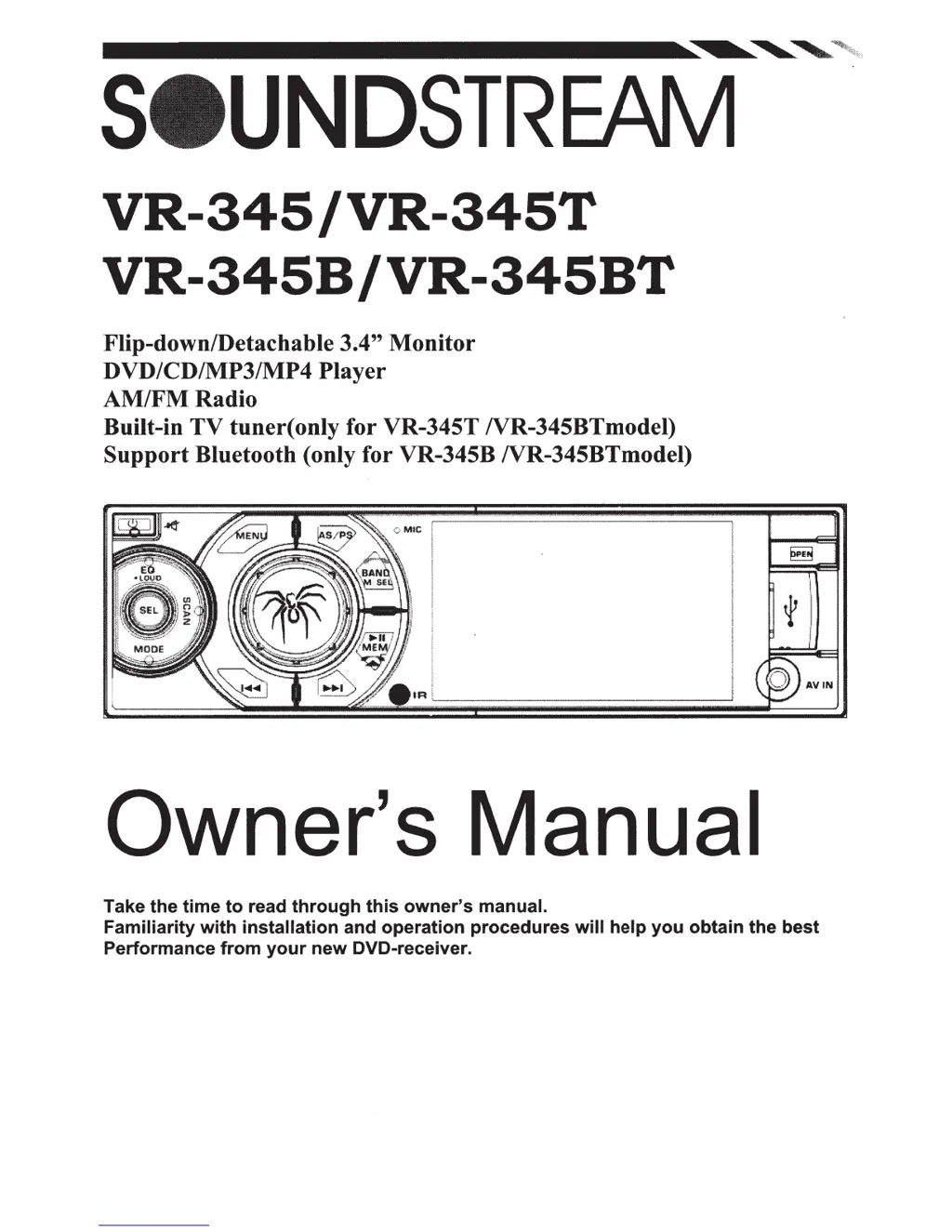
VR-345/VR-345T
VR-345B
/VR-345BT
Flip-down/Detachable 3.4"
Monitor
DVD/CD/MP3/MP4
Player
AM/FMRadio
Built-in
TV
tuner(
only for VR-345T NR-345BTmodel)
Support
Bluetooth (only for VR-345B NR-345BTmodel)
Owner's Manual
Take
the
time
to
read
through
this
owner's
manual.
Familiarity
with
installation
and
operation
procedures
will
help
you
obtain
the
best
Performance
from
your
new
DVD-receiver.

Questions and Answers

  • J
    Jason SalinasAug 10, 2025
    What to do if my Soundstream VR-345 Car Receiver has no sound?
    • S
      sfrancisAug 10, 2025
      If your Soundstream Car Receiver has no sound, first, check the volume level and adjust it to a desired level. Also, verify that the wiring is properly connected.
  • A
    alexandria12Aug 14, 2025
    Why does my Soundstream VR-345 Car Receiver skip sound?
    • T
      Todd VincentAug 14, 2025
      Sound skipping on your Soundstream Car Receiver can occur if the installation angle is more than 30 degrees; adjust it to less than 30 degrees. Also, the disc might be dirty or defective. In this case, clean the compact disc or try playing a new one.
  • A
    Adam BeanAug 25, 2025
    Why is my Soundstream Car Receiver radio not working?
    • C
      Charles HernandezAug 26, 2025
      If your Soundstream Car Receiver radio isn't working, ensure the antenna cable is firmly inserted. If the signals are too weak, select a station manually.
  • K
    Kathryn CraigAug 29, 2025
    Why is my Soundstream Car Receiver not turning on?
    • J
      Joel ReedAug 30, 2025
      Your Soundstream Car Receiver might not be turning on because the car ignition isn't on. Ensure the power supply is properly connected to the car accessory switch and the ignition key is in the “ACC” position. Another possible reason is a blown fuse, in which case you should replace the fuse.
  • K
    Kristen CraigSep 3, 2025
    How to fix Soundstream VR-345 when it can't read the disc?
    • P
      Patricia SalazarSep 4, 2025
      If your Soundstream Car Receiver can't read the disc, make sure you're inserting the compact disc with the label facing upward. Also, the compact disc might be extremely dirty or defective; clean the disc or try a new one. If the temperature inside the car is too high, cool off until the ambient temperature returns to normal.
  • D
    Daniel RamirezSep 10, 2025
    What to do if my Soundstream VR-345 operation keys do not work?
    • J
      Juan EvansSep 12, 2025
      If the operation keys on your Soundstream Car Receiver aren't working, the built-in microcomputer might not be operating properly due to noise. Try pressing the RESET button. Also, check if the front panel is properly fixed into its place; if not, reinstall it.

Soundstream VR-345 Specifications

General IconGeneral
BrandSoundstream
ModelVR-345
CategoryCar Receiver
LanguageEnglish

Related product manuals