3
International Safety Symbols
Potential danger. Indicates the user must refer to the
manual for important safety information
Indicates hazardous voltages may be present
Equipment is protected by double or reinforced insulation
Indicates the terminal(s) so marked must not be connected
to a circuit where the voltage with respect to earth ground
exceeds the maximum safety rating of the meter
Indicates the terminal(s) so marked may be
subjected to hazardous voltages.
MAX
600V
Brief Description
Typical Applications
Category
Rating
Single phase receptacles
and connected loads
Three phase circuits and
single phase lighting
circuits in commercial
buildings
- Household appliances, power tools
- Outlets more than 30ft (10m) from a CAT III source
- Outlets more than 60ft (20m) from a CAT IV source
- Equipment in fixed installations such as 3-phase
motors, switchgear and distribution panels
- Lighting circuits in commercial buildings
- Feeder lines in industrial plants
- Any device or branch circuit that is close to a CAT III source
CAT II
CAT III
Safety Category Ratings
The measurement category (CAT) rating and voltage rating is determined by a combination of the meter,
test probes and any accessories connected to the meter and test probes.
The combination rating is the LOWEST of any individual component.
WARNING:
Operation is limited to CAT II applications when the insulated tips are removed
from one or both test probes. Refer to Input Limits section of this manual for maximum voltage ratings.
CAT III 1000V
CAT IV 600V
CAT II
1000V
Insulated Tip On
Insulated Tip Removed
4
Maintenance
This Multimeter is designed to provide years of dependable service,
if the following care instructions are performed:
1. KEEP THE METER DRY. If it gets wet, wipe it off.
2. USE AND STORE THE METER IN NORMAL TEMPERATURES. Temperature
extremes can shorten the life of the electronic parts and distort or melt
plastic parts.
3. HANDLE THE METER GENTLY AND CAREFULLY. Dropping it can damage the
electronic parts or the case.
4. KEEP THE METER CLEAN. Wipe the case occasionally with a damp cloth.
DO NOT use chemicals, cleaning solvents, or detergents.
5. USE ONLY FRESH BATTERIES OF THE RECOMMENDED SIZE AND TYPE.
Remove old or weak batteries so they do not leak and damage the unit.
6. IF THE METER IS TO BE STORED FOR A LONG PERIOD OF TIME, the batteries
should be removed to prevent damage to the unit.
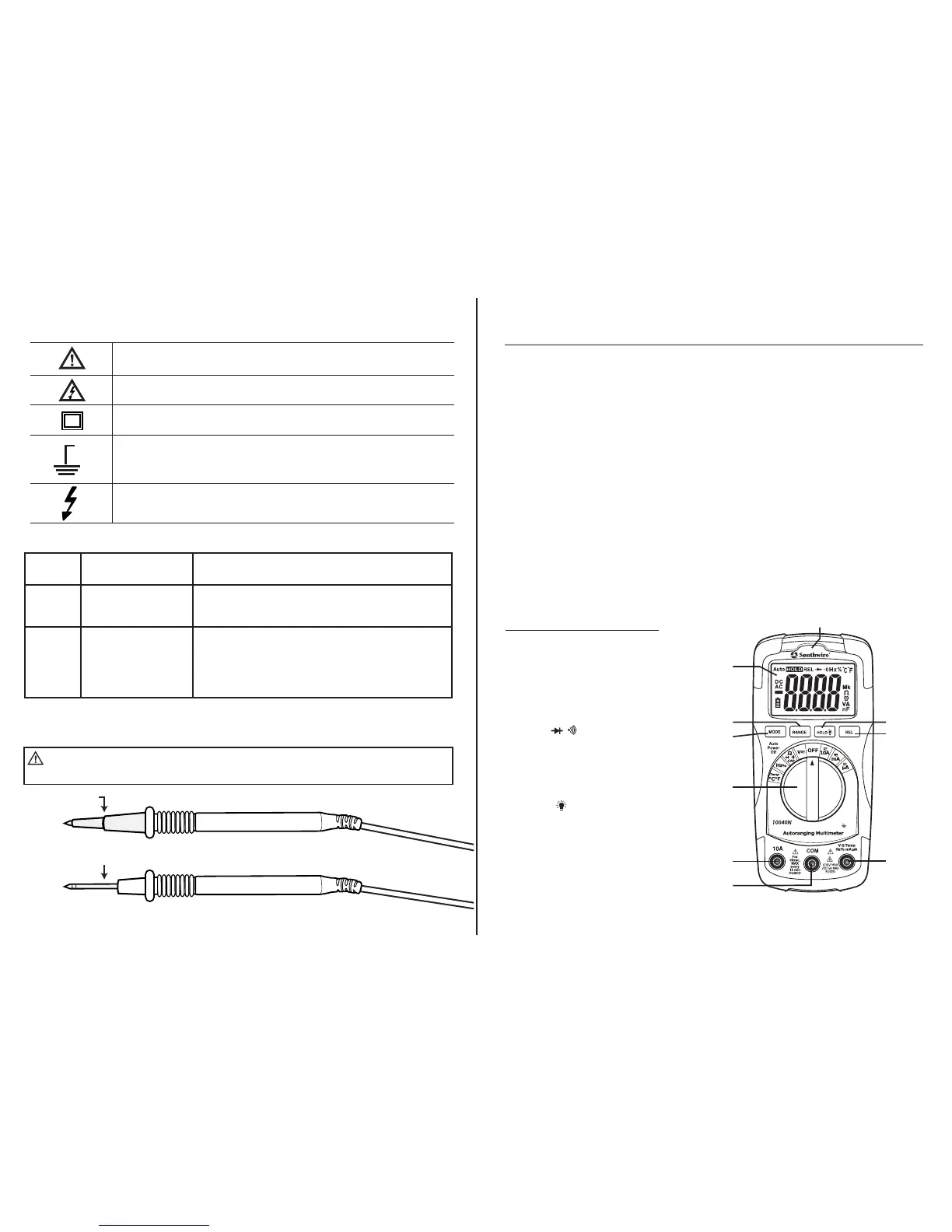
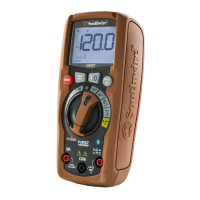
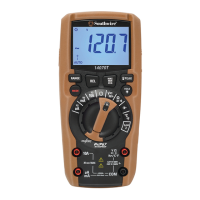
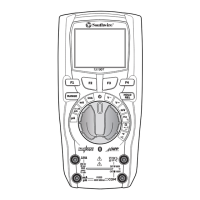
Meter Description
1. LCD display
2. Rotary function switch
3. 10A (positive) input jack
4. COM (negative) input jack
5. V/Ω/ /CAP/Hz/Temp
(positive) input jack
6. MODE button
7. RANGE button
8. HOLD button
9. Relative button
10. Non-Contact Voltage Detector
indicator LED
1.
6.
7.
3.
4.
9.
8.
10.
5.
2.
CAT III 600V



 To Next Page