BIOS Setup Utility SY-6BA+
53
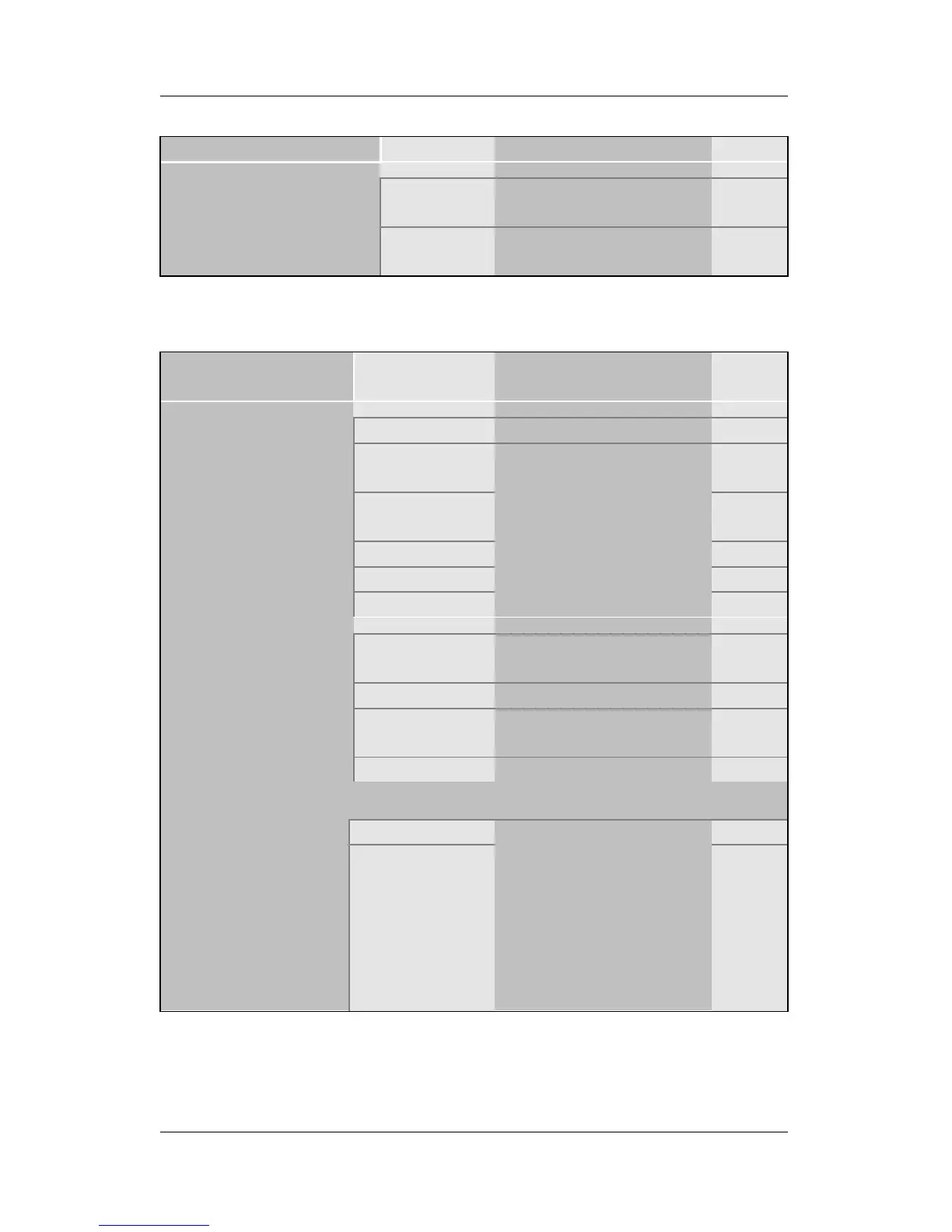
3-8.3 FDC Controls
FDC Controls Setting Description Note
Disabled Turn off the on-board
floppy controller
Onboard FDC
controller
Enabled Use the on-board
floppy controller
Default
3-8.4 Onboard Serial Ports
Onboard Serial
Ports
Setting Description Note
Disabled
3F8/IRQ4 Default
(port 1)
2F8/IRQ3 Default
(port 2)
3E8/IRQ4
2E8/IRQ3
Onboard UART 1
Onboard UART 2
Auto
Choose serial port 1 &
2's I/O address.
Do not set port 1 & 2 to
the same address
except for Disabled or
Auto.
Standard Supports a Standard
serial infrared IrDA.
Default
IrDA 1.0
ASKIR Supports a Sharp
serial interface format.
UR2 Mode
FIR Fast Infrared Interface
If [UR2 Mode] is set to [IrDA 1.0]/[ASKIR]/[FIR]
Half Default
UR2 Duplex Mode
Duplex
Choose [Half] or
[Duplex] to set UR2 in
half duplex mode or
full duplex mode
respectively. Refer to
your IR device
specifications to select
the suitable mode.



 To Next Page