EasyManua.ls Logo

SOYO SY-6BA+ - Page 57

SOYO SY-6BA+
66 pages
Print Icon
To Next Page IconTo Next Page
To Previous Page IconTo Previous Page
Loading...
BIOS Setup Utility SY-6BA+
54
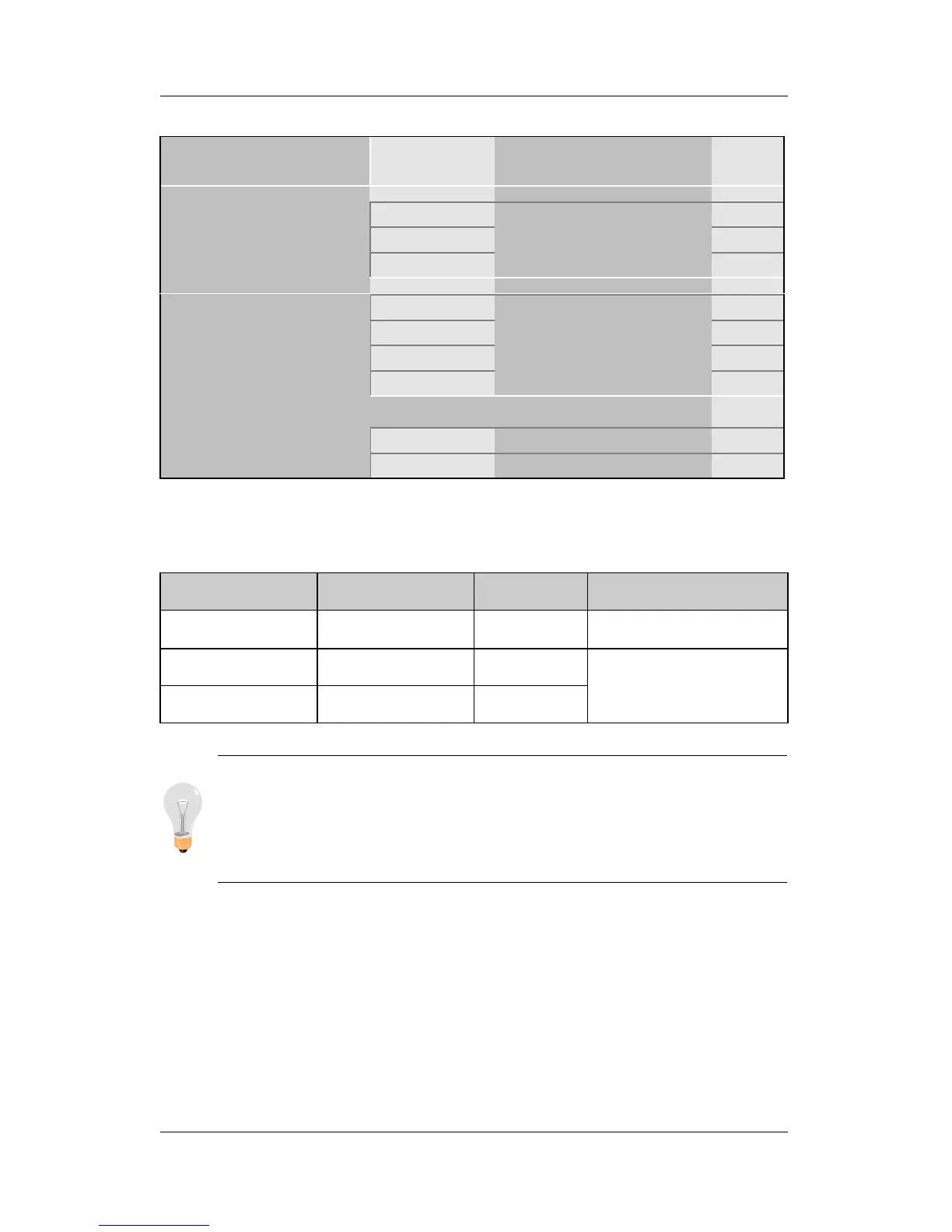
3-8.5 Onboard Parallel Ports
Onboard Parallel
Ports
Setting Description Note
378H/IRQ7 Default
3BCH/IRQ7
Onboard Parallel
Port
278H/IRQ5
Choose the printer I/O
address.
ECP/EPP Default
SPP
ECP
Parallel Port Mode
EPP/SPP
The mode depends on
your external device
that connects to this
port.
If [Parallel Port Mode] is set to [ECP] mode
3 Choose DMA3 Default
ECP Mode use DMA
1 Choose DMA1
3-8.6 MULTI I/O ADDRESSES
Default settings for multi-I/O addresses are as follows:
Port I/O Address IRQ Status
LPT1
378H 7 ECP/EPP
COM1
3F8H 4
COM2
2F8H 3
Warning: If a default I/O address conflicts with other I/O
cards such as sound card, you must change one of the I/O
addresses to remedy to this address conflict. (I/O addresses
can be adjusted from the BIOS Setup Utility)


Other manuals for SOYO SY-6BA+

Related product manuals