Hardware Setup
SY-7IZB+N
17
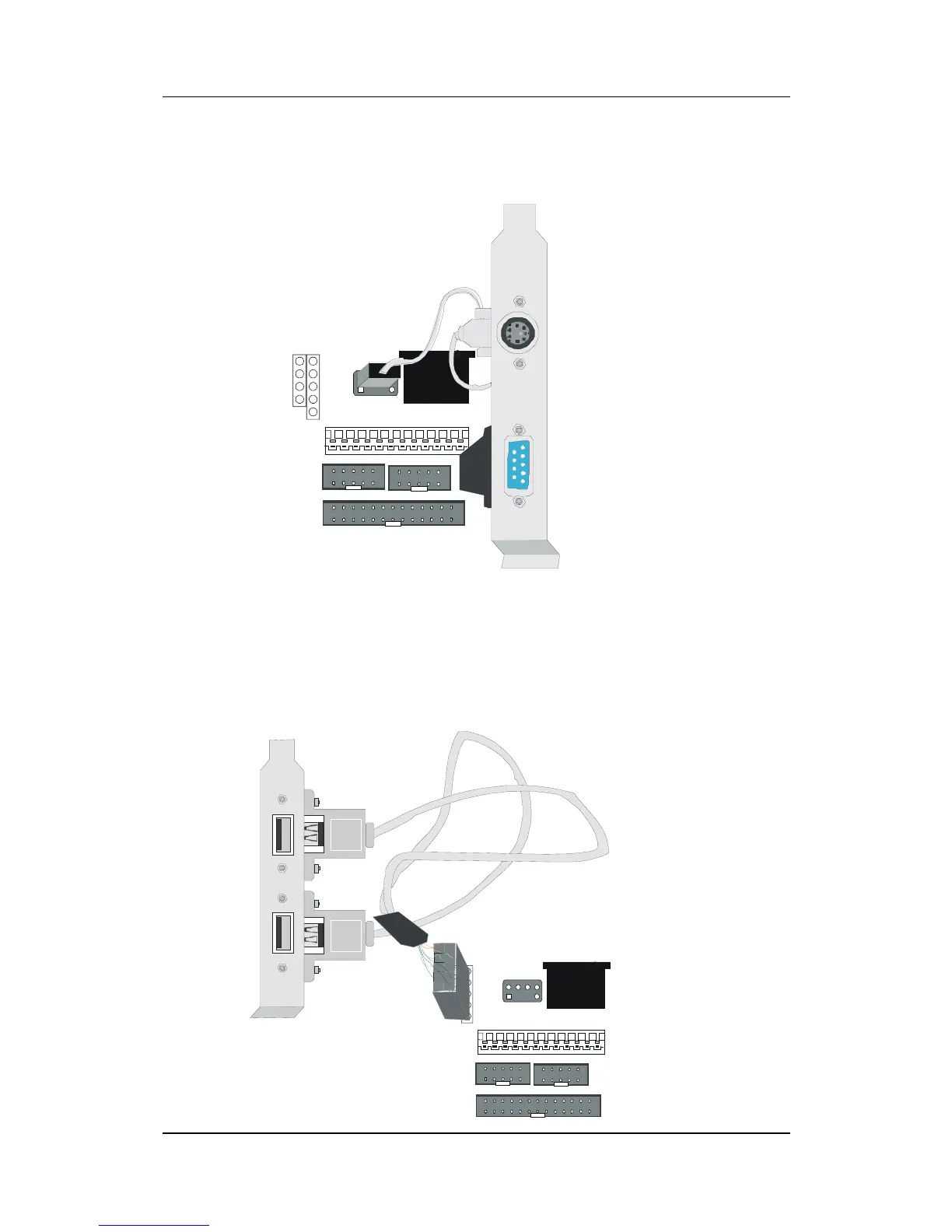
PS/2 Mouse
Attach the mouse cable to the 6-pin male PS/2 mouse connector on
the Motherboard to enable PS/2 mouse function.
Universal Serial Bus (USB)
This Motherboard provides a dual-row 10-pin header (one pin is
empty) to support two USB ports for your additional devices. Attach
the USB cable (
Optional
) to this header as shown in the diagram
below. The USB cable has two USB ports mounted on a bracket.
KB
Connector
PS/2 Mouse
Connector



 To Next Page