BIOS Setup Utility
SY-7IZB+N
53
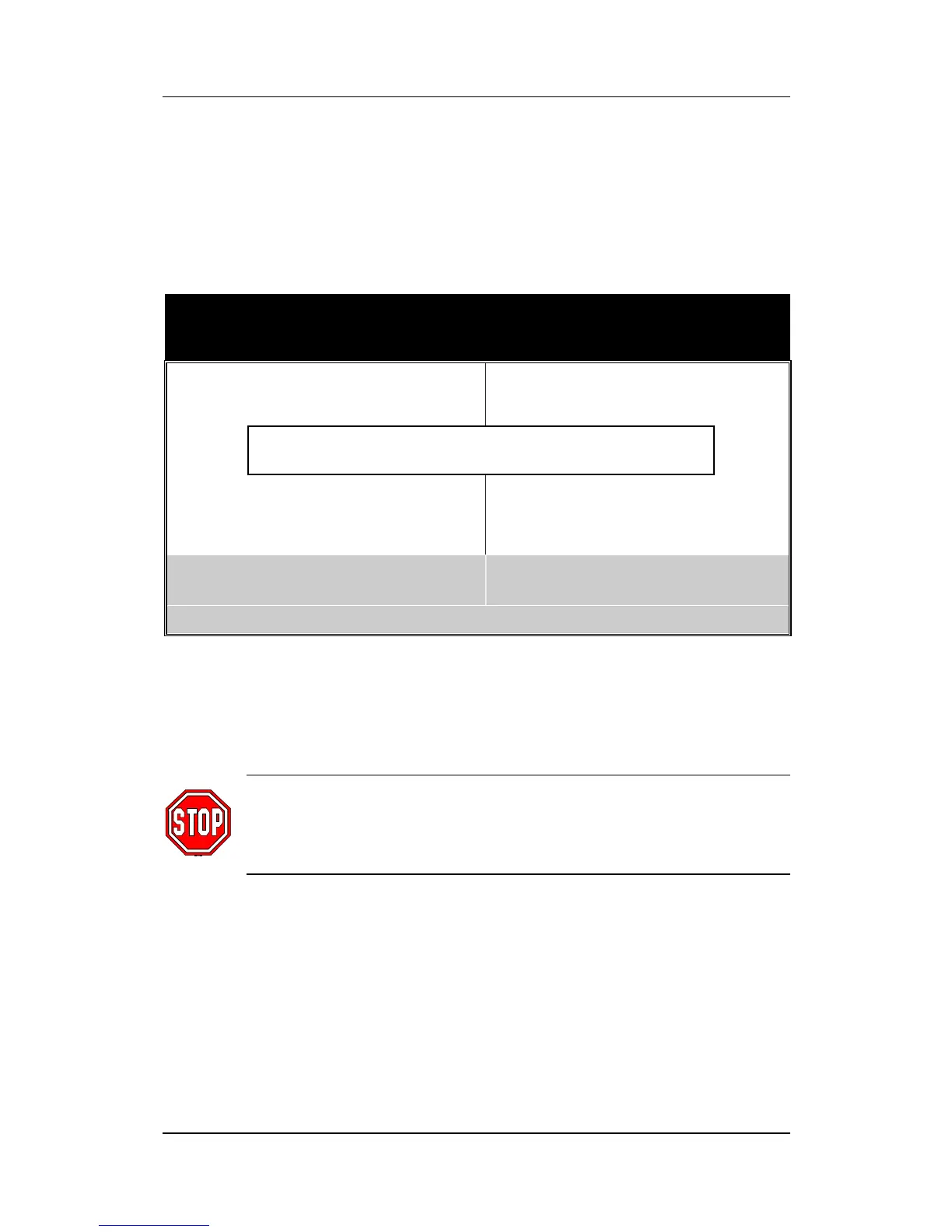
3-7 LOAD KUKA DEFAULTS
Select the [LOAD KUKA DEFAULTS] option from the Main Menu to
load the system values you have previously saved. This option is
recommended if you need to reset the system setup and to retrieve
the old values.
ROM PCI/ISA BIOS
CMOS SETUP UTILITY
AWARD SOFTWARE, INC.
SOYO COMBO SETUP INTEGRATED PERIPHERALS
STANDARD CMOS SETUP SUPERVISOR PASSWORD
BIOS FEATURES SETUP USER PASSWORD
CHIPSET FEATURES SETUP IDE HDD AUTO DETECTION
PNP/PCI CONFIGURATION SAVE & EXIT SETUP
LOAD KUKA DEFAULTS EXIT WITHOUT SAVING
Esc : Quit ↑ ↓ → ← : Select Item
F10 : Save & Exit Setup (Shift) F2 : Change Color
Time, Date, Hard Disk Type . . .
Type [Y] to use the Setup Defaults followed by [Enter] or otherwise
[N] to return to the Main Menu and keep current values.
Warning: If you run into any problem after changing the
BIOS configuration, please load the SETUP DEFAULTS
for stable performance.
Load SETUP Defaults (Y/N)? _



 To Next Page