BIOS Setup Utility
SY-7IZB+N
58
3-8.7
MULTI I/O ADDRESSES
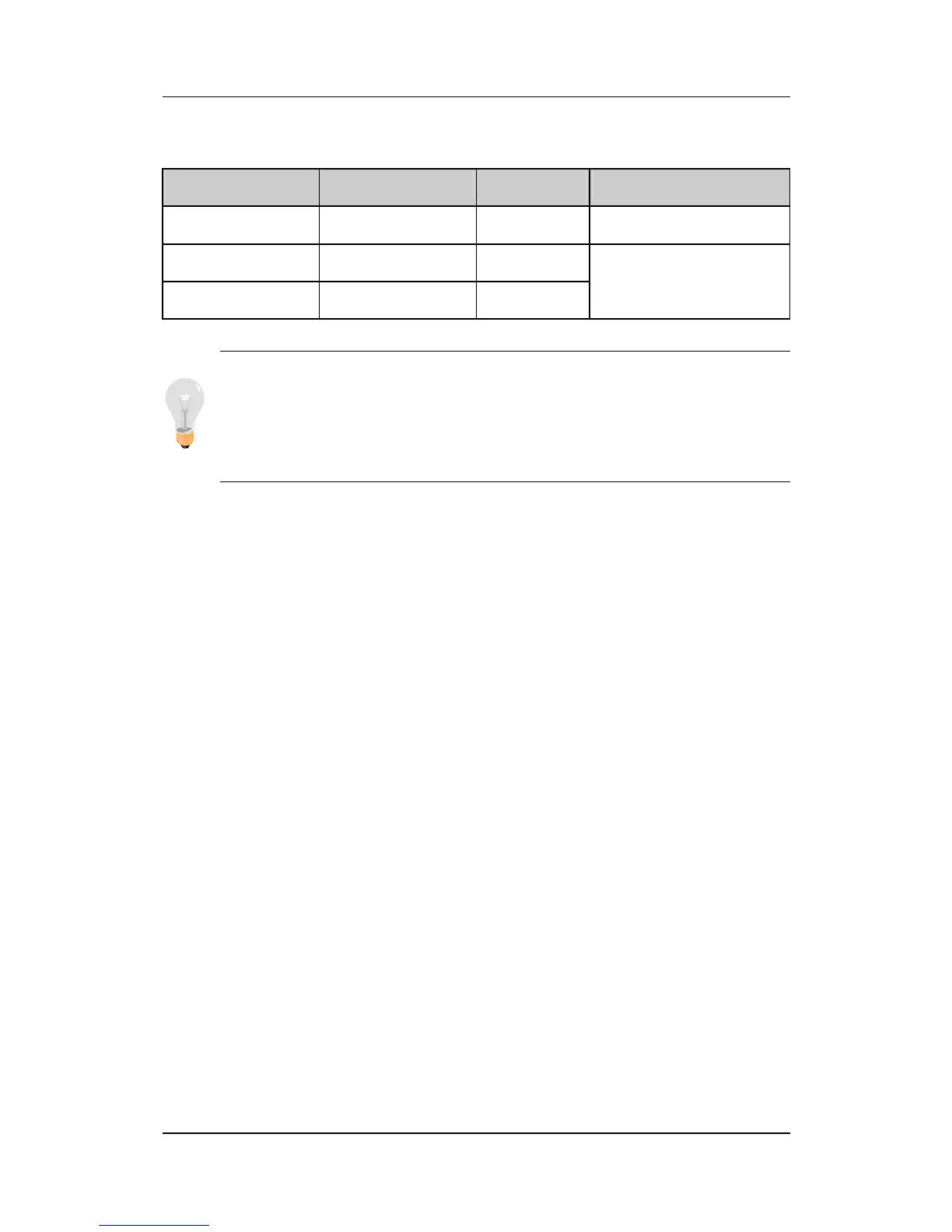
Default settings for multi-I/O addresses are as follows:
Port I/O Address IRQ Status
LPT1 378H 7 ECP/EPP
COM1
3F8H 4
COM2 2F8H 3
Warning:
If a default I/O address conflicts with other I/O
cards such as sound card, you must change one of the I/O
addresses to remedy to this address conflict. (I/O addresses
can be adjusted from the BIOS Setup Utility)
3-9 SUPERVISOR PASSWORD
Based on the setting you have made in the [Security Option] of the
[BIOS FEATURES SETUP] section, the password prevents access
to the system or the setup program by unauthorized users. Follow
this procedure to set a new password or disable the password:
1. Choose [BIOS FEATURES SETUP] in the Main Menu and
press [Enter]. Select the [Security Options] item and set the
field to:
a. [System]: The password is required every time the system
is booted. This means only a person who knows the
password can use this computer.
b. [Setup]: The password is required only when you attempt
to enter the BIOS Setup program.



 To Next Page