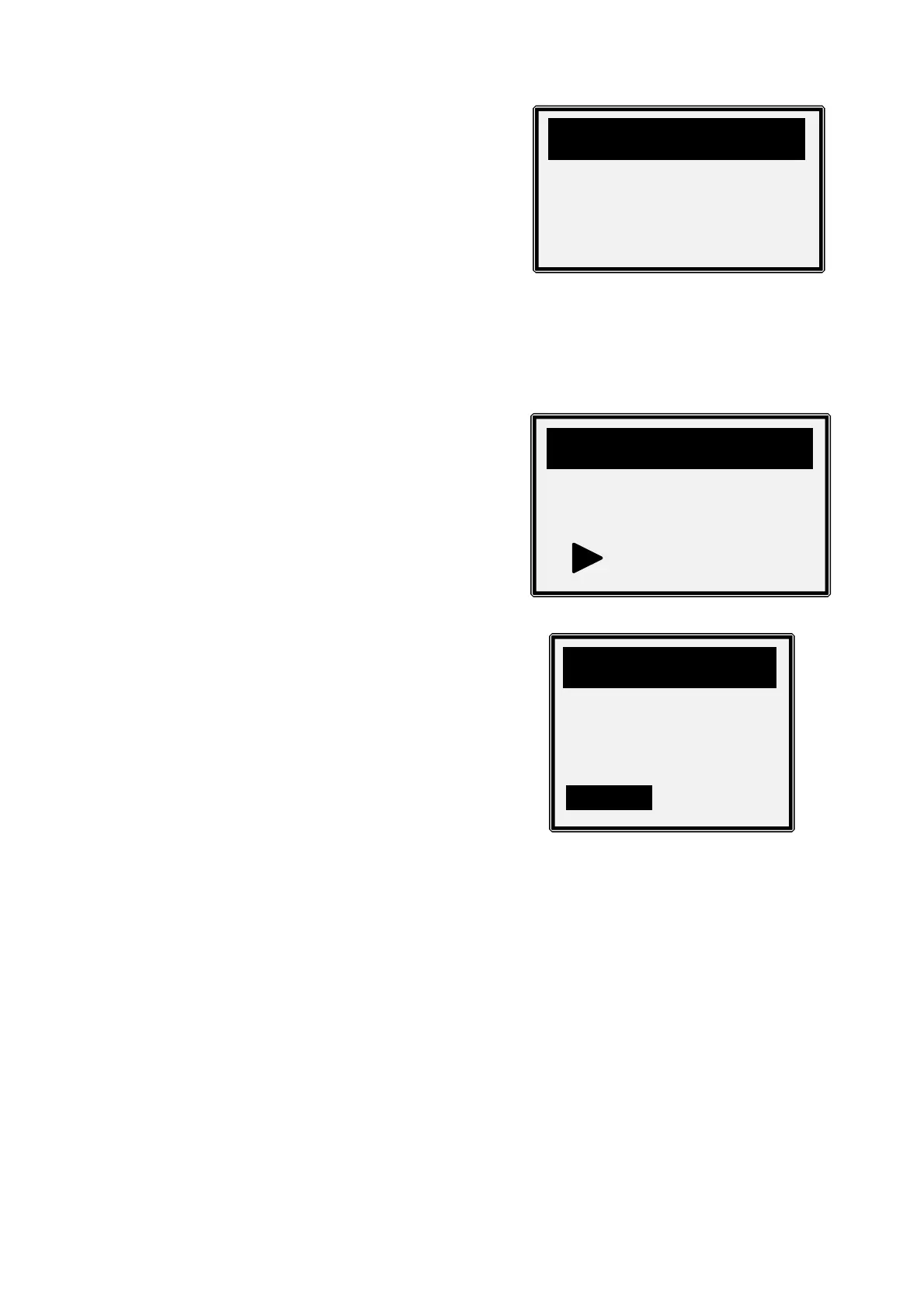
4. View retrieved vehicle information on the screen.
5. Press ENTER/EXIT to return to previous menu.
EXITING OBDII TEST
1. To exit OBDII test, use SCROLL button to
select Exit from Diagnostic Menu and press
ENTER/EXIT button.
2. A warning message comes up asking your
confirmation.
3. Use the SCROLL button to select Yes or NO then, press ENTER/EXIT button.
4. To disconnect the code reader from the vehicle’s Data Link Connector. Gently pull on
the body of the 16-pin plug assembly. Avoid pulling it out by the cable, as this may
cause damage to the cable over time.



 To Next Page