Ambulatory Blood Pressure Monitor 90217 Service Manual
2-3
Setup
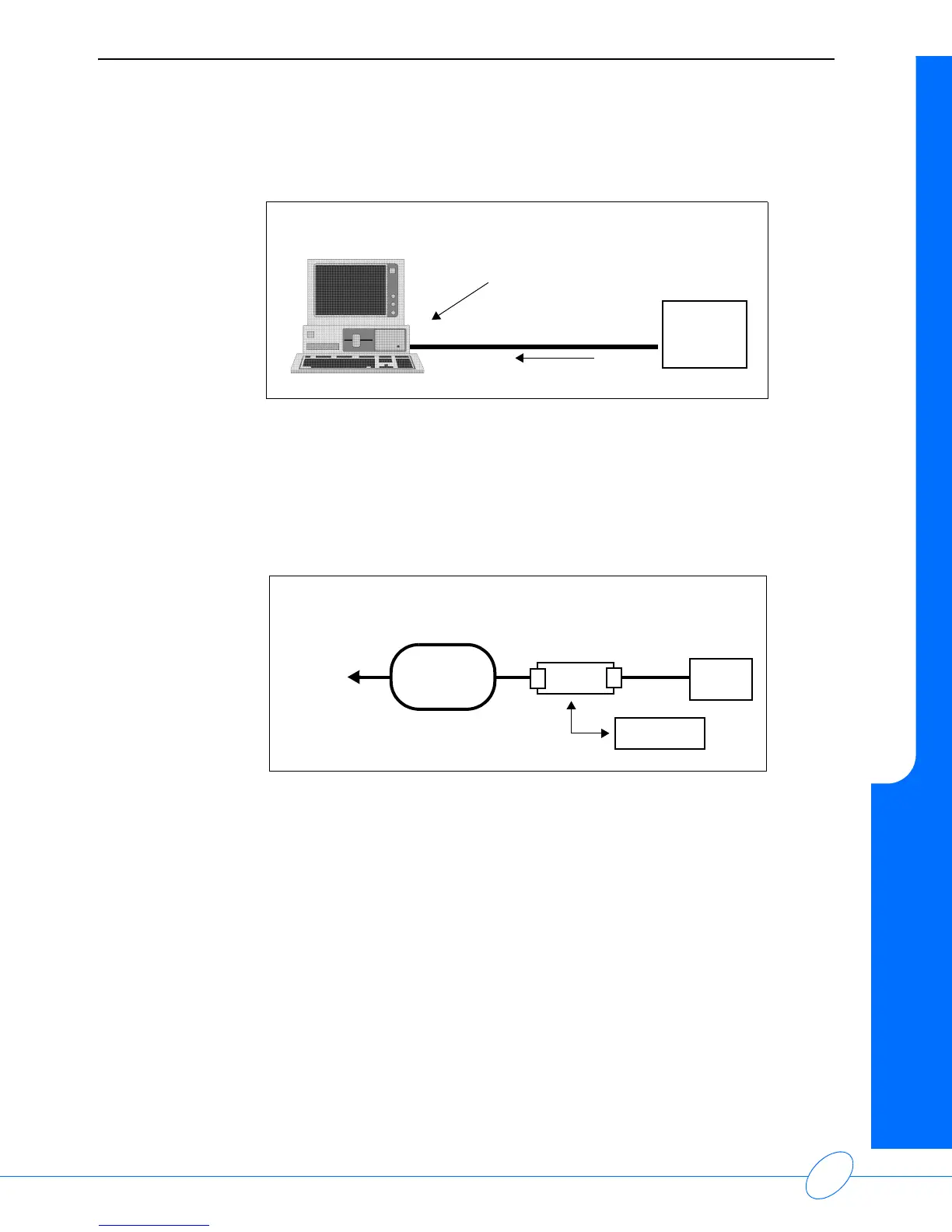
2 Connect the 90219 Analysis System cable from the monitor to the serial port on the PC.
3 Refer to the 90219 Ambulatory Blood Pressure PC Interface/Base Station Operations Manual
(P/N 070-0238-xx) for instructions for operating the Analysis System.
Base Station via Modem
For a modem connection to a remote IBM XT/AT/PS2 (or equivalent) base station:
Note:
The initialization procedure is provided in the 90219 Ambulatory Blood Pressure PC
Direct/Base Station Operations Manual (P/N 070-0238-xx).
1 The 90217 can use one of the following modems for communication:
• Hayes Smartmodem 1200
• Hayes Optima 9600 or equivalent
• Most 2400 baud modems
If the remote site also has 90202 or 90207 monitors, a Hayes Smartmodem 1200 must be used
with those monitors.
High speed modems are set up via software commands.
cable to serial port
90217
Model 90219 Analysis System
PC Interface Direct Connect Configuration
ABP
Monitor
ABP
Monitor
MODEM
PHONE
PUBLIC
TELEPHONE
NETWORK
TO
BASE
STATION
MODEM
cable to
serial port
Modem Connection Configuration



 To Next Page