IMPORTANT
If temperature setting is too cold, product will freeze around the sides of the hopper and potentially cause damage.
Hopper temperature should be set above freezing between 37 and 40°F. Do not rely on the temperature display on
your machine. USE a food grade thermometer to measure the actual product temperature inside the hopper.
FROZEN PRODUCT OPERATION
CHANGE PRODUCT TEMPERATURE IN HOPPERS
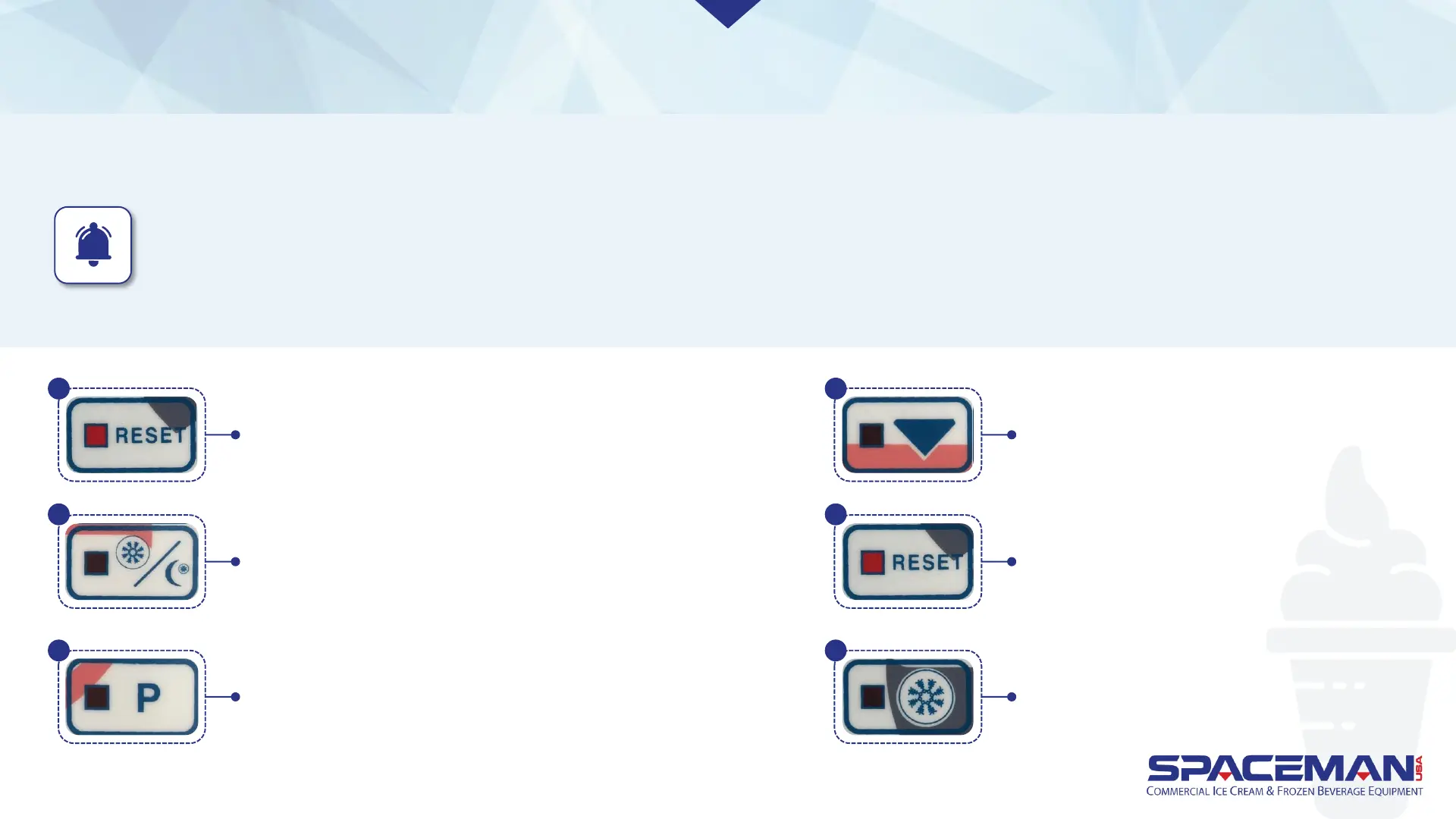
Press RESET to stop machine functions. Press and hold
RESET until display shows settings. Viscosity is the first
setting shown; press RESET again (without holding), and
temperature will be next. If you scroll past the
temperature setting, hit RESET until it comes back around.
Press STANDBY to increase temperature (warmer).
Press P to decrease temperature (cooler)
Press and hold ARROW for 3
seconds to save changes.
Press RESET to return to normal
machine operation.
Press FREEZE to return to freezing operation.
1
2
3
4
5
6
Spaceman USA Soft Serve Pump Training
rev042219



 To Next Page