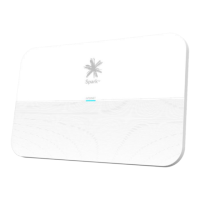
A. SelectWLAN from the left menu list.
B. Replace the default WiFi name with your preferred name.
C. Replace the default WiFi password with your preferred password.
D. ScrolltothebottomofthepageandclickSave settings to save the changes you’ve made.
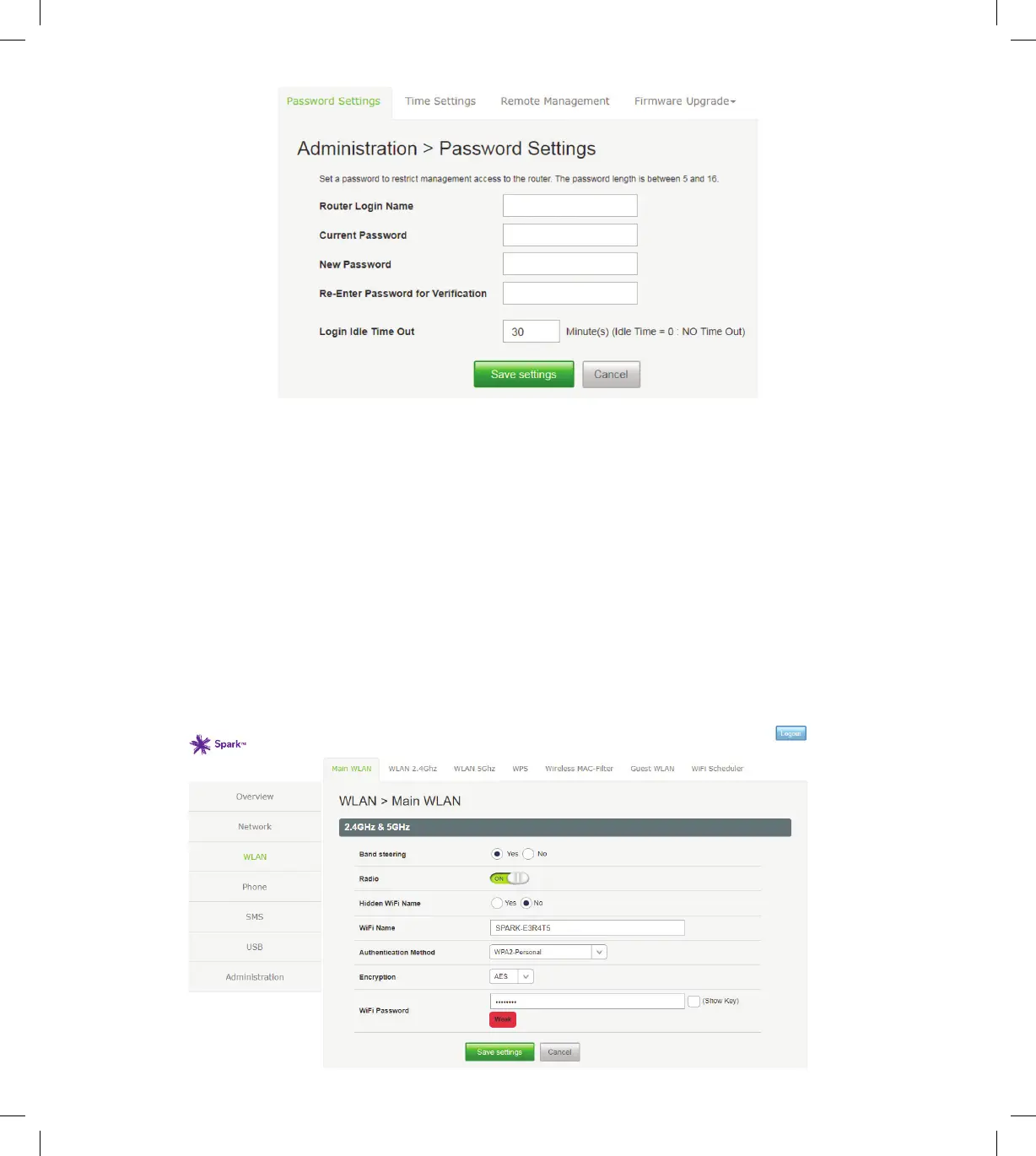
3.2 Changing the WiFi name and password
8
SPA5616-5G-SmartModemLaunch-QSG-200x225mm.indd 8SPA5616-5G-SmartModemLaunch-QSG-200x225mm.indd 8 15/07/20 2:53 PM15/07/20 2:53 PM


 To Next Page