4.3 Common issues
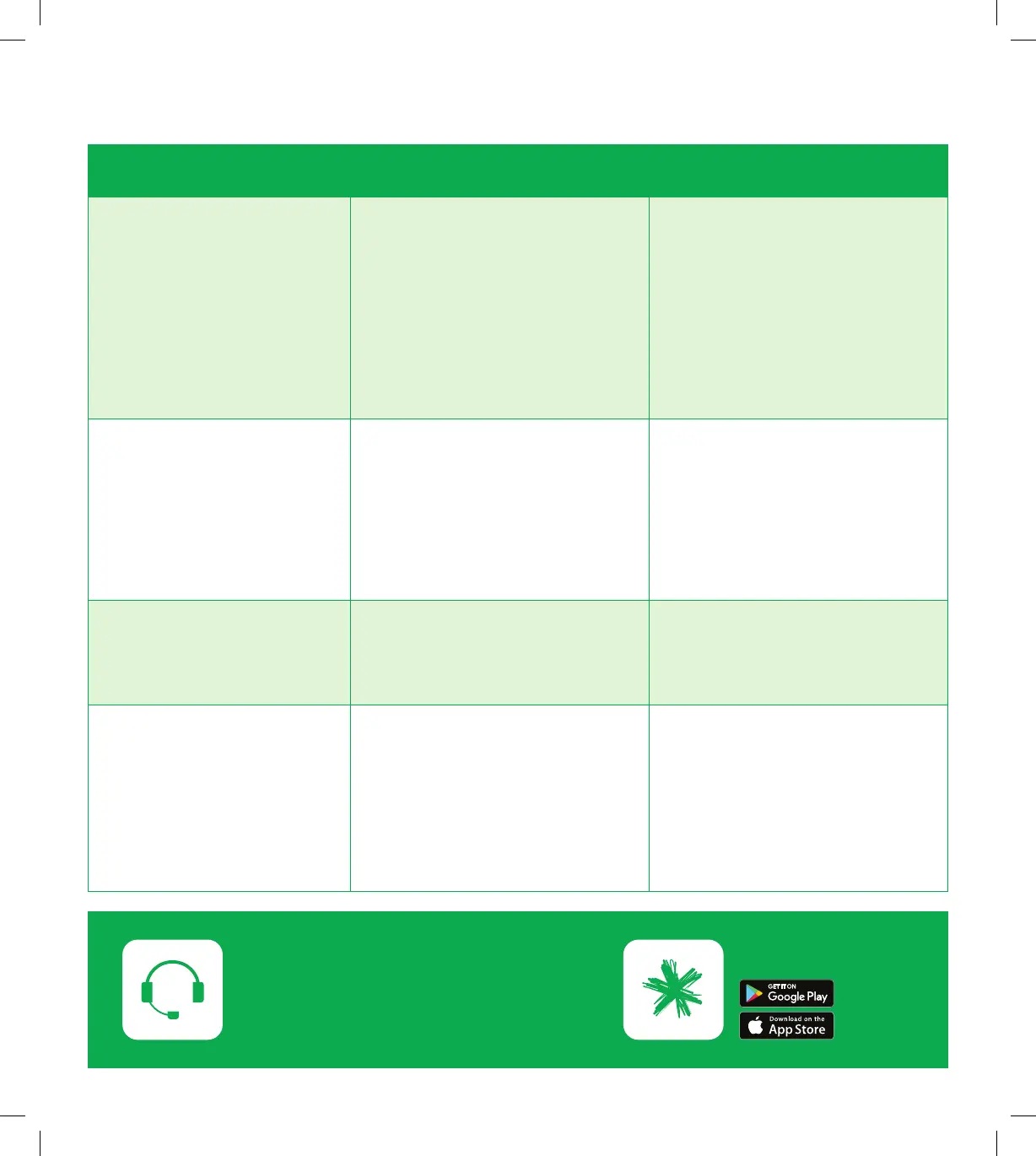
Issues Possible reasons Howtox
Myinternethas
stopped working
• Incorrect setup
• Loose or disconnected
cables behind the modem
• Network related issue
outside the house
• SIMCardisnot
inserted correctly
• Check the cables are
connected securely
• Restart your modem
• CheckthatSIMcard
is inserted correctly
and securely
Myinternetisreallyslow • Poor WiFi signal strength
• Multipleusersconnected
at the same time
• Restart your modem
• If possible, use a wired
connection
• If possible, relocate
the modem to a more
centralised location
Myinternetkeeps
dropping out
• Poor WiFi signal strength
• Network related issue
outside the house
• Restart your modem
I cannot connect my
device to the WiFi
• Poor WiFi signal strength
• Issue with the device
• Exceedsthemaximum
number of devices on
connected on WiFi
• Restart your modem
• Ensure the WiFi on the
modem is switched on
• Restart your device
• Check your WiFi
username and password
Need assistance?
If you are still having issues.
Go to spark.co.nz/help to chat or book a call.
Download the app
13
SPA5616-5G-SmartModemLaunch-QSG-200x225mm.indd 13SPA5616-5G-SmartModemLaunch-QSG-200x225mm.indd 13 15/07/20 2:53 PM15/07/20 2:53 PM


 To Next Page