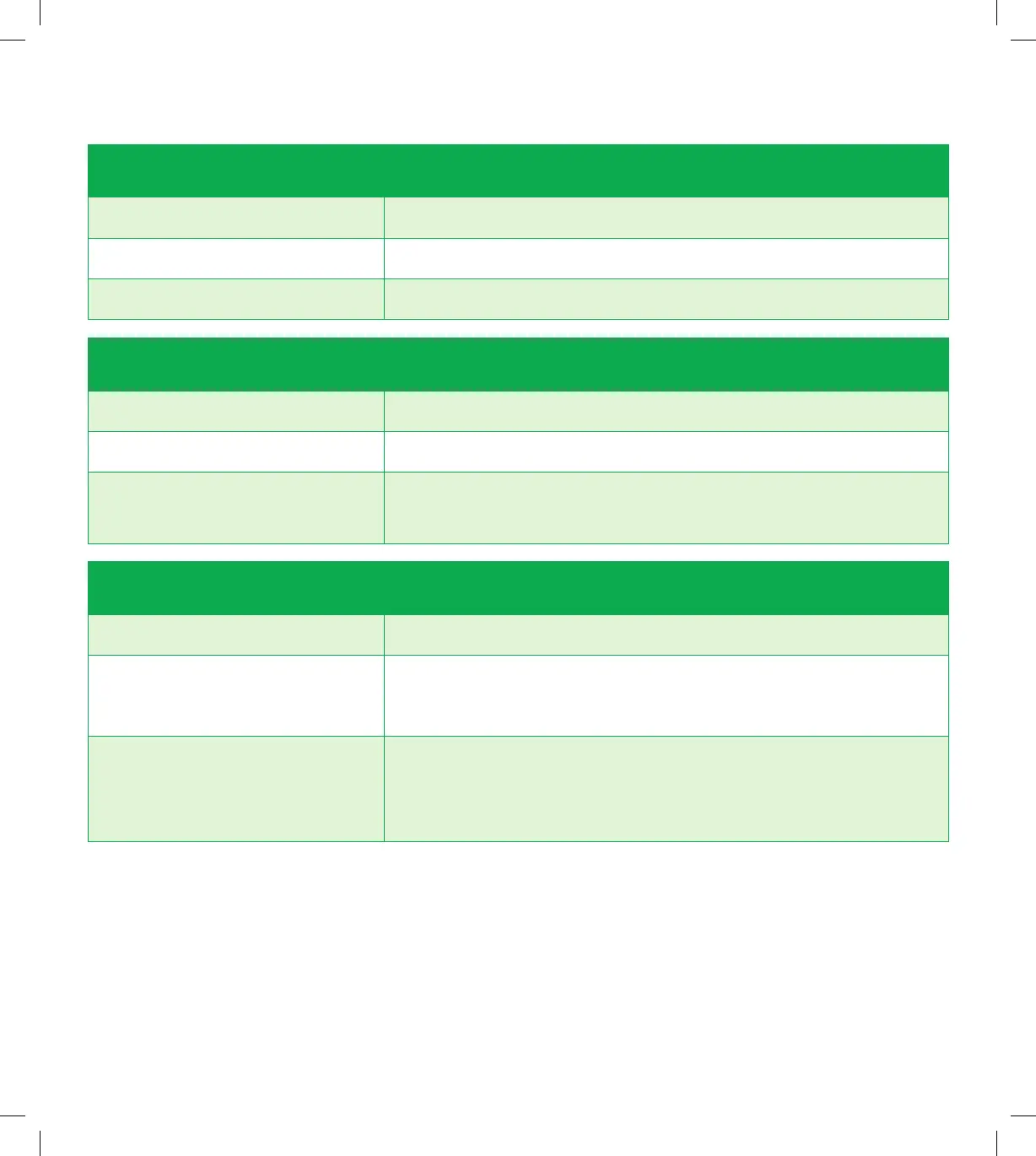
Phone Behaviour Description
No light No phone link.
Solidgreen Your phone account registration was completed successfully.
Phone link is up and connected.
Flashing green • Your phone account registration was completed
successfully. The phone is off-hook, i.e. call in progress.
• Modemrmwareisbeingupgraded.
LAN Ethernet LED Behaviour Description
No light No Ethernet LAN connection.
Solidgreen Ethernet LAN connection has been established.
Flashing green LAN port The Ethernet LAN port on the back of the modem is
sending or receiving data.
Internet LED Behaviour Description
No light Modemisnotconnectedtotheinternet.
Solidgreen Modemisconnectedtotheinternet.
Flashing green Modemrmwareisbeingupgraded.
12
SPA5616-5G-SmartModemLaunch-QSG-200x225mm.indd 12SPA5616-5G-SmartModemLaunch-QSG-200x225mm.indd 12 15/07/20 2:53 PM15/07/20 2:53 PM


 To Next Page