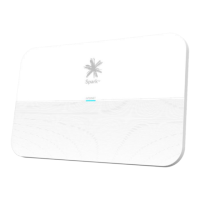
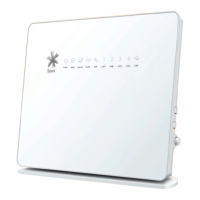
WiFi/WPS behaviour Description
No light WiFi is off.
Solidgreen WiFi is on.
Flashing green • Modemrmwareisbeingupgraded.
• 2.4G/5GWiFifunctionONandWPSactive
(duration 120 sec).
Flashing green (fast)
• 2.4G/5GWiFifunctionONandWPStimeout/failure
(duration 5 sec).
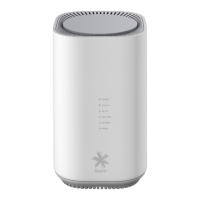
4G LTE Behaviour Description
No light Modemisnotconnectedtothe4GLTEmobilelink.
Solidgreen The signal strength is good.
Solidblue The signal strength is fair.
Solidred The signal strength is poor.
Flashing green Modemrmwareisbeingupgraded.
Flashing red (fast)
SIMfailure,accountset-upissue,ornoPIN(both4G&5G
willashinthisscenario).
Flashing blue Networkconnecting(both4G&5Gwillashinthisscenario).
11
SPA5616-5G-SmartModemLaunch-QSG-200x225mm.indd 11SPA5616-5G-SmartModemLaunch-QSG-200x225mm.indd 11 15/07/20 2:53 PM15/07/20 2:53 PM


 To Next Page