17
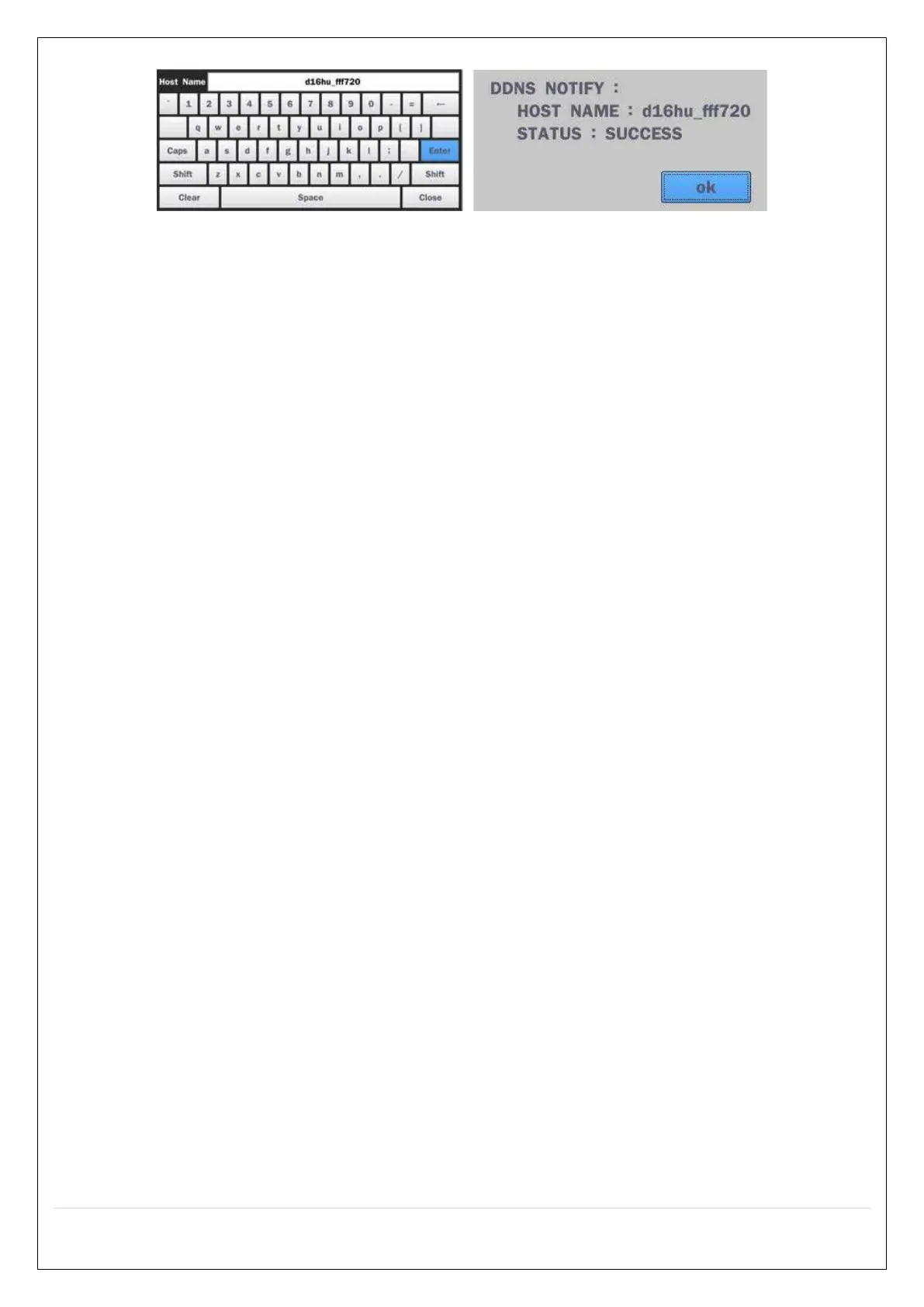
Figure 2.4.2. EZ Network Setup Procedure
① DVR automatically checking the network and configuration by scanning in few seconds.
② DVR will show the DDNS host name when configuration is finished automatically.
③ If you need to edit the host name please select ‘edit’ button.
④ Everything is OK, then select ‘finish’. Host name and status pop-up screen will be showed.


 To Next Page
 Loading...











