14212650-IG, Edition 1.0
April 2018, Original document
13
Wall-Mount and Power on the Spectralink
IP-DECT Server 200
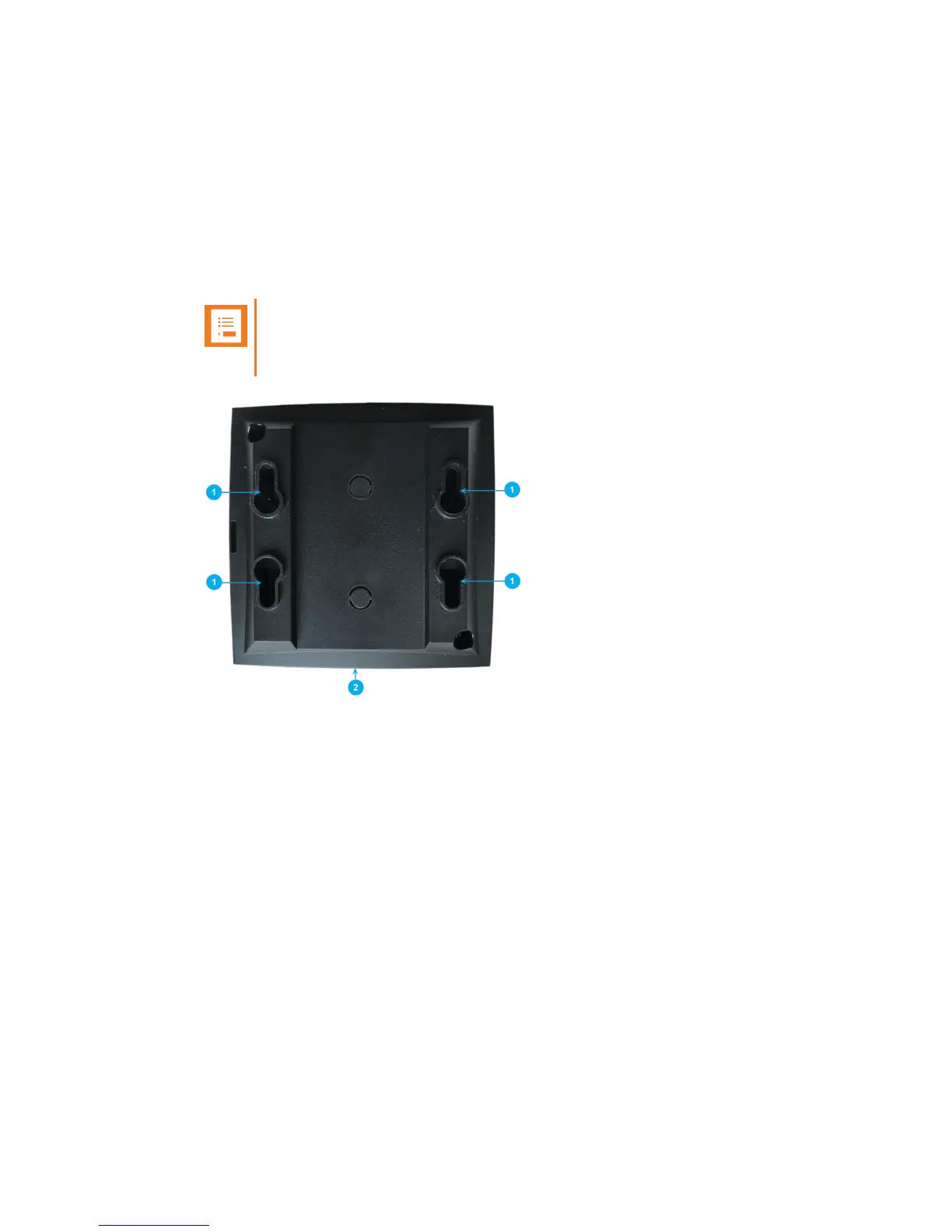
For best RF coverage, the Spectralink IP-DECT Server 200 must be mounted vertically on walls.
1. Mount the Spectralink IP-DECT Server 200 on the wall using the anchors and screws accom-
panying the product.
Note:
When you place the Spectralink IP-DECT Server 200 on the screws, ensure that
the screws do not touch the printed circuit board.
1. Holesfor wall mounted screws
2. RJ45 port
2. Connect the RJ45 plug to the ethernet connector at the bottom of the Spectralink IP-DECT
Server 200.
Spectralink IP-DECTServer 200 Deployment and Installation Guide



 To Next Page