14212650-IG, Edition 1.0
April 2018, Original document
8
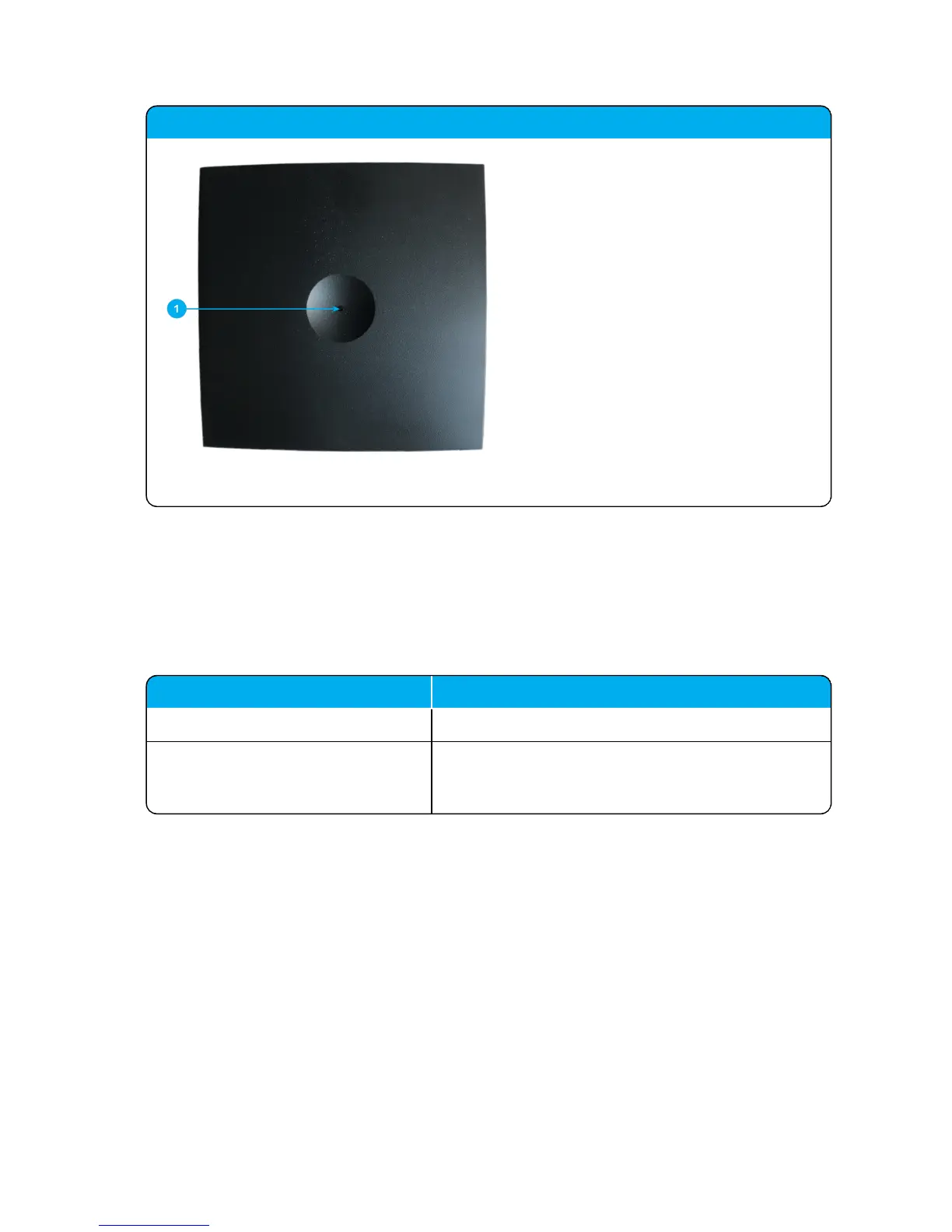
Spectralink IP-DECT Server 200 - front
1. LED
Spectralink IP-DECT Server 200 Reset Button
You can restart or reset the Spectralink IP-DECT Server 200 by pressing the Reset button on the
bottom of face plate of the server.
The following table contains a description of the different actions that take place when pressing the
Reset button.
Press button Action
Short press (2 to 5 sec.) System restarts when button is released.
Long press (5 to 9 sec.) until front LED
flashes red, then release button
Resets the system to factory default settings (original IP
settings - DHCP) and restarts the system. Firmware ver-
sion is not affected.
Spectralink IP-DECTServer 200 Deployment and Installation Guide



 To Next Page