13
OBS, Mixer, Xsplit Gamecaster, Skype, Hangouts, Goto, Meet, BlueJeans,
WeBex, Zoom, etc.
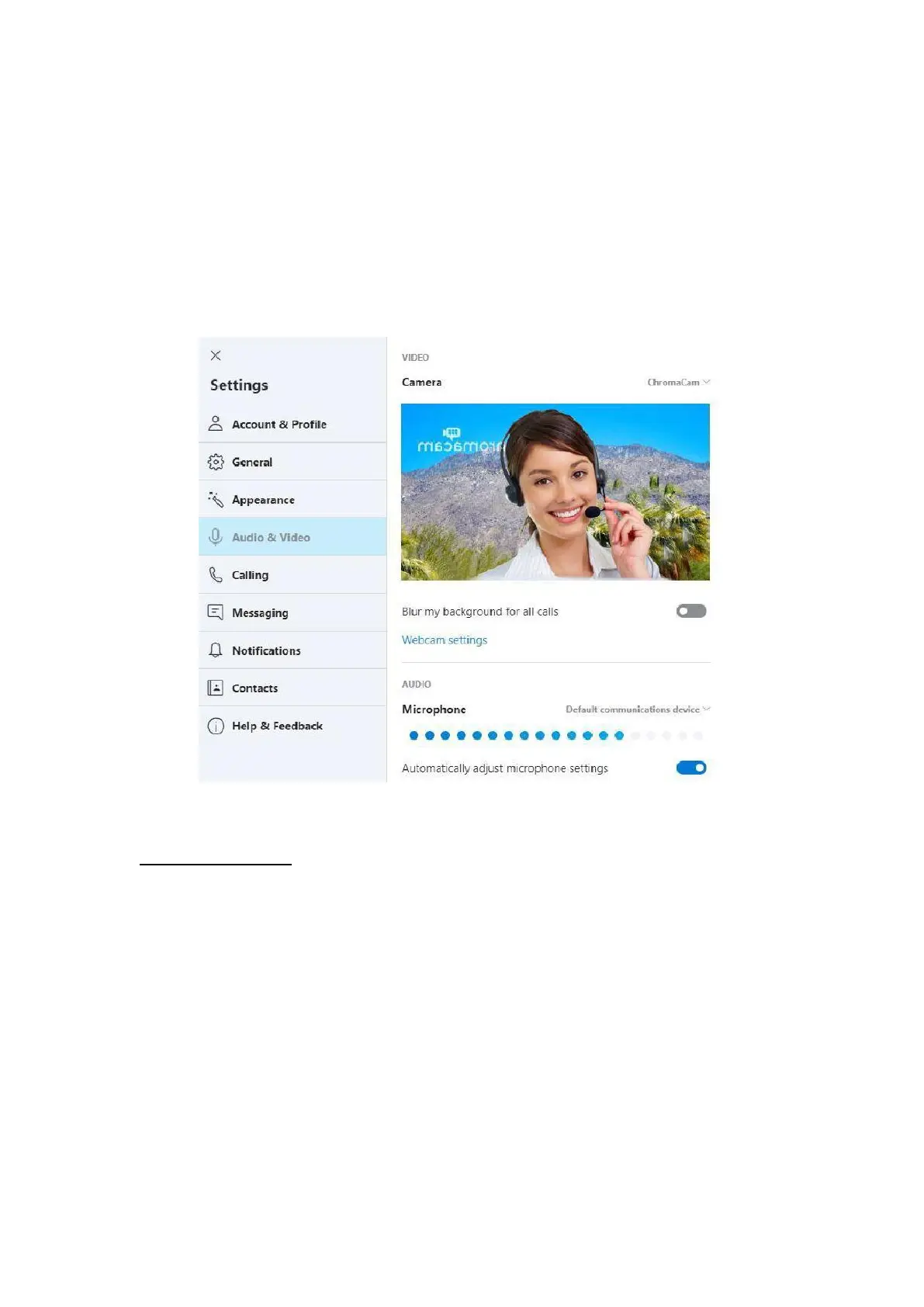
⑤ Set Chromacam as the virtual video device for the video application.
⑥ Change the video background in the background setting interface of the
Chromacam application.
⑦ Pay to upgrade the Chromacam PRO application, and the video
background can be changed when you are running game anchor programs of
Xsplit and MIXER (applicable to Windows 7 or more advanced versions) .
10. Video playing
After recording a video, you can use QuickTime, Media Player, Potplayer,
KMplayer, avplayer HD, VLC MediaPlayer, Plex, etc. for video playing.



 To Next Page