6
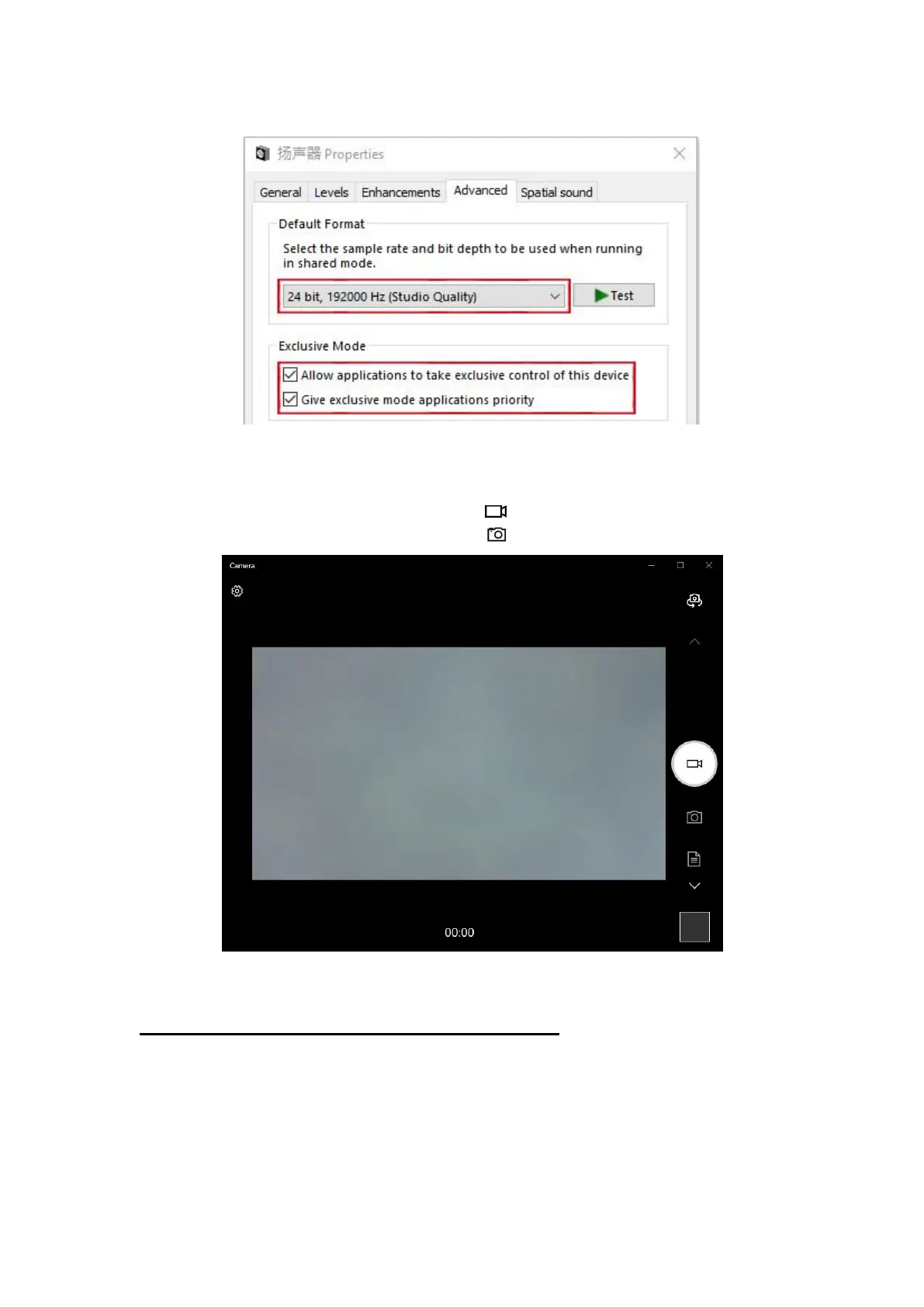
5) Camera video recording
① Click on the "Start" menu and then click on the "Camera" program.
② In the video mode, click on the icon to start recording video.
③ In the photo mode, click on the icon to shoot the current picture.
3. Camera settings for Mac OS X system users
1) Installation
The camera will be installed automatically when it is connected to the
computer.



 To Next Page