NOTE: You will not be able to press the Start/ Pause
button to start a cycle until five seconds after turning
on the washer. A status light will flash during this
warm-up period.
6. Select the cycle according to the type of fabric being washed. If
the selected cycle is not the correct cycle for the fabric being
washed, you may change the cycle selection at any time until
the first wash fill is complete.
NOTE: The Normal Eco cycle is recommended for
everyday cottons and linens.
7. If desired change the Selections and Options seings.
8. Press the Start/Pause buon to begin the cycle.
NOTE: Lid must be closed for
fill, agitation and spin
to start.
The washer will stop (pause) shortly before the wash and rinse
spins. They are a normal part of the cycle.
Pausing the Cycle
To pause a running cycle, press the Start/Pause buon once. The
display will alternate between St and the remaining cycle time.
Press the Start/Pause
buon once more to resume the cycle.
Manual Soaking
Do not fill the washer and open the lid or press the Start/Pause
buon to perform a soak cycle. Use the Soak option on the control
panel to perform this operation.
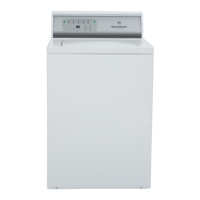
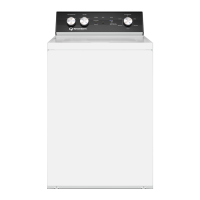
Control Panel
©
Copyright, Alliance Laundry Systems LLC -
DO NOT COPY or TRANSMIT
14 Part No. 202956R4



 To Next Page