EN
8
Enter Transmitter Type
Computer and Non-Computer Radios
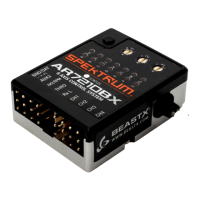
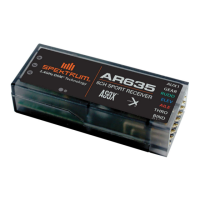
The AR635 receiver is compatible with both “non-computer” as well as
“computer” radios. Each receiver mode (3D Non-Computer, 3D Computer
or Sport all transmitters) stores the specifi c gain values for each transmitter
type. The designation of “non-computer” and “computer” radio is deter-
mined by the travel adjust capabilities of the transmitter. All radios capable
of at least 125% servo travel are grouped in the “computer radio” section.
Radios with less than 125% servo travel are grouped in the “non-computer
radio” section.
NOTICE: Be sure the transmitter binds to the receiver and check basic func-
tions. Once basic function is established, the receiver can be powered off.
3D Non-Computer:
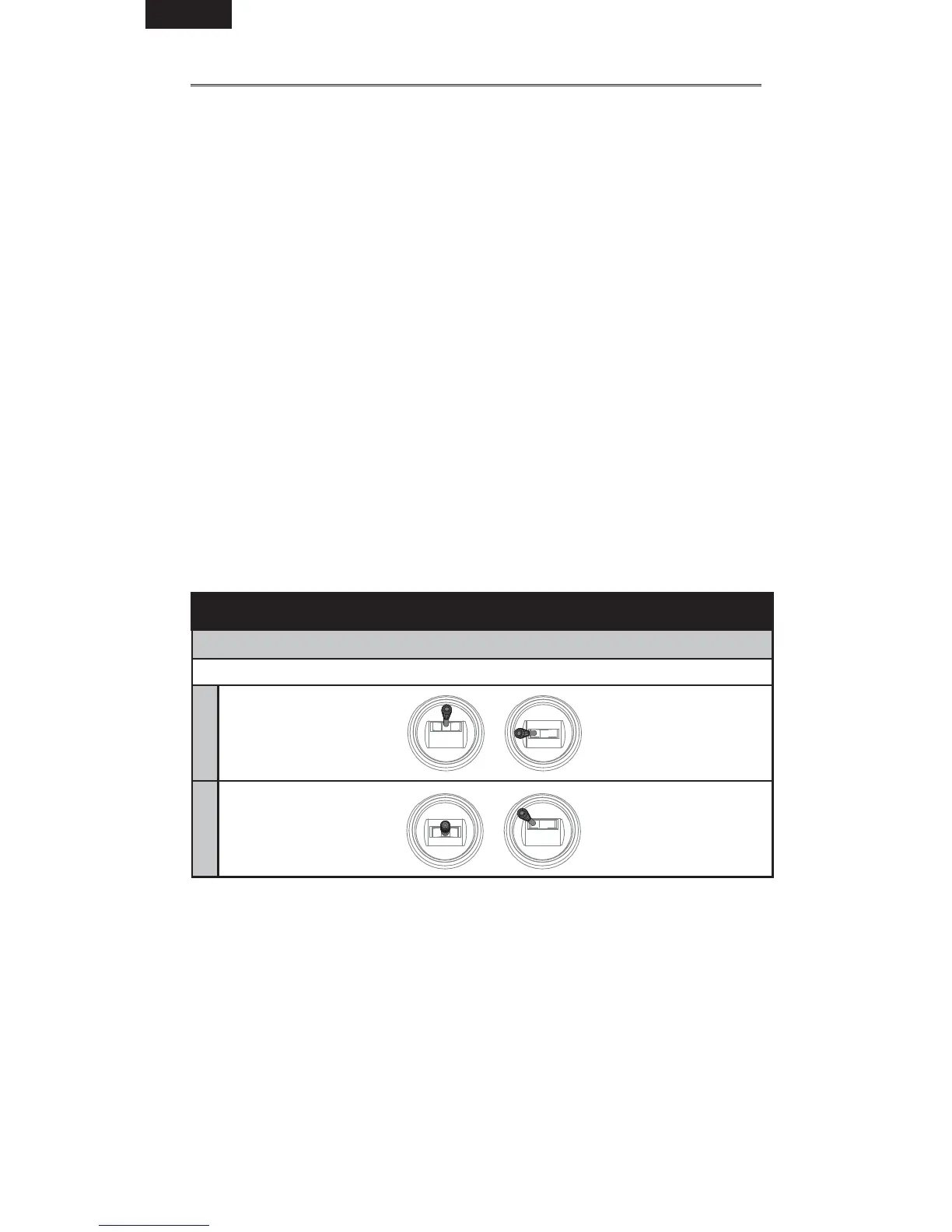
1. With the transmitter powered ON, move the throttle stick to the
middle position.
2. Hold full Left Aileron and full Down Elevator while powering on the
receiver. After 5 seconds, the red and blue LEDs in the receiver turn solid,
indicating that you have successfully entered 3D Non-Computer
Radio mode.
3. Release the transmitter stick(s).
Entering Transmitter Type by Stick Combination:
IMPORTANT: Aileron and Elevator Reversing must be set to Normal/Normal
Non-Computer Transmitters: 3D
Mode 1Mode 2
IMPORTANT: General Flight mode and 3D mode are toggled using the Gear
switch (DX4e AUX switch).
EXIT MENU: Move the controls to neutral, then throttle full down to exit the
menu. The ESC will regain control.


 To Next Page