33
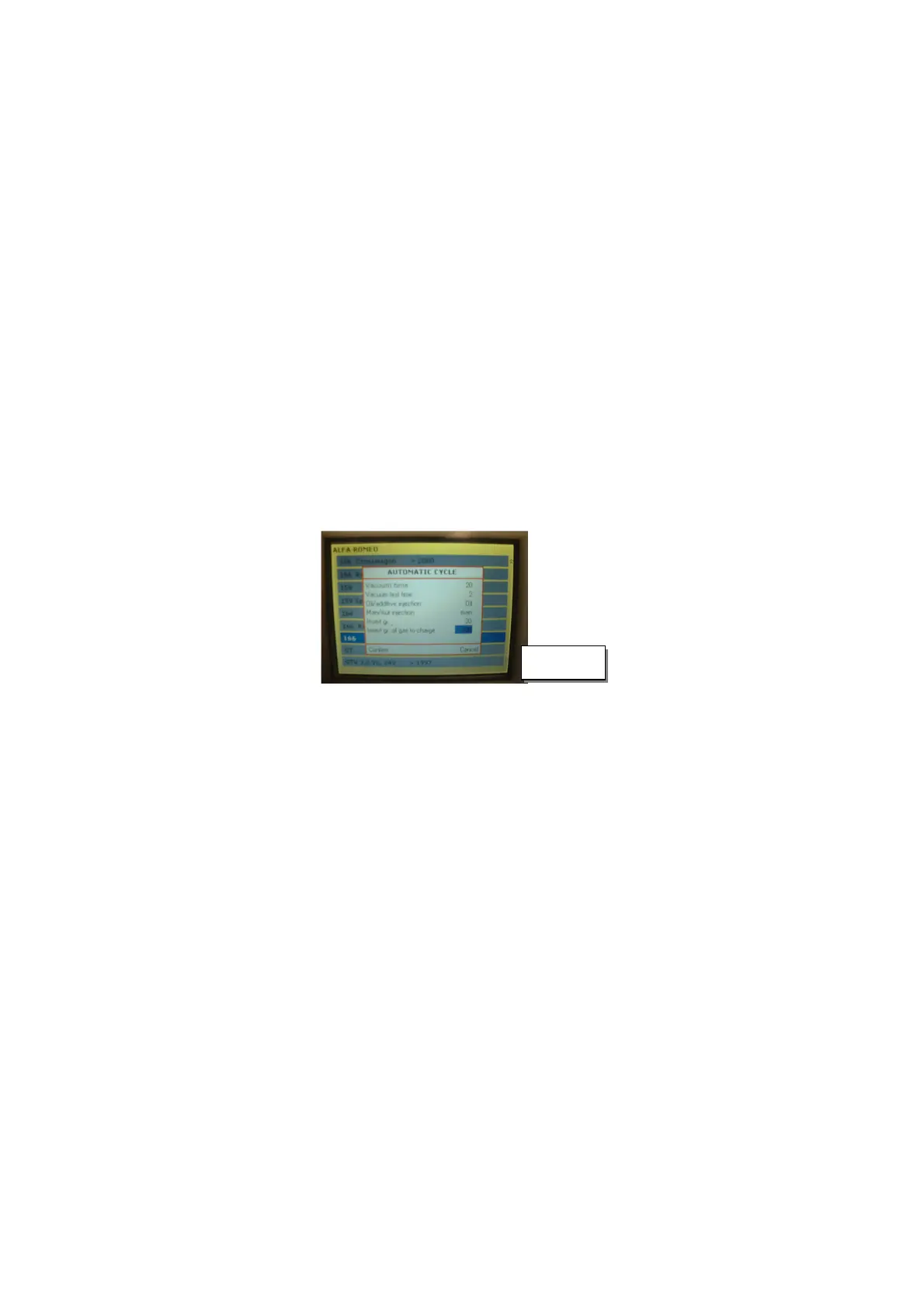
To choose a position from the database, select “PROGRAM CHOICE” and confirm with “ENTER”:
• The number on the top on the right flashes;
• By pressing the arrow keys “+” or “–” choose the number of the database corresponding to the
car to be recharged;
• The display shows (from left to right):
vacuum time
vacuum test time
oil quantity
gas quantity
By confirming with “ENTER” key all the phases will be performed automatically.
VEHICLES DATABASE
To proceed press the “ENTER” key after selecting “VEHICLE DATABASE” from the menu:
Use the arrow keys to set values, “enter”to confirm and “C” to cancel.
The whole automatic cycle will be performed.
It is possible to select oil or additive. It is possible to change temporarily the parameters of the
database.
NOTE: During the vacuum phase and the leak test the display visualizes the vacuum level in mbar.
NOTE: In presence of incondensable gases (and/or over-pressure), the compressor stops automatically
(13,5bar +/- 0,5bar) and the apposite discharge electro-valve opens. The compressor restarts and the
electro-valve closes automatically when the pressure goes below 10,5bar (+/-0,5bar)!
6.6 A/C SYSTEM FLUSHING
Select “FLUSHING” from the menu:
Attention: in order to perform the flushing it is indispensable to use the flushing kit art. 01.000.96
available on request.
To perform the flushing the internal bottle must contain at least 4kg of gas, otherwise
The error message will be displayed
Select the number of flushing cycles
Set the capacity of the system to be washed.
6.7 GAS RECHARGE
See par. 6.3
6.8 USER
Insert the previously memorized user(from the user management menu)
Insert the previously memorized password (from the user management menu)
6.9 UTILITY
Select the program “Utility” from the menu;
It is possible to enter the following submenu:
Oil setting – Charging hose selection – Hose length – Configuration [ Data/time; language;
Measurement unit; Display setting] - Technical Service - Calibration Test – Printing Heading –
Software Update – Internal Circuit Cleaning – Clock.
Fig. 10



 To Next Page