IM-P323-32
CTLS Issue 5
17
SX80 and SX90 Quickstart Guide
Note: An X indicates that the option is not tted.
To adjust them, follow these steps:
1. Press any button. The rst character will change to a ashing –
(dash).
2. Press the or buttons to change the ashing character to the
required code shown in the Quick Code functions – see the Table in
Section 2.6.
3. Press the button to scroll to the next character.
If you need to return to the rst character press the button.
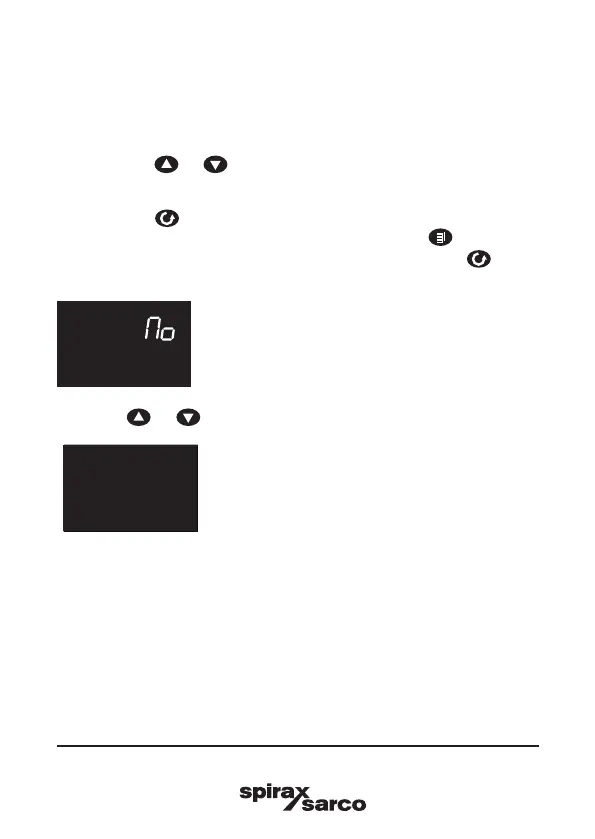
4. When all ve characters have been congured press the button
again - The display will show:
EXIT
Press the or buttons to get to this display screen:
YES
EXIT
The controller will then automatically start in Operator Level 1.





 To Next Page