11
Operation
Operation
Source Selection
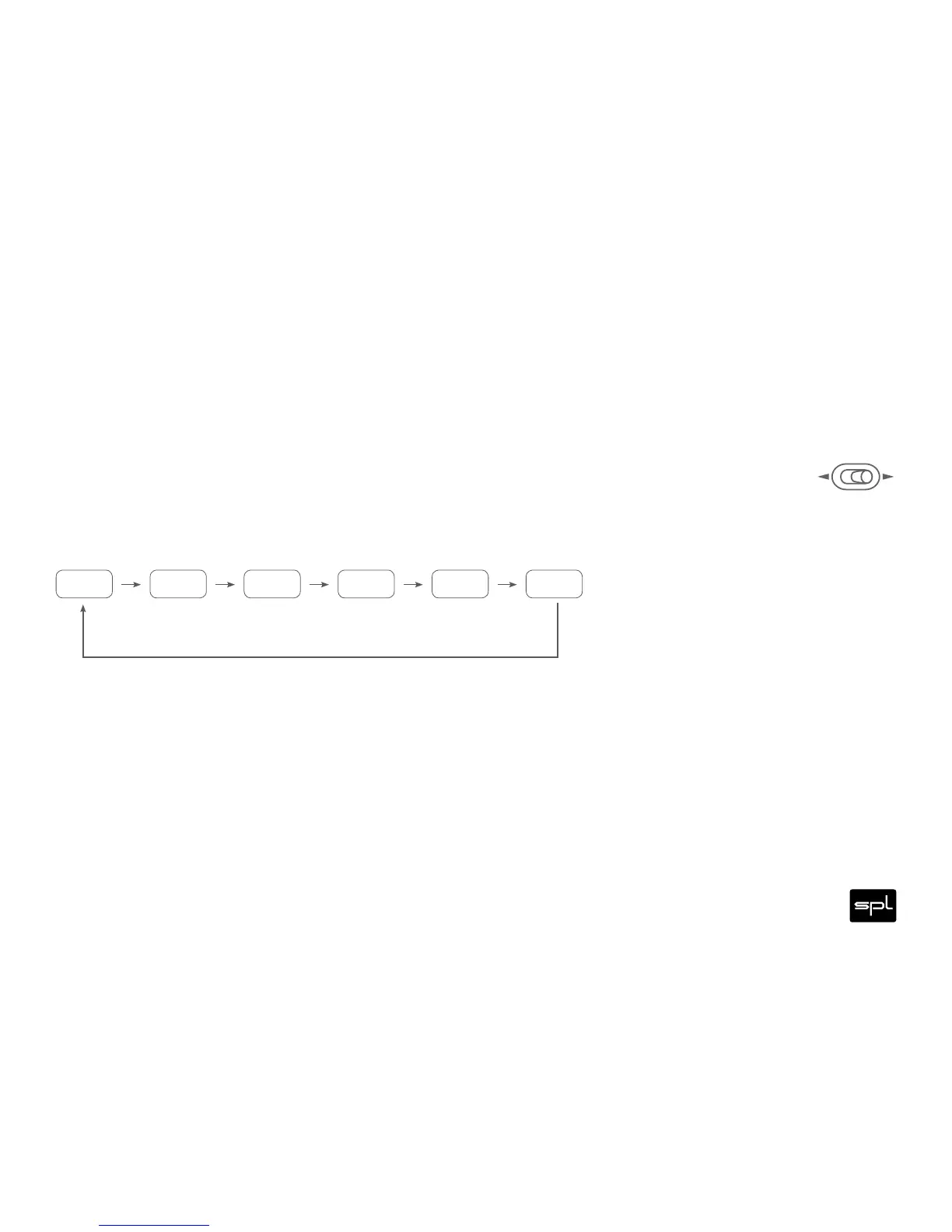
With the SOURCE switch () you select the next source by toggling to the right. Toggling to the left
selects the previous source.
The selected source is shown in the dot matrix display ().
When a digital source is selected, its name is displayed for about two seconds (USB, OPTI, COAX, AES). After
that the first letter of the name appears together with the sample rate which is automatically detected by the
Director (e.g. U384, O192). See table on the next page.
The source selection can also be remotely controlled (see page).



 To Next Page