12 13
GPS
WhenSPOT TRACEisrstpoweredonorwithaquickpressofthepowerbuttontheGPSlightnoties
youwhetherornotSPOT TRACEisabletoseetheGPSsatellitesandobtainaGPSlocation.
GREEN –TheGPSlightblinksgreenfor20minutesiftheunitseestheGPSsatellitesandislooking
for/hasfoundaGPSlocation.
RED –TheGPSlightblinksredforashorttimeifSPOT TRACEcannotseetheGPSsatellitesand/
orcannotndaGPSlocation.IftheGPSlightblinksred,youshouldmoveyourSPOT TRACEtoa
locationwithaclearerviewofthesky.
NOTE: Bothlightswillstopblinkingafter20minutestobeunnoticeablebutthedevicewillremain
trackingandsendingtheGPSlocation.
GPS PERFORMANCE
SPOT TRACE uses an advanced GPS chipset with extremely high sensitivity to give you maximum
performance. While the SPOT TRACE message transmitter is also very high quality, there may be times
when the device will have a GPS signal, but the message won’t be able to reach the satellites due to
environmental blockage. Make sure that your SPOT TRACE is mounted with the logo pointed toward the
sky at all times and remember, reception can be inhibited due to hills, buildings and metal obstructions.
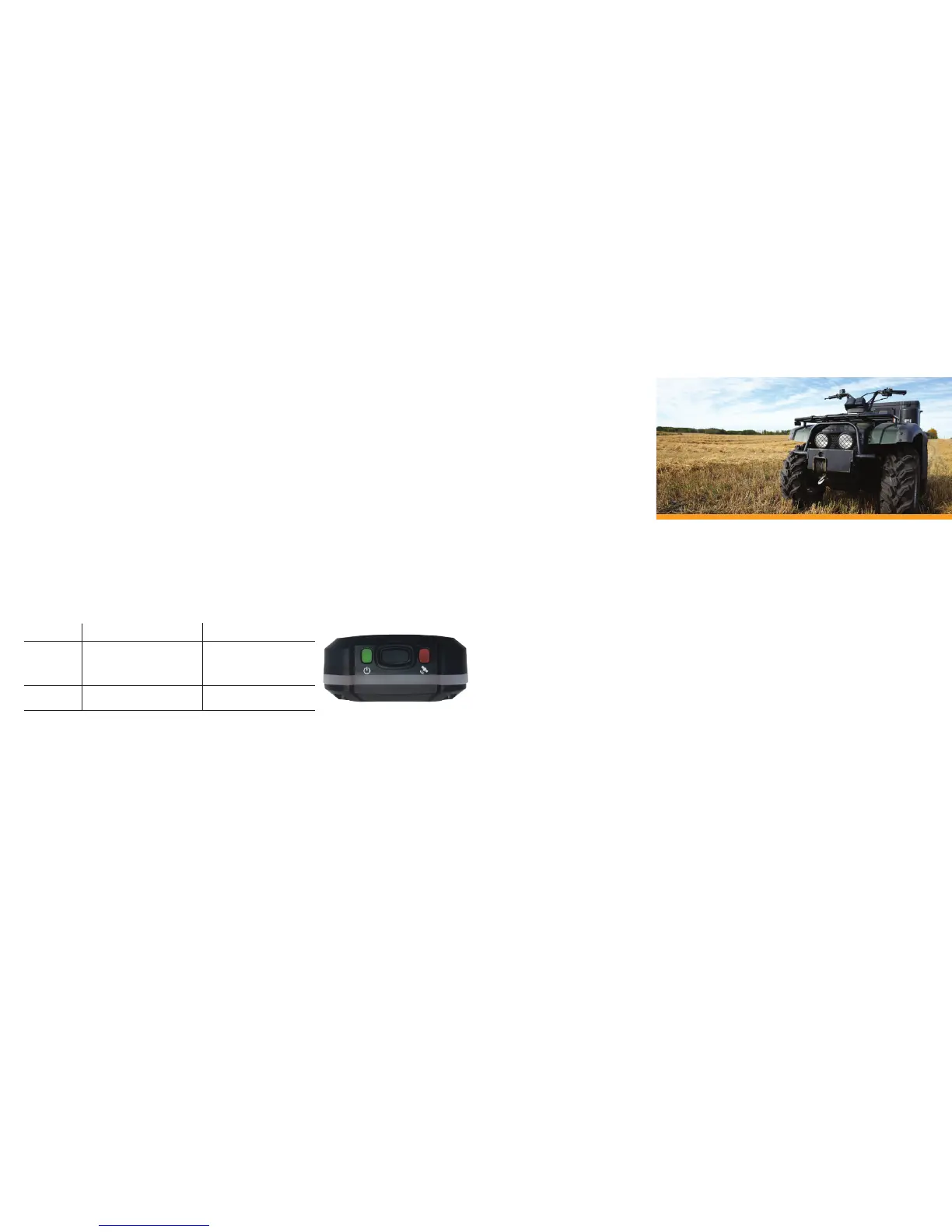
GPS
INDICATOR
• Searching for GPS signal
• Message transmission
schedule in progress
• GPS location x failed;
move SPOT TRACE to
a new location
POWER
• On • Low battery
BLINKING GREEN BLINKING RED
NOTE: The GPS light will fast-blink green after a message transmission.
SECTION 6: CARE AND SUPPORT
BATTERY LIFE AND USAGE
Forreliableperformance,useAAAEnergizer®UltimateLithium8xbatteries(L92),NiMHrechargeable
batteries,oranexternalDCsource.UsinganexternalDCsourcewillNOTchargerechargeable
battersandwillNOTbewaterproofunlessusingtheWaterproof–DCPowerCable(soldseparately).A
batterylowtext/emailcanbesetupontheaccount.Colderconditionsandextremeheatcanimpact
batterylife.Oncealowbatterymessageisreceived,gotoyourassetASAPandreplacethebatteries.
Non-lithiumbatterieswillworkwithSPOT TRACEbutarenotrecommendedforoptimalperformance.
Usingnon-recommendedbatterytypesmaydegradetheperformanceofyourSPOT TRACEmessage
transmissions.
SPOT TRACEperformanceandbatterylifemaybedegradedinoperatingenvironmentswherethe
SPOT TRACEGPSchipmusttakealongertimetoacquireyourasset’sGPSlocation,suchastryingto
sendaGPSlocationunderdensefoliage.Foroptimalperformance,operateyourSPOT TRACEwith
thelogopointedtowardtheskyandavoidmetalobstructions.
SPOT TRACEisdesignedtobedurableforoutdooruse.Droppingtheunitonhardsurfaces(whilenot
recommended)shouldnotdamageit,butcancausealossofpowerandmaydamagethebatteries.
PowerlossturnsoffyourSPOT TRACE,stoppinganycurrentmodeofoperation.Ifdropped,performa
systemtestonthedevicebyfollowingthestepsonpage6ofthisguide.Ifthesystemtestfails,replace
thebatteriesfollowingthestepsonpage4.
MESSAGE INDICATORS


 To Next Page