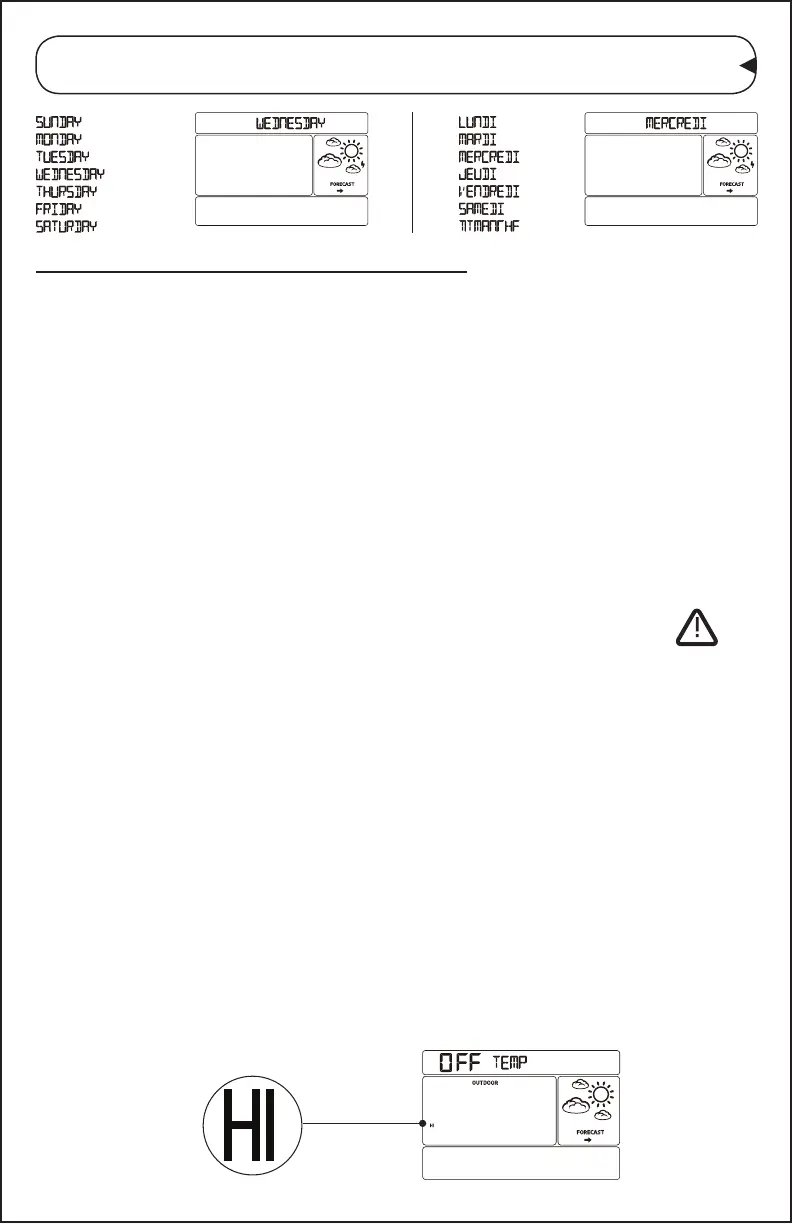
Note: The weekday will set automatically as the year, month, and
date are set.
Alerts: Temperature & Humidity
Important:
• Once the alert is selected you must turn it ON to set the value.
• Leave an alert OFF (disarmed) to skip setting that alert value.
• The alert icon will show when the alert is active.
• When armed alert value is reached, station will beep until a
button is pressed. The ashing alert icon will indicate if is a
LOW or HI alert.
• Press any button to stop the temp alert sound. The alert icon will
ash while value is in alert range.
Alert Setting Order:
• Outdoor HIGH Temperature ON/OFF
• Outdoor HIGH Temperature Value
• Outdoor LOW Temperature ON/OFF
• Outdoor LOW Temperature Value
• Indoor HIGH Temperature ON/OFF
• Indoor HIGH Temperature Value
• Indoor LOW Temperature ON/OFF
• Indoor LOW Temperature Value
• Indoor HIGH Humidity ON/OFF
• Indoor HIGH Humidity Value
• Indoor LOW Humidity ON/OFF
• Indoor LOW Humidity Value
Set Alerts:
1. Hold the ALERTS button to enter Alert set mode.
2. Outdoor HIGH Alert OFF will show.
3. If you choose to set this alert, press the + or - buttons to arm (ON)
the alert.
CA86514 Page | 5



 To Next Page