EasyManua.ls Logo

Sprint Booster v3 Ultimate Control - Troubleshooting Installation & Selector Issues

Sprint Booster v3 Ultimate Control
23 pages
Print Icon
To Next Page IconTo Next Page
To Previous Page IconTo Previous Page
Loading...
SYMPTOMS POSSIBLE CAUSE
SUGGESTED
ACTION
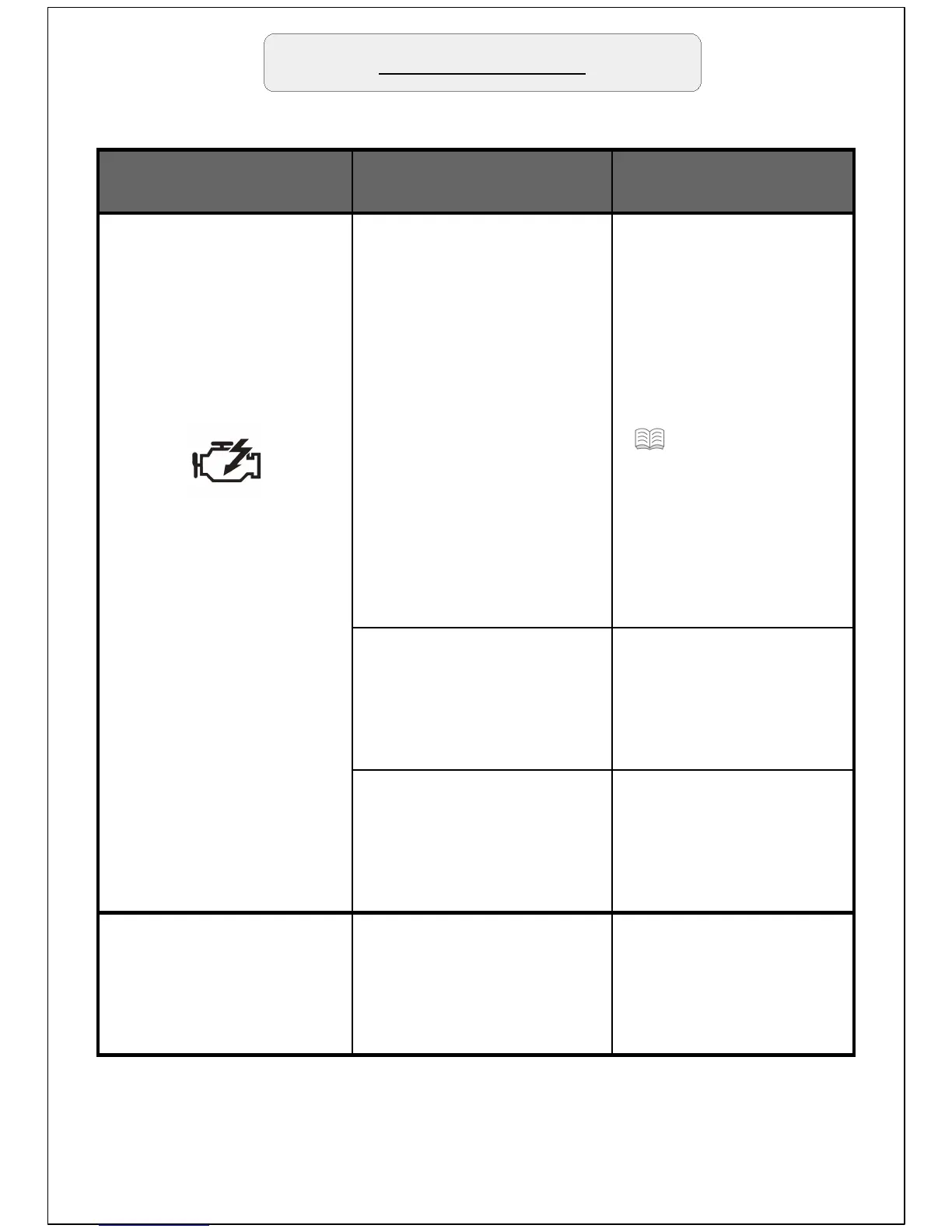
Check engine light
appears right after
installation.
1. Device installed
while Can bus system
was active.
1a. Switch On – Off
the engine several
times (If the check
engine light is still
On go to step 1b).
1b. Remove the
device, reset the
check engine light
( 22 'Reset check
engine light') and
reinstall waiting for
15 minutes with the
engine Off and the
keys removed before
install the device.
2. Device has not been
connected properly.
2. Repeat the
installation procedure
making sure that all
connections are firmly
in place.
3. Non compatible
device.
3. Contact a Sprint
Booster dealer in
order to get the
correct device for your
vehicle.
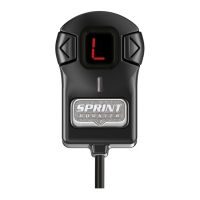
Selector Switch does
not light up.
The selector switch has
not been connected
properly.
Remove and re-install
the Selector switch.
Never pull the
connectors from the
wires
Troubleshooting