Switching between the Acceleration modes
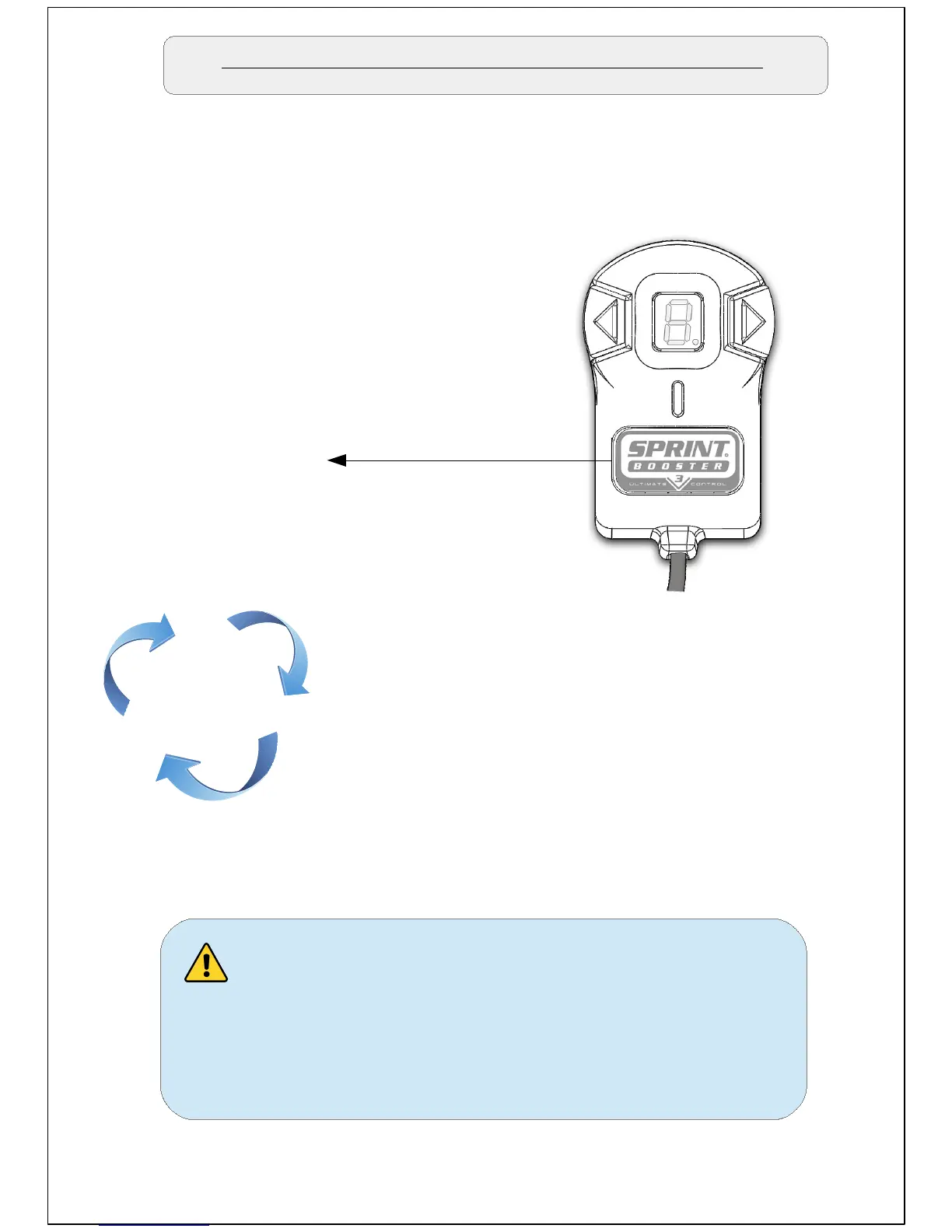
In Order to switch between the different acceleration modes/presets
you need to press the main button on the selector Switch (button with
Sprint Booster logo).
Sport
Main button
Race
Off
The main button will cycle through the 3
acceleration modes (Off – Sport – Race
-Off – Sport ...etc)
The navigation through different modes
should be done when the accelerator
pedal is not pressed. Never change
modes while pressing the accelerator
pedal.


 To Next Page