16
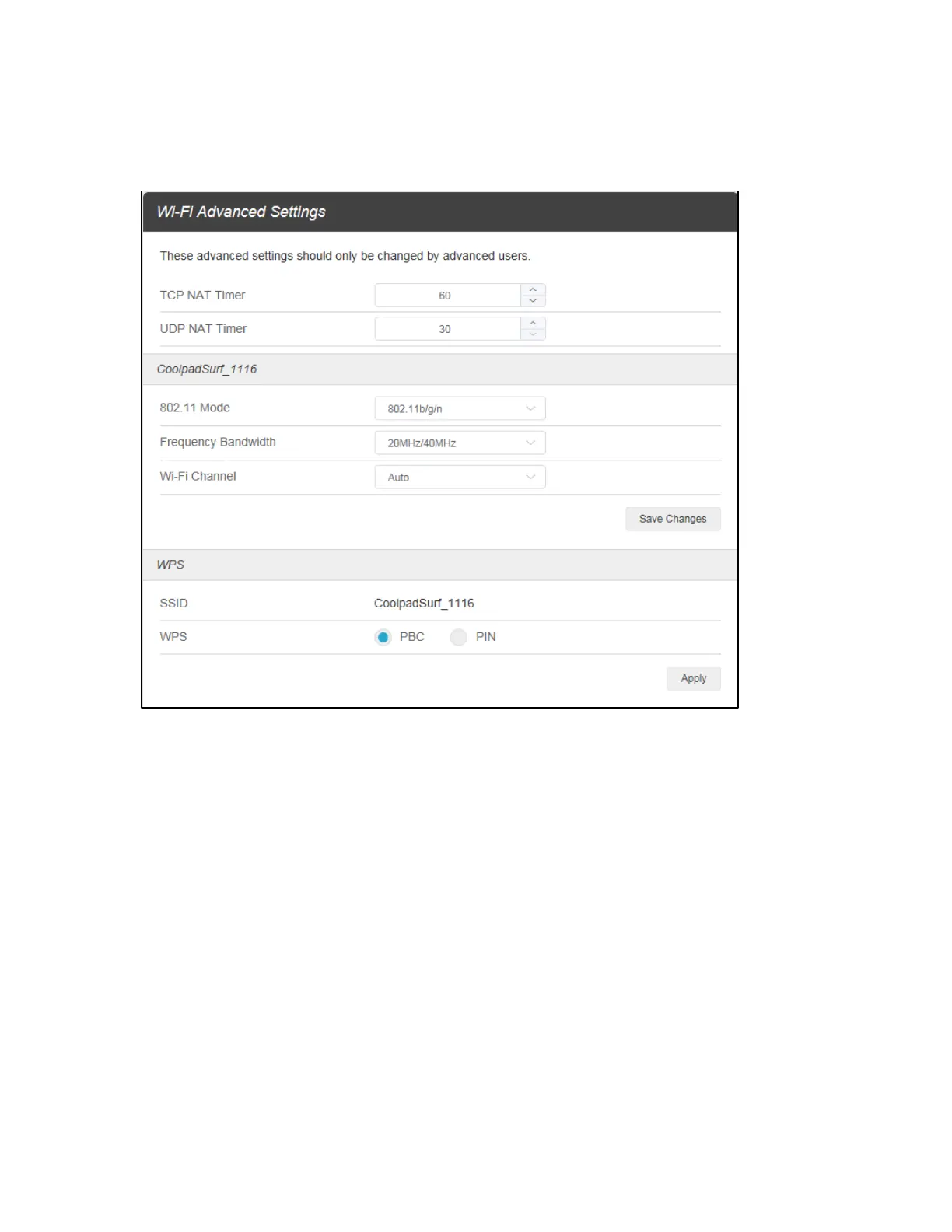
Advanced: Manage the advanced Wi-Fi settings to personalize the TCP NAT timer, UDP NAT timer,
802.11 mode, frequency bandwidth, Wi-Fi channel, WPS, and more.
Change Mobile Hotspot Network Name (SSID)
1. Access http://mobile.hotspot or http://192.168.128.1.
2. Click Settings in the navigation area.
3. Select the Wi-Fi tab and click Basic.
4. Enter a new name in the Wi-Fi Name (SSID) field.
5. Click On or Off checkbox for Hide SSID to disable or enable broadcasting the hotspot’s Network
Name (SSID).
6. Click Save Changes.
Change Mobile Hotspot Wi-Fi Password
1. Access http://mobile.hotspot or http://192.168.128.1.
2. Click Settings in the navigation area.


 To Next Page