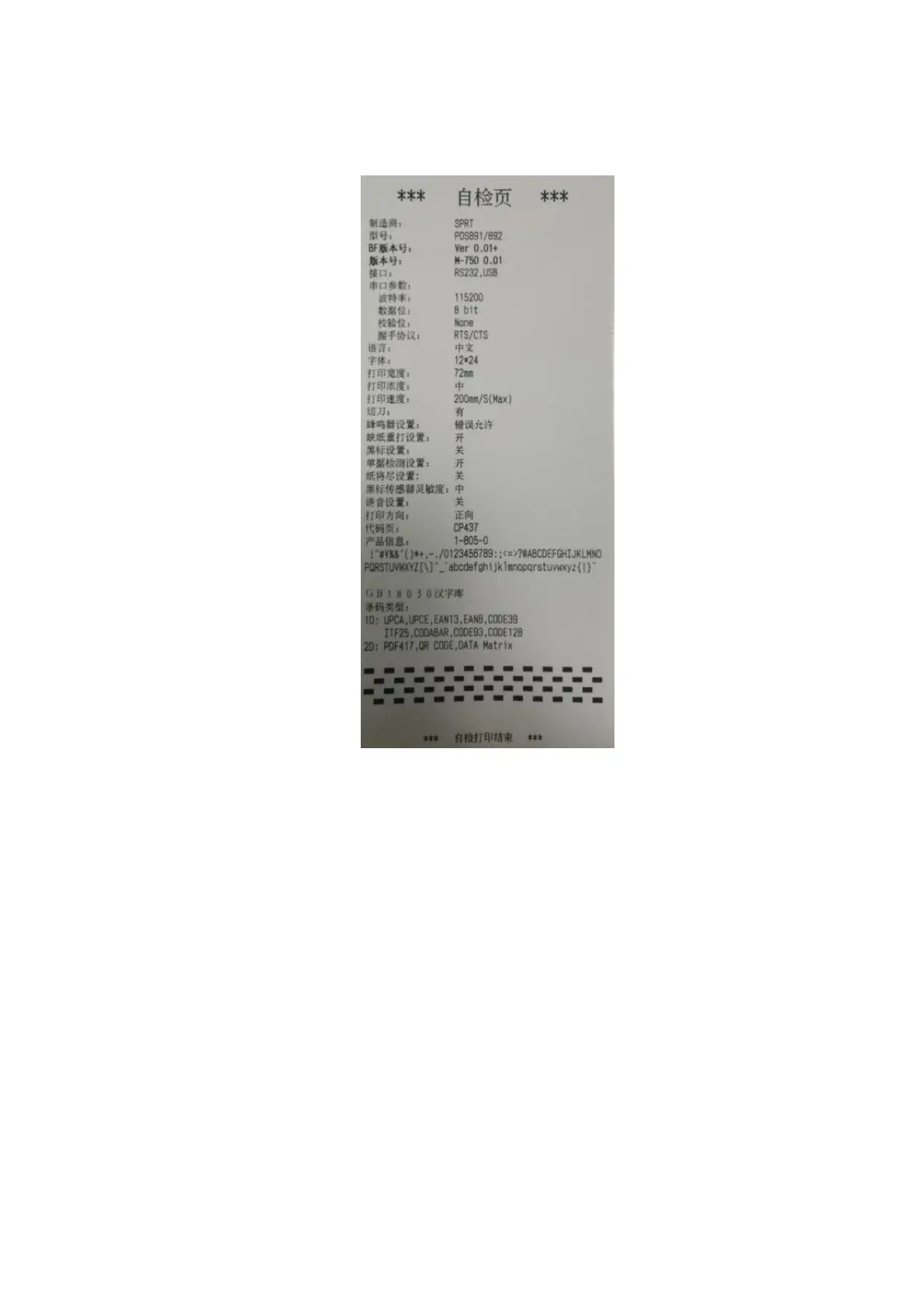
Fig.2-7
2.7 Hexadecimal Printing
Turn on the printer according to the step below, it will enter the mode of Hexadecimal
Printing
1.Open the cover;
2.Hold down【FEED】button,and connect with power; wait for the alarm and close the
paper cover.
3.The printer will print out 3 lines as below:
Hexadecimal Dump
To terminate hexadecimal dump,
Press FEED button three times.



 To Next Page