cutter can not be back to the original position, open the cover of it, and turn the white
plastic gear by the direction suggestive on the cutter by hand to make the cutter be
back to the original position.
If cutter jam, but hope no loss of data in printer, don’t turn off the power. Get the
cutter back to the original position by the above mentioned method by hand. Then
open the paper cover and take out the paper, close the paper cover. The printer will
recover automatically from Cutting Error.
2.3 Interface
2.3.1 Serial Interface
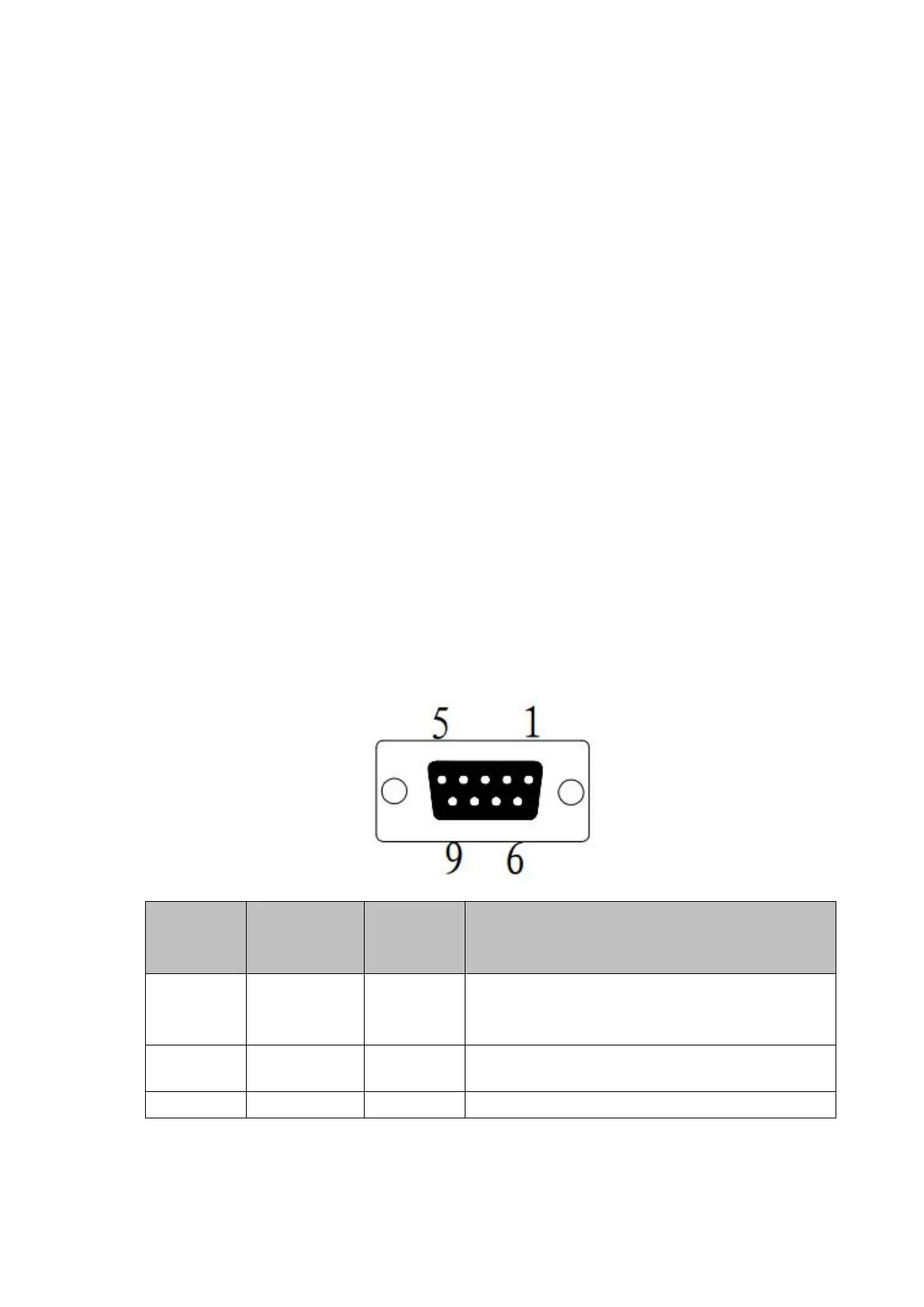
The serial interface of SP-POS892 printer is compatible with RS-232C, supports
DTR/DSR and XON/XOFF handshaking protocols, uses DB9 socket (female). The
pin order of the serial port is as Fig.2-2 shows:
Printer transmits control code X-ON/X-OFF
and data to host
Printer receives data from host



 To Next Page